
Start with the setting
Choose the occasion and dress code before deciding on color or accessories.
Browse real looks by occasion, style, season, audience, or dress code. Save your favorites, choose an editable preset, and preview it on your photo with two free generations every 24 hours—no account required.
Start with the gallerySelect a real result to inspect the clothing, palette, proportions, and editable description behind it.
30 looks · 0 saved
Choose the occasion and dress code before deciding on color or accessories.
Use season, fabric weight, and layering to remove looks that will not feel practical.
Let a color, silhouette, or key garment lead instead of making every item compete.
Adjust footwear, layers, and carrying needs for the time, distance, and comfort involved.
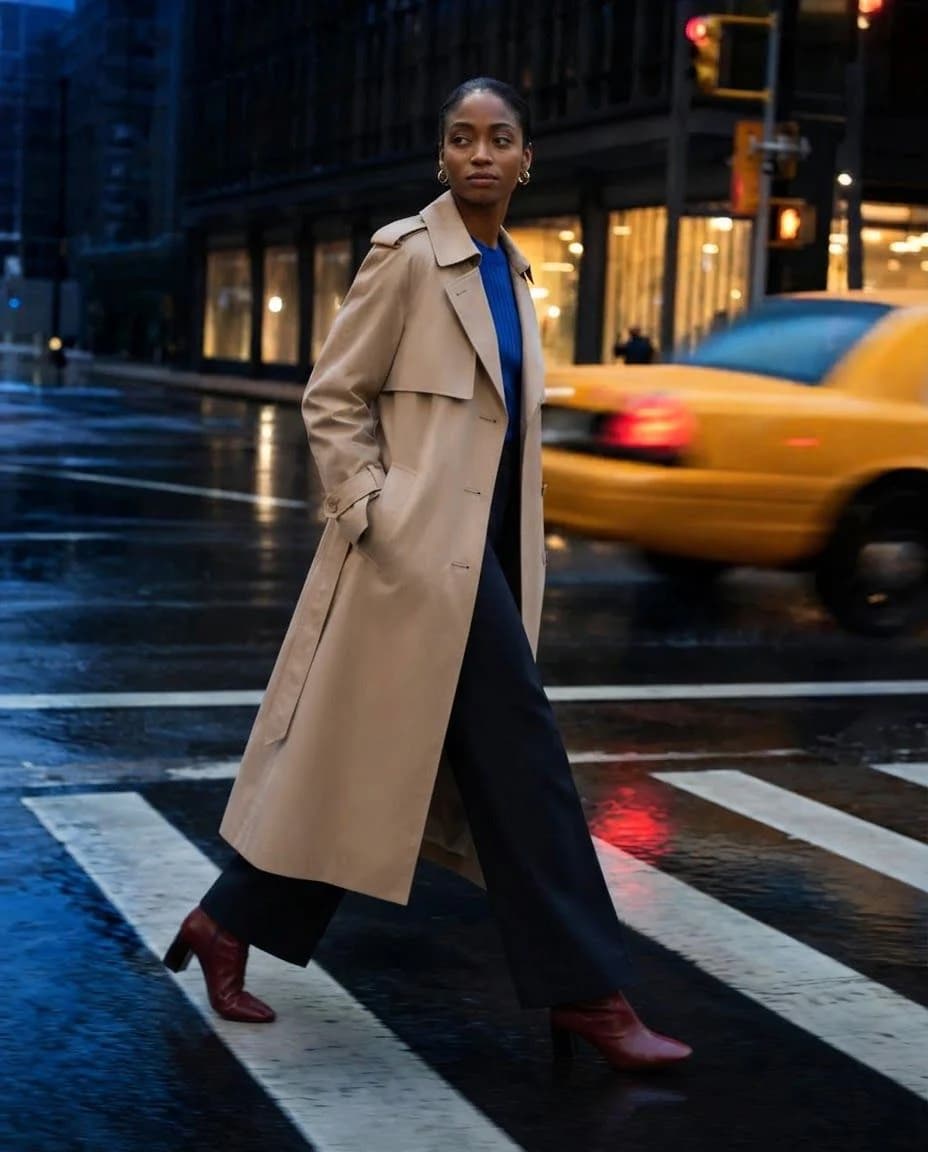
The long coat creates one strong vertical line while quiet layers keep the color wearable.
Browse, choose a preset, upload one clear person photo, review the visual preview, and download the JPG only when the result is ready.
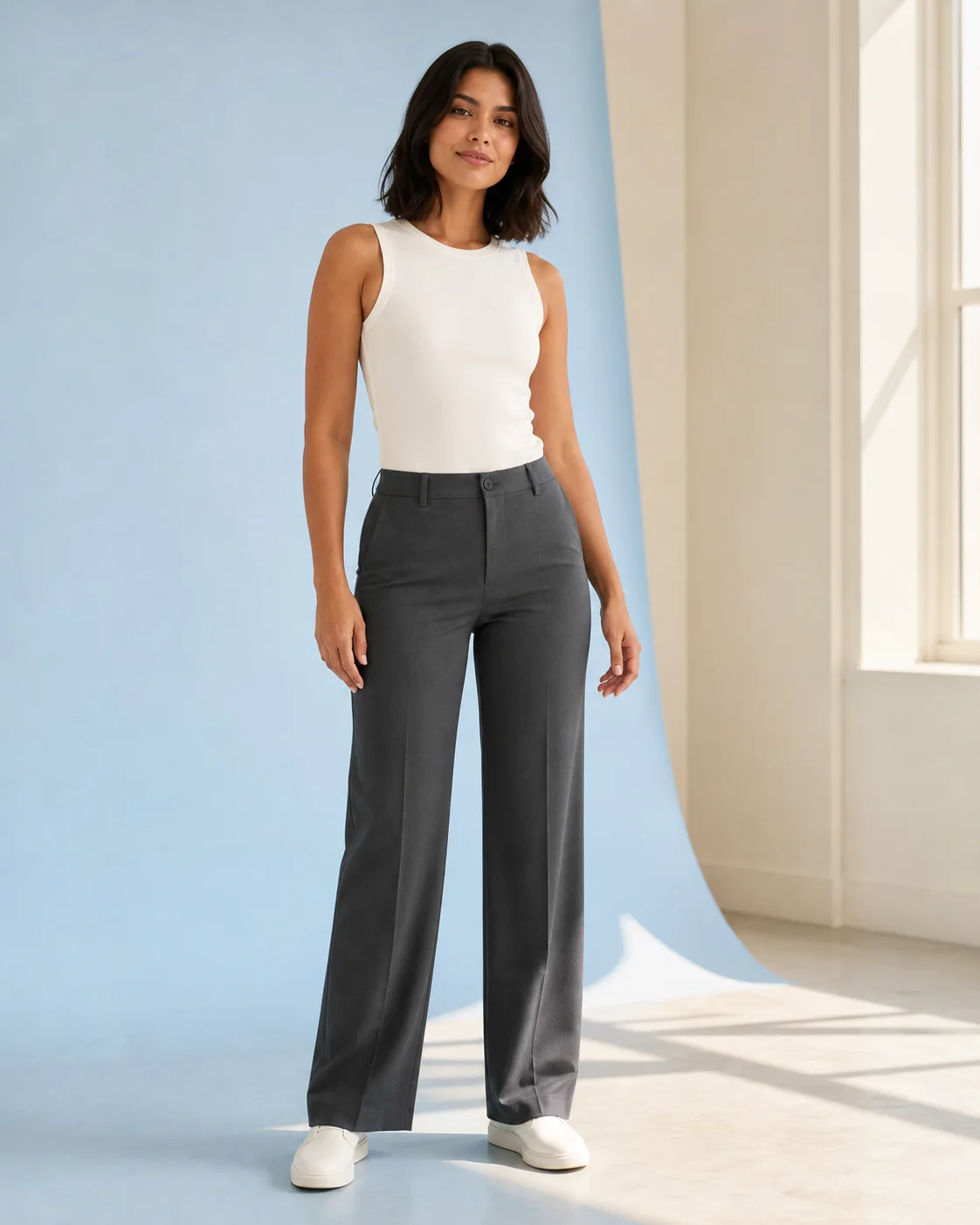
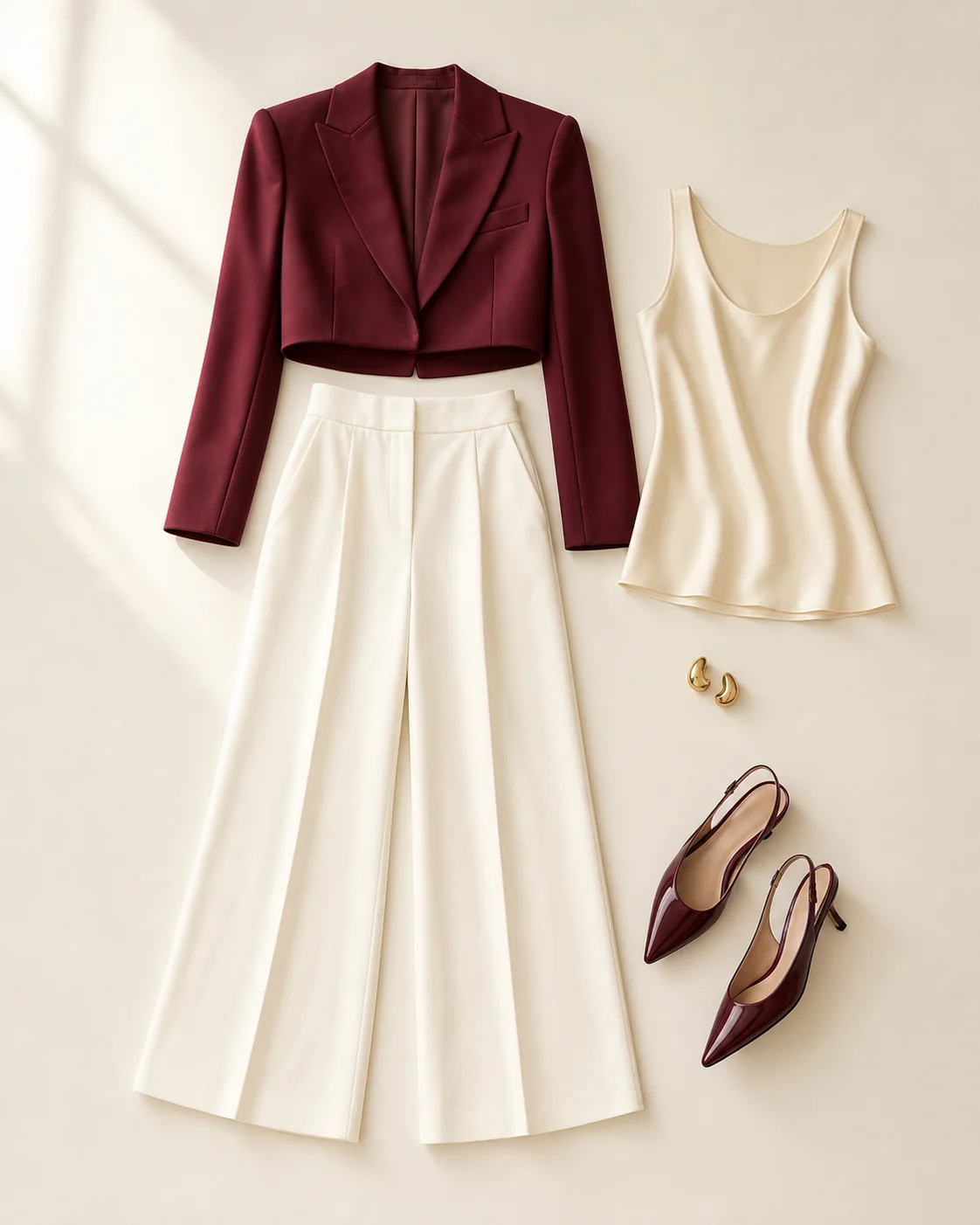
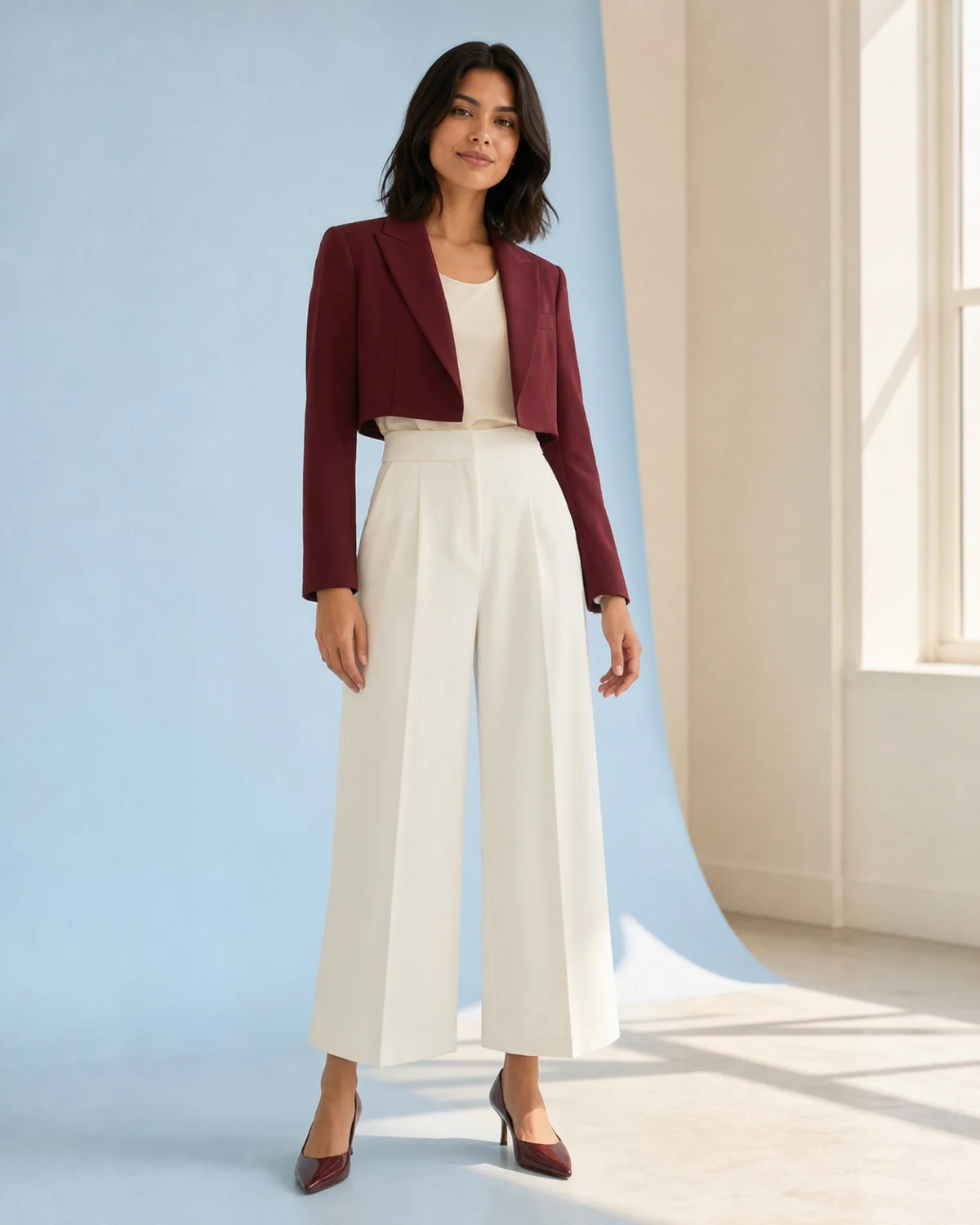
Use these paths to narrow the current gallery. Dedicated category pages will become links only after they contain their own verified examples and tools.
Compare color, silhouette, proportion, layering, footwear, and the overall feeling of a look on your photo.
The preview cannot confirm garment size, exact fabric drape, comfort, construction, or a purchasing outcome.
Direct answers about choosing, saving, and previewing a look.
Review the editable description in the generator, add one clear photo, and choose when to create the preview.