
 01
01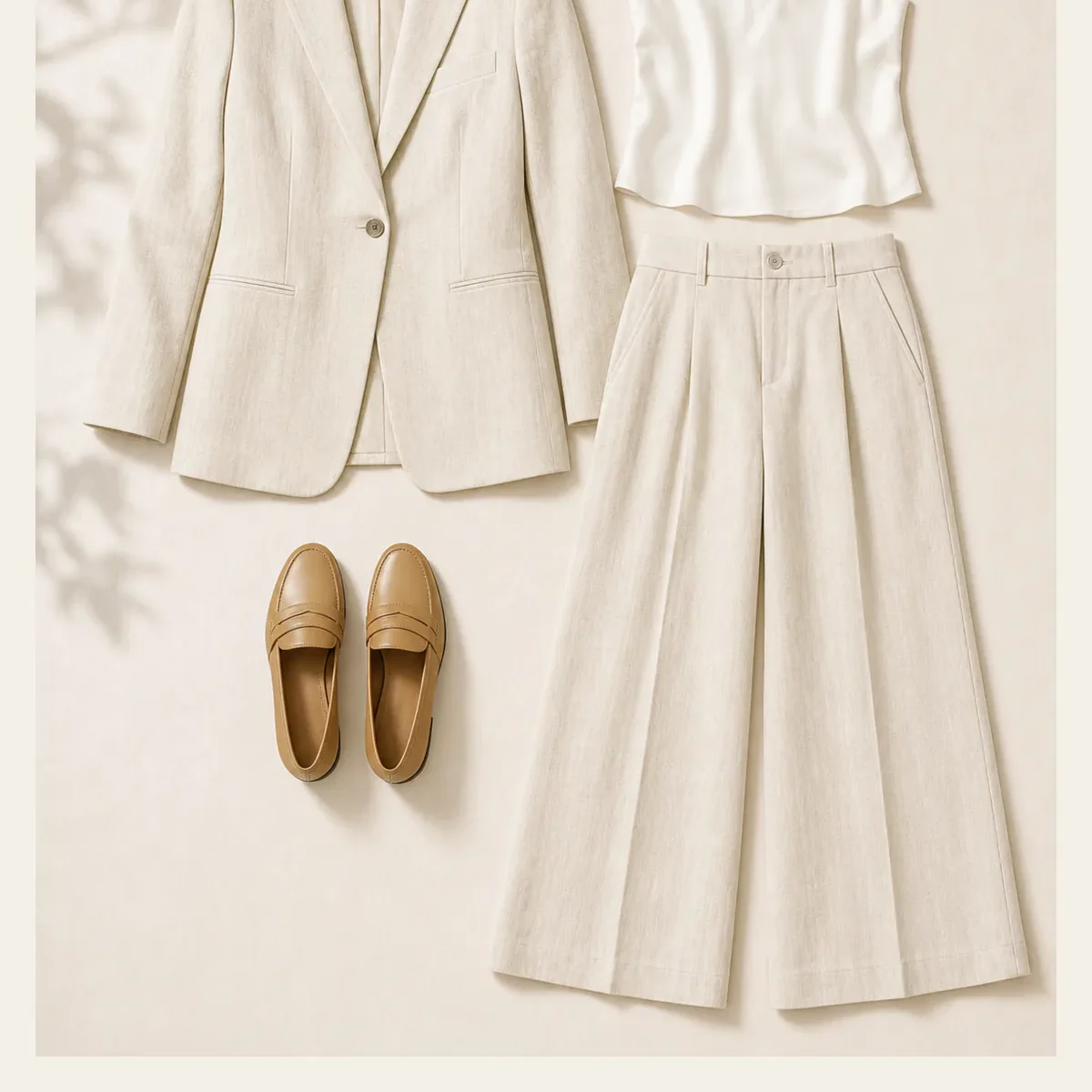 Input
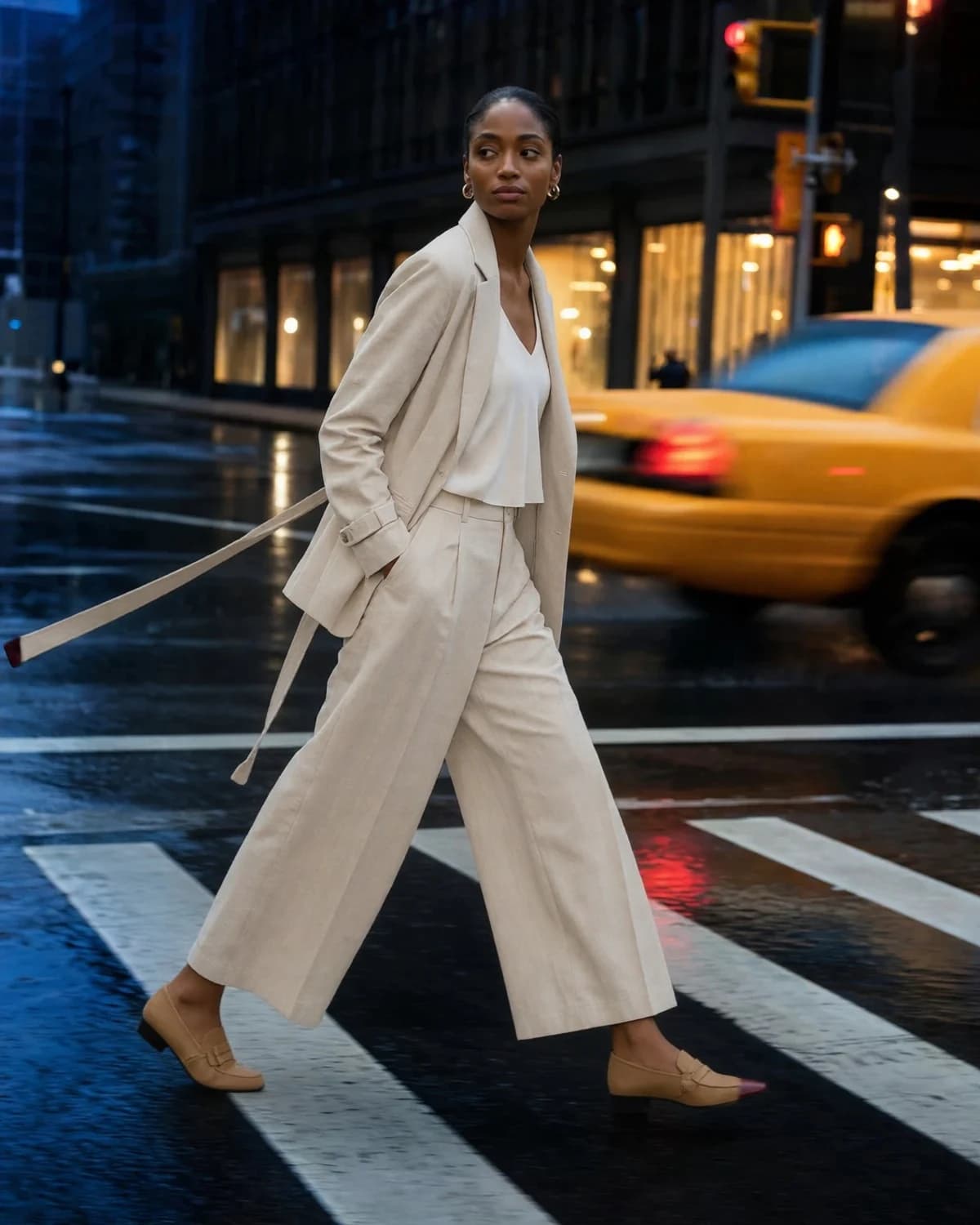
InputUpload a garment image, choose a model direction, and create an on-model fashion visual for product pages, lookbooks, and launch content.
Add a clear clothing image, select the model that fits the collection, then generate the shot.
Six different compositions show how the tool works across product, portrait, studio, and social-image directions.
01Input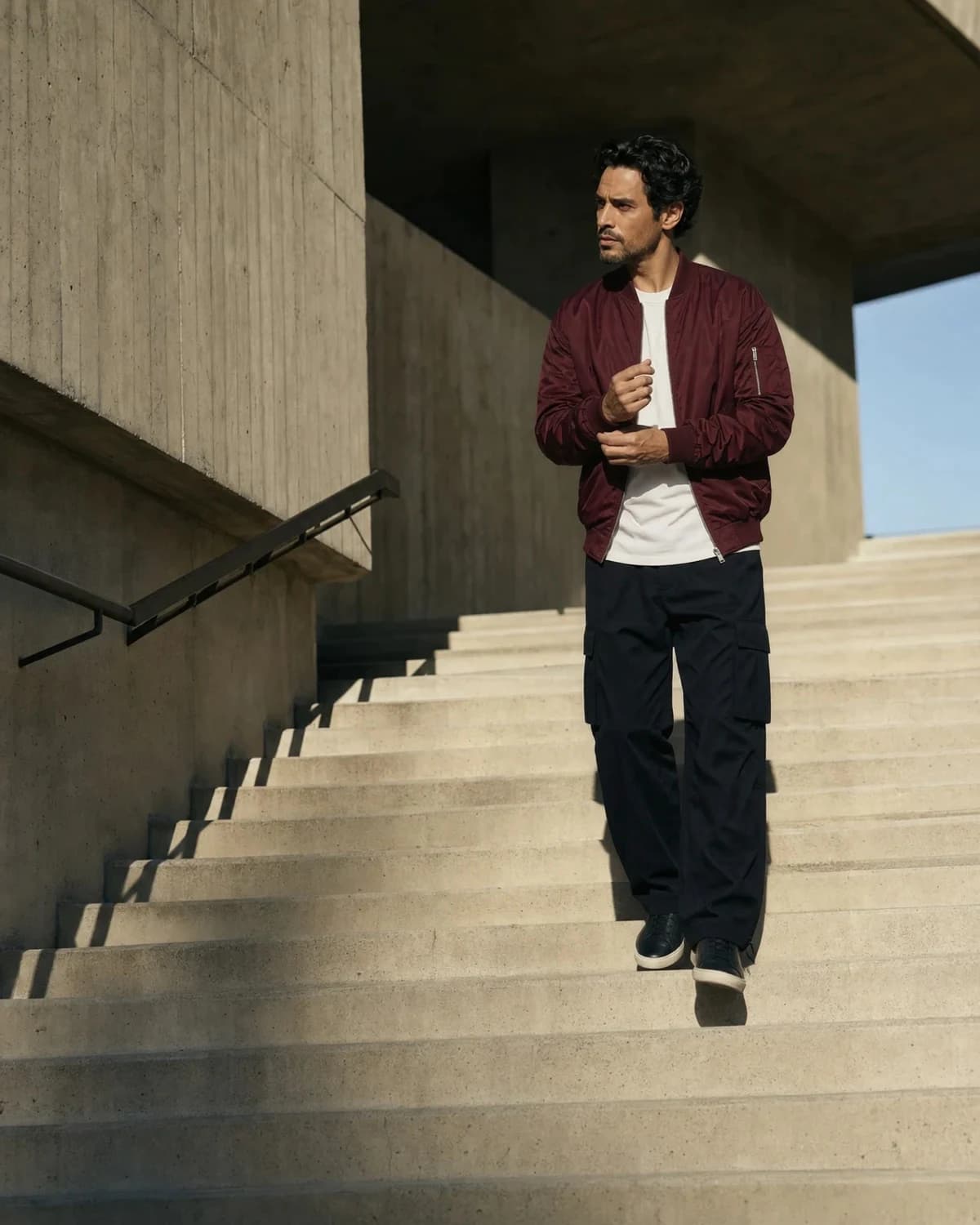 02
02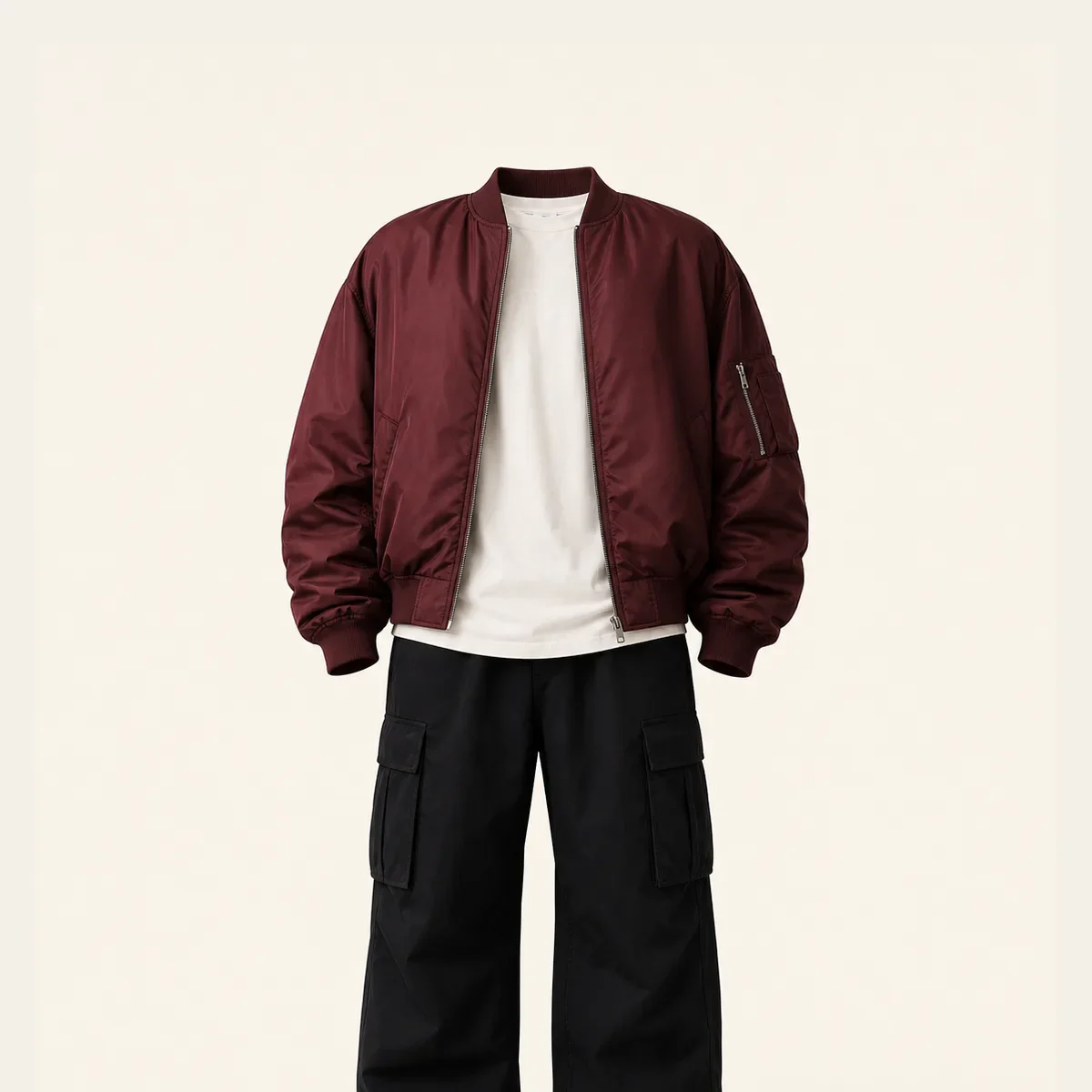 Input
Input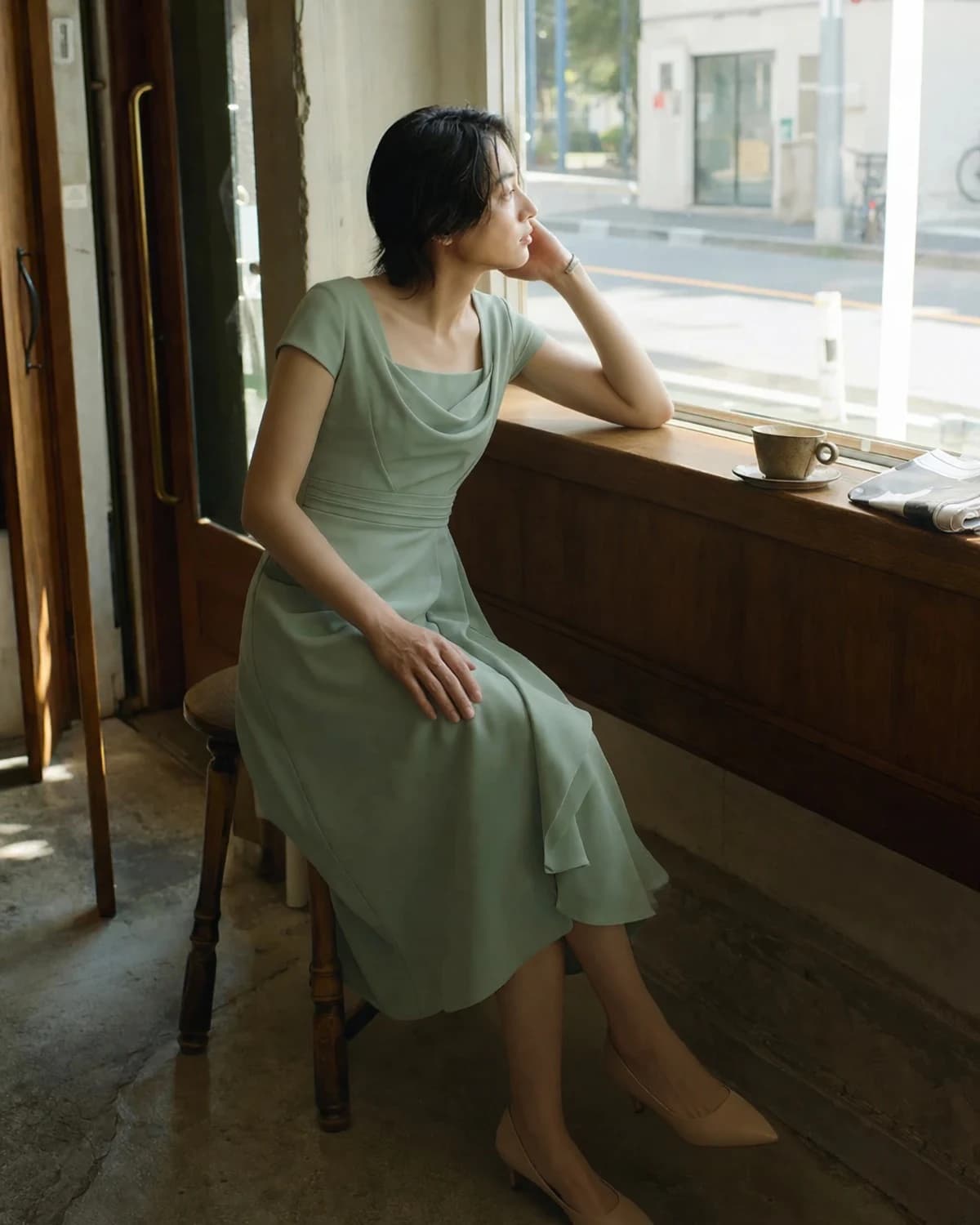 03
03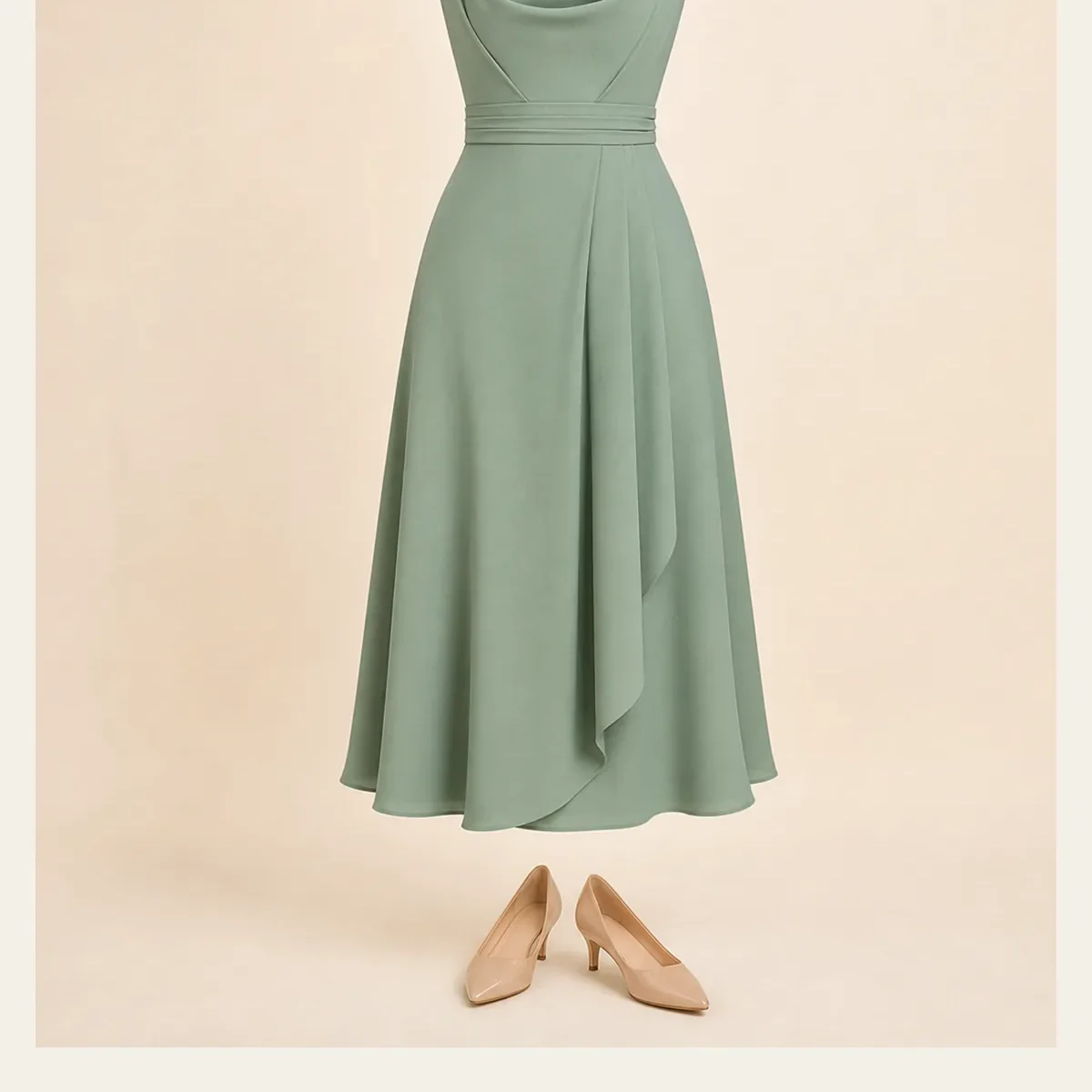 Input
Input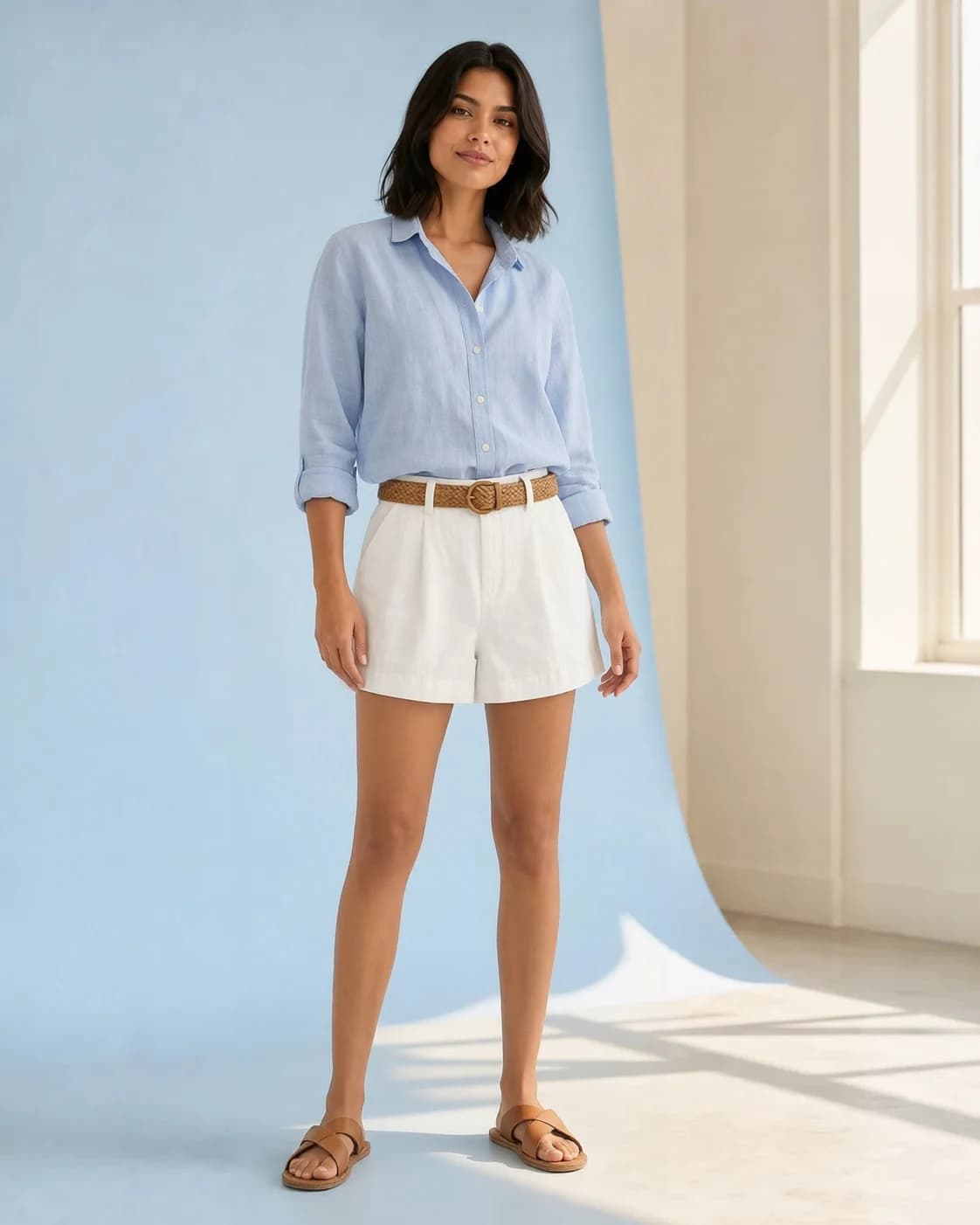 04
04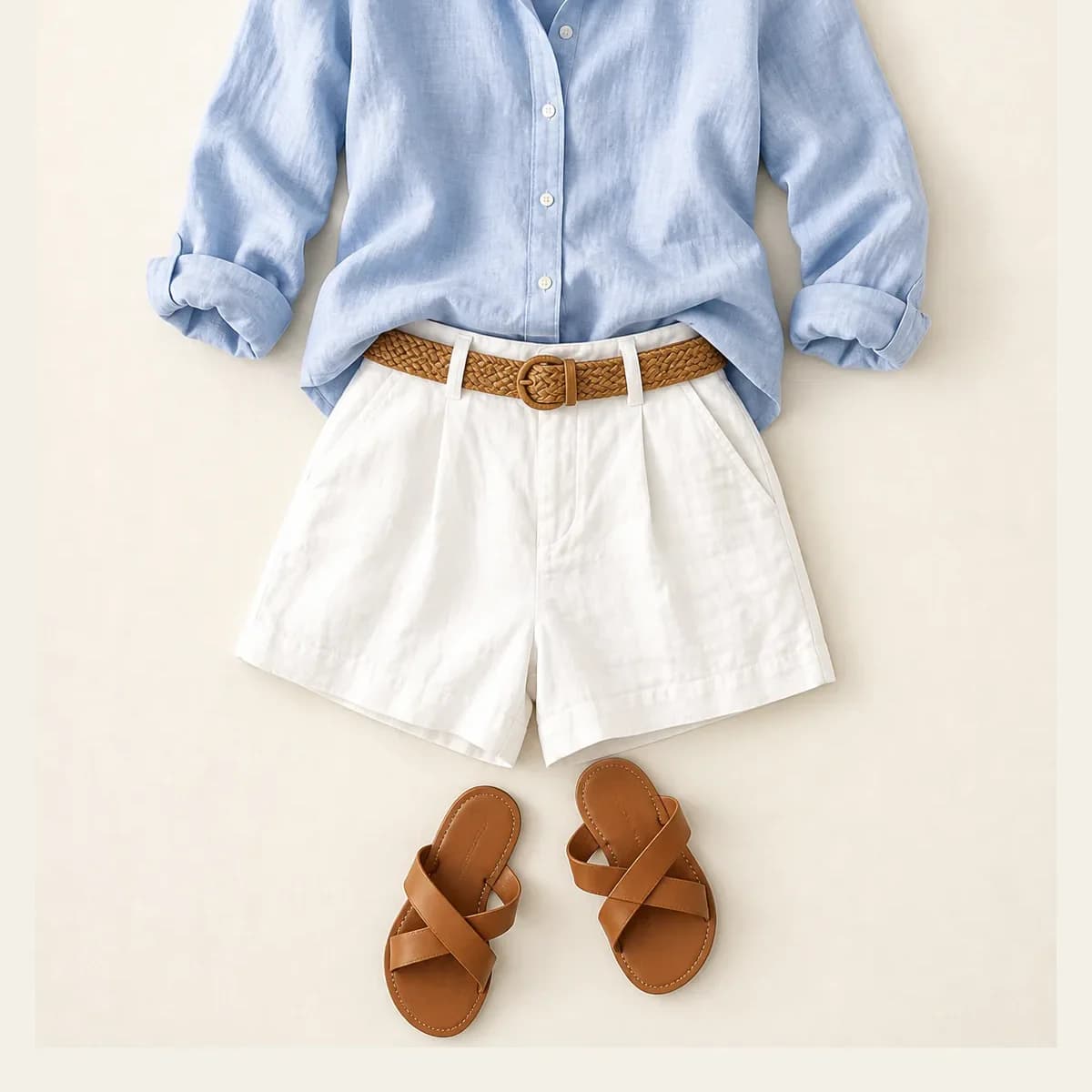 Input
Input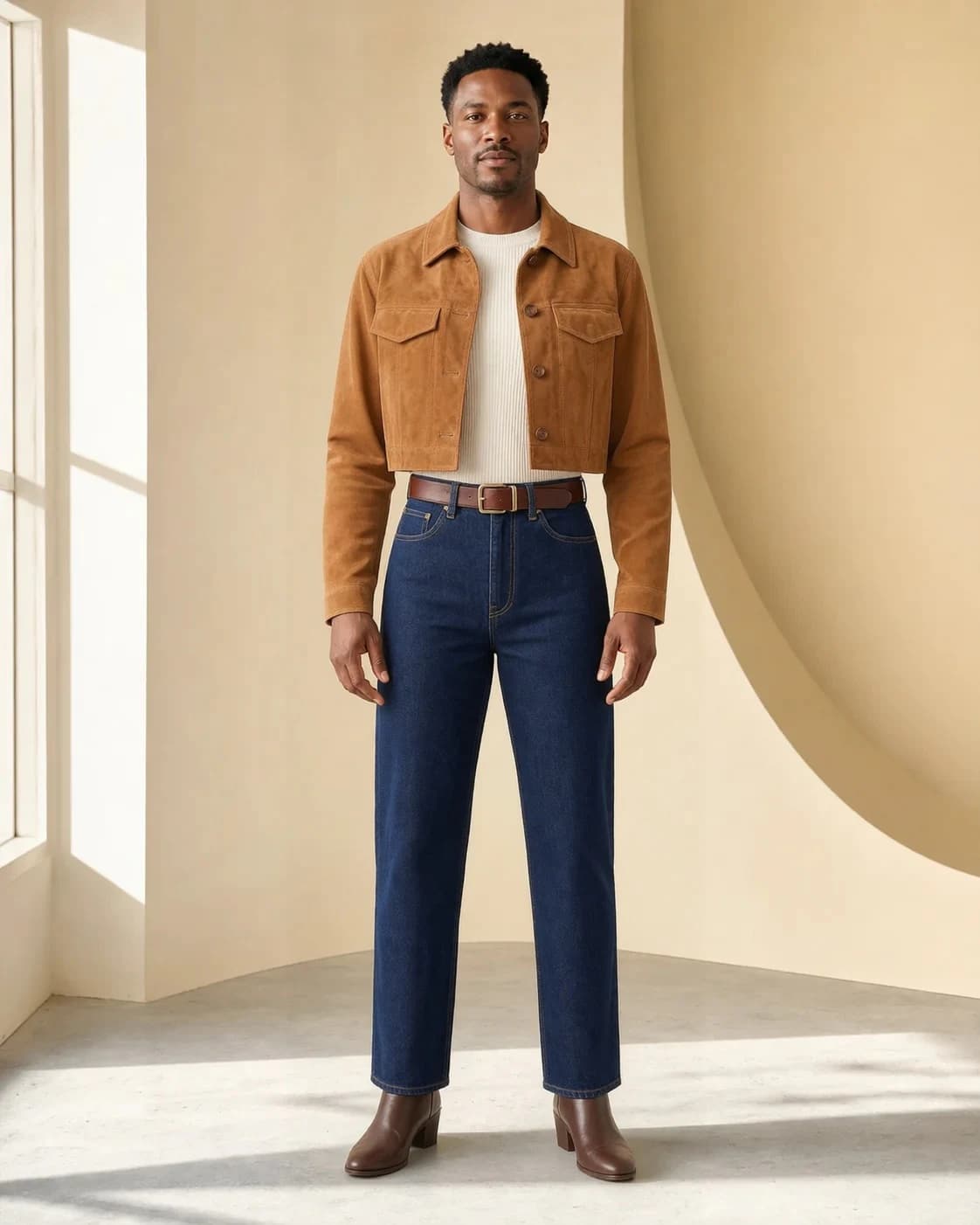 05
05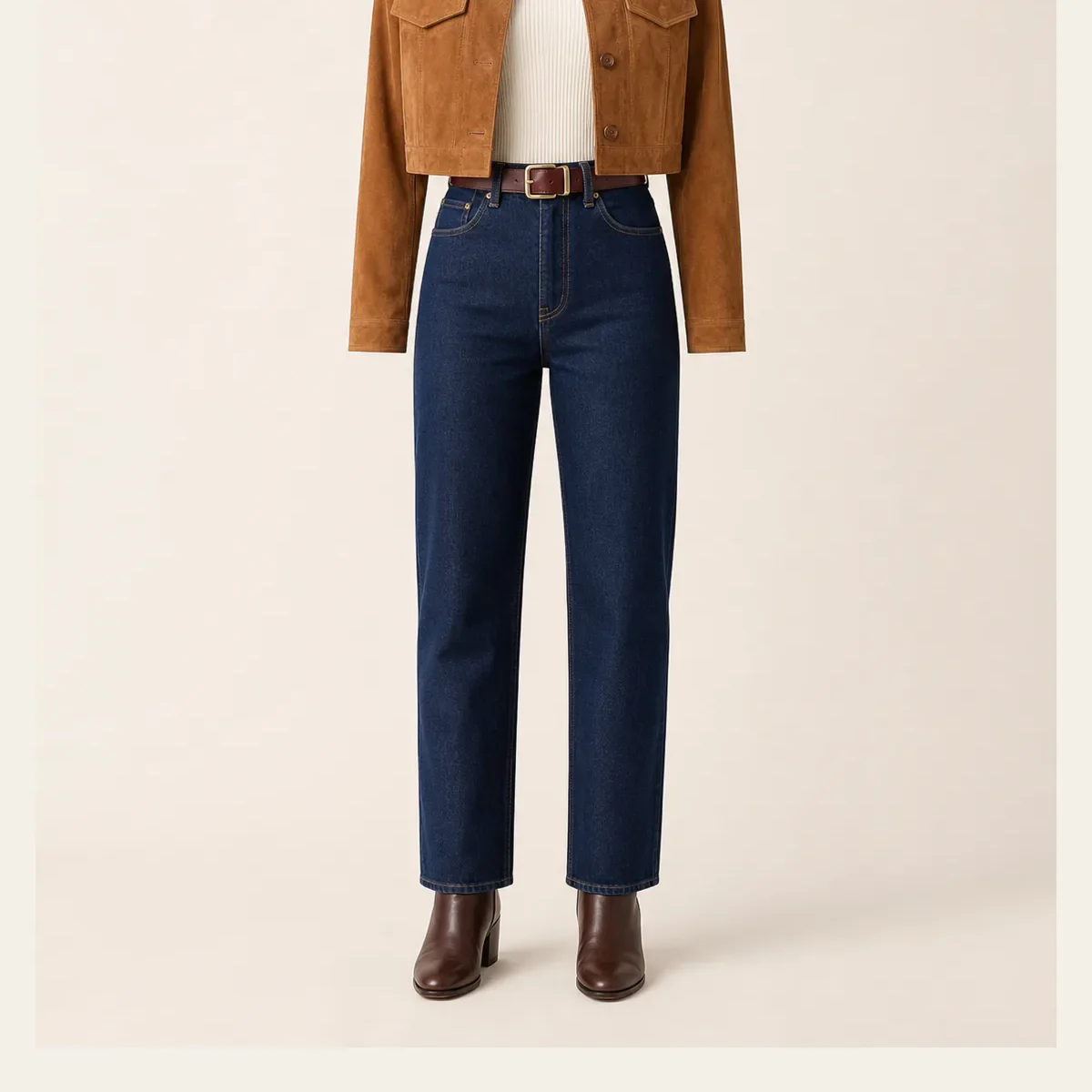 Input
Input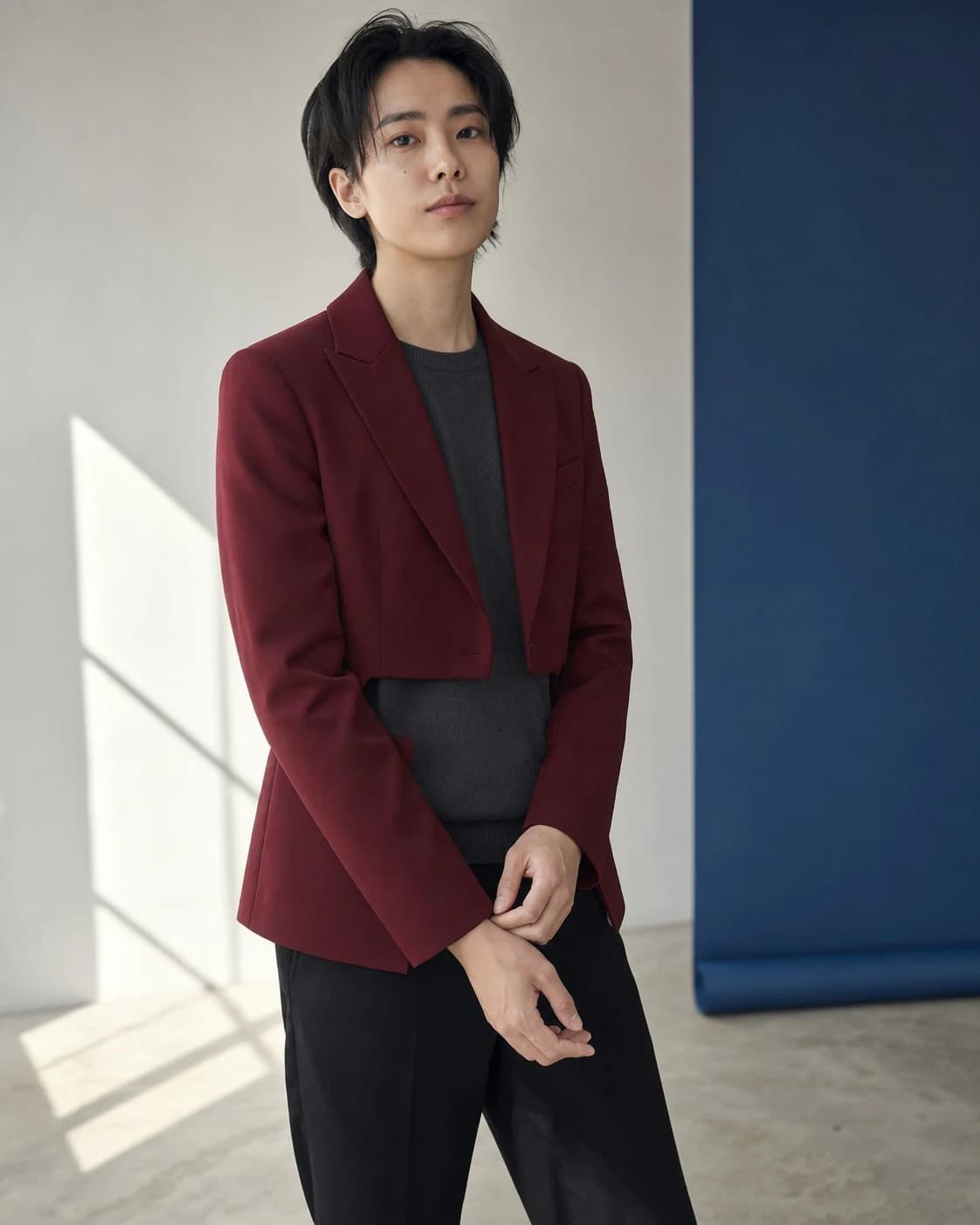 06
06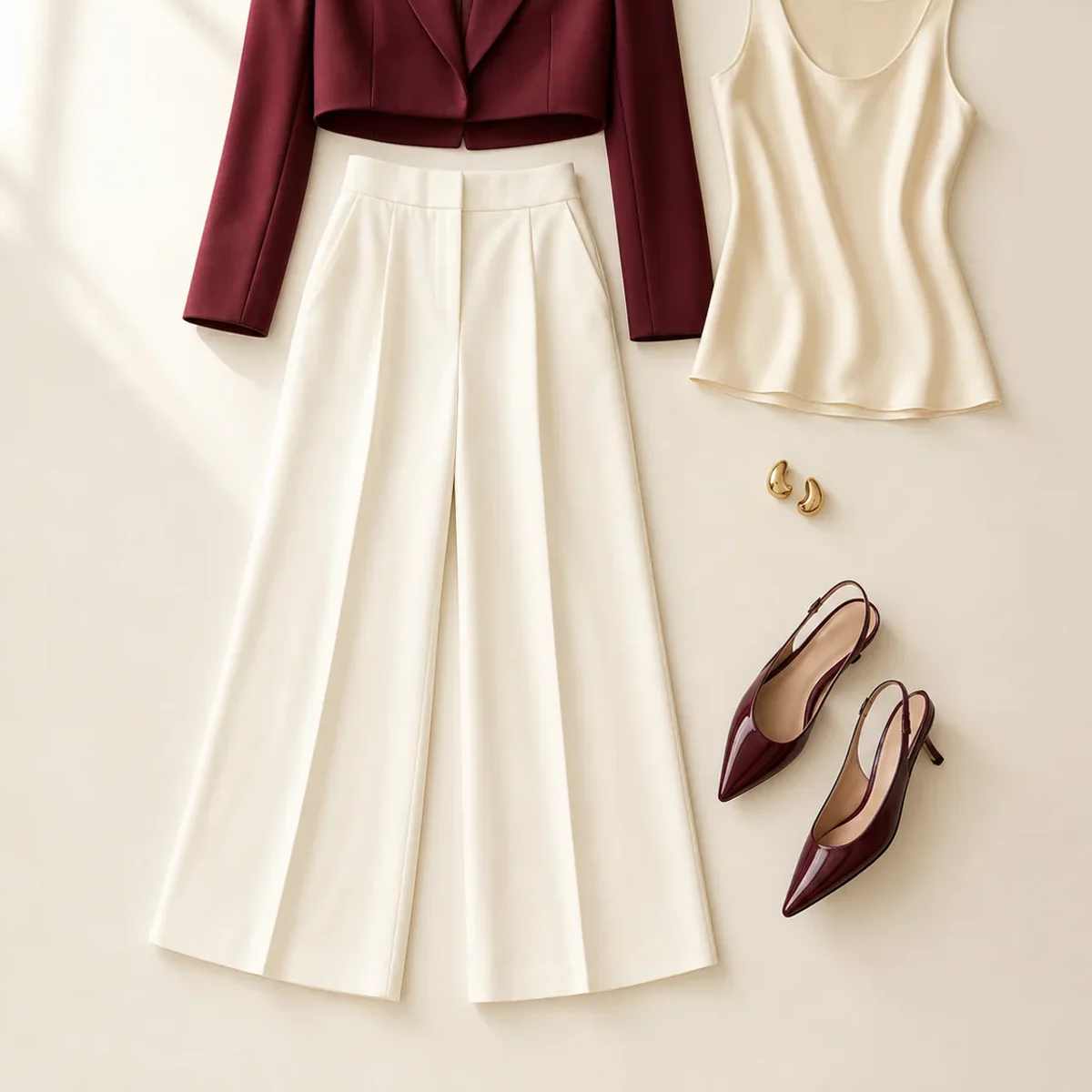 Input
InputUse a flatlay or product photo where the full piece and its key details are visible.
Pick from eight model directions covering different people, framing, and catalog moods.
Review the on-model result, download the JPG, or try another model direction.
Use the generator as a focused production step, from the first concept through the image you place in a listing or post.
Add an on-model view beside clean product photography so shoppers can see the garment in context.
Build a consistent visual run for a capsule, seasonal edit, or wholesale presentation.
Test model and styling directions before committing to a larger content production.
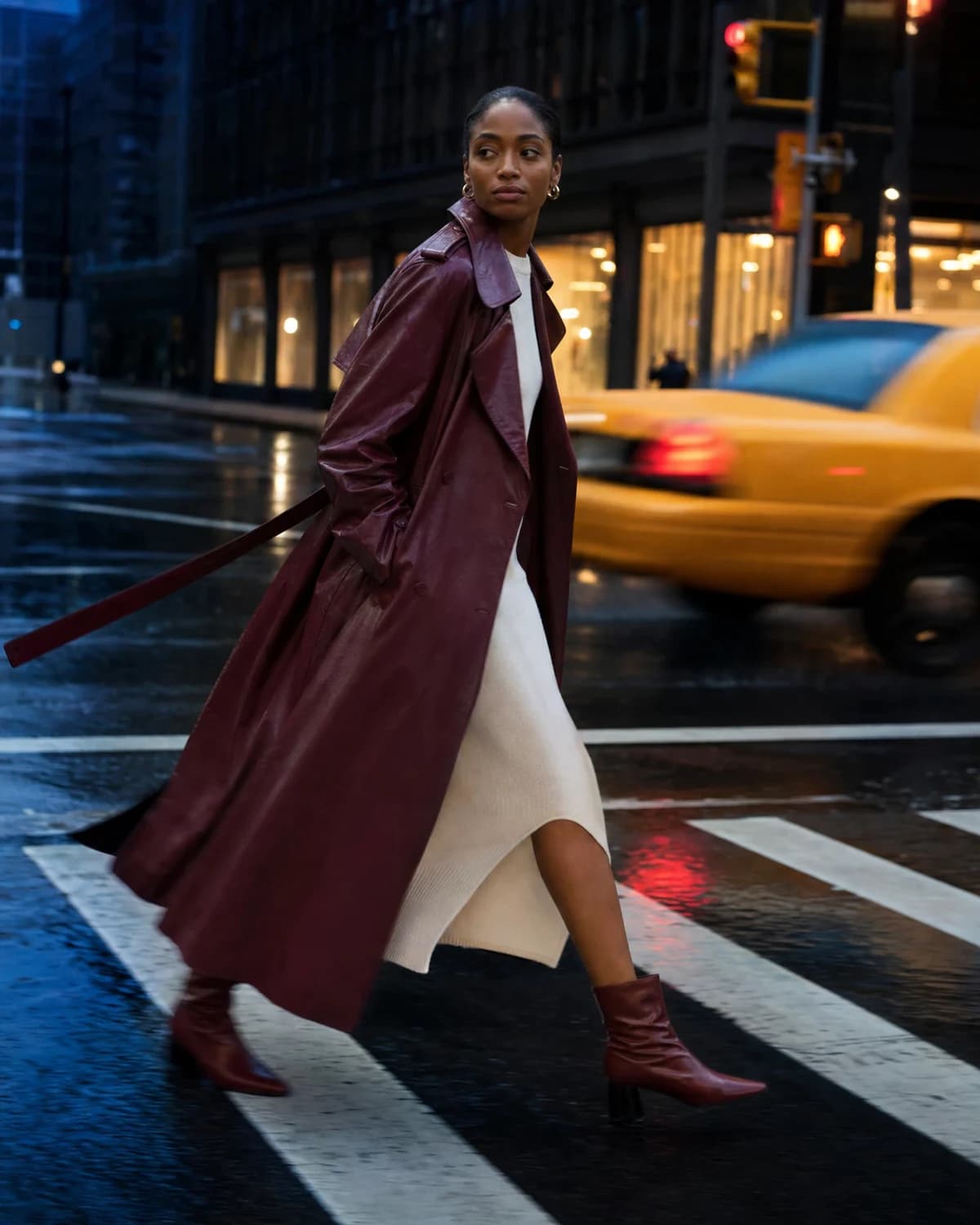
City movement
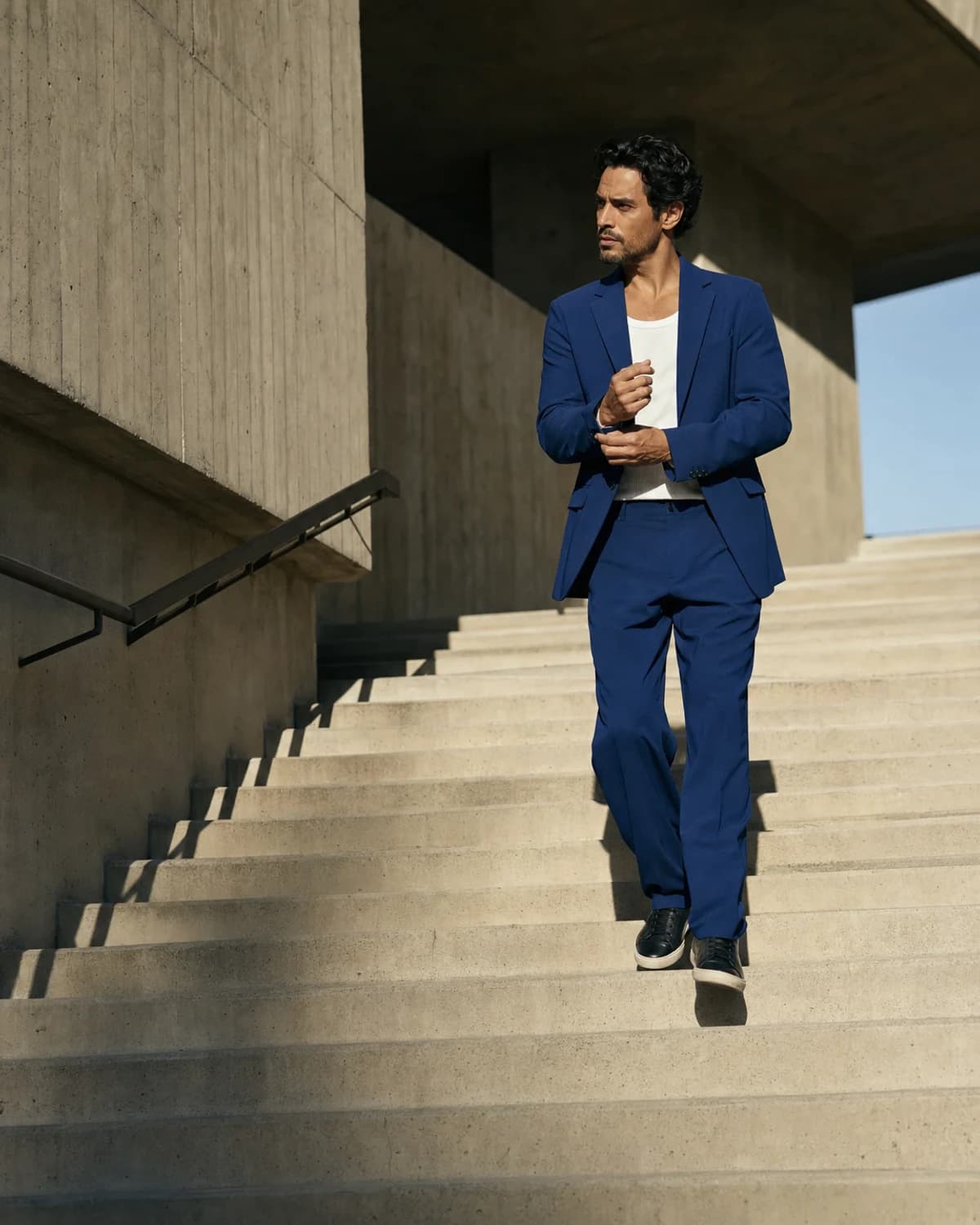
Architectural steps
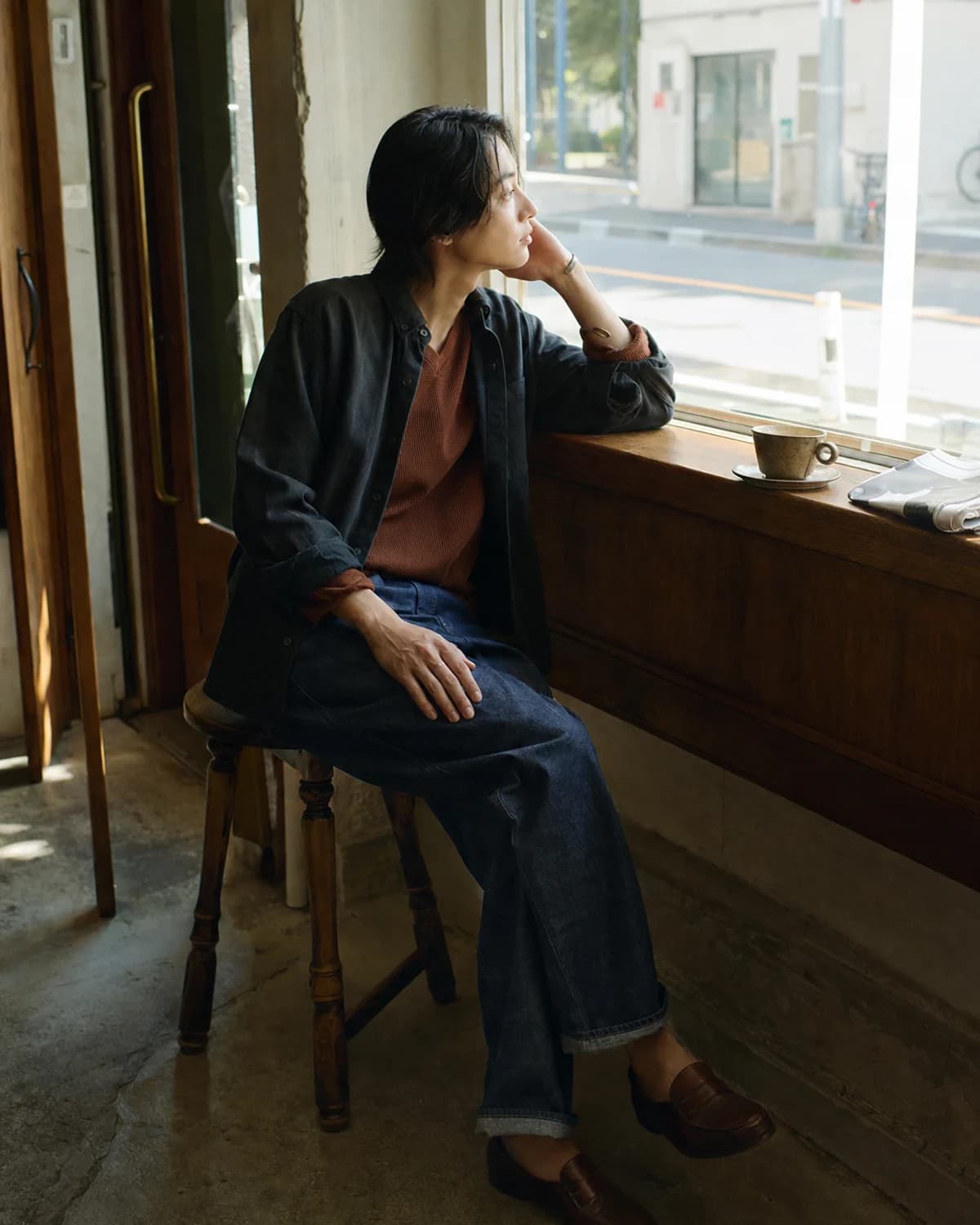
Seated daylight
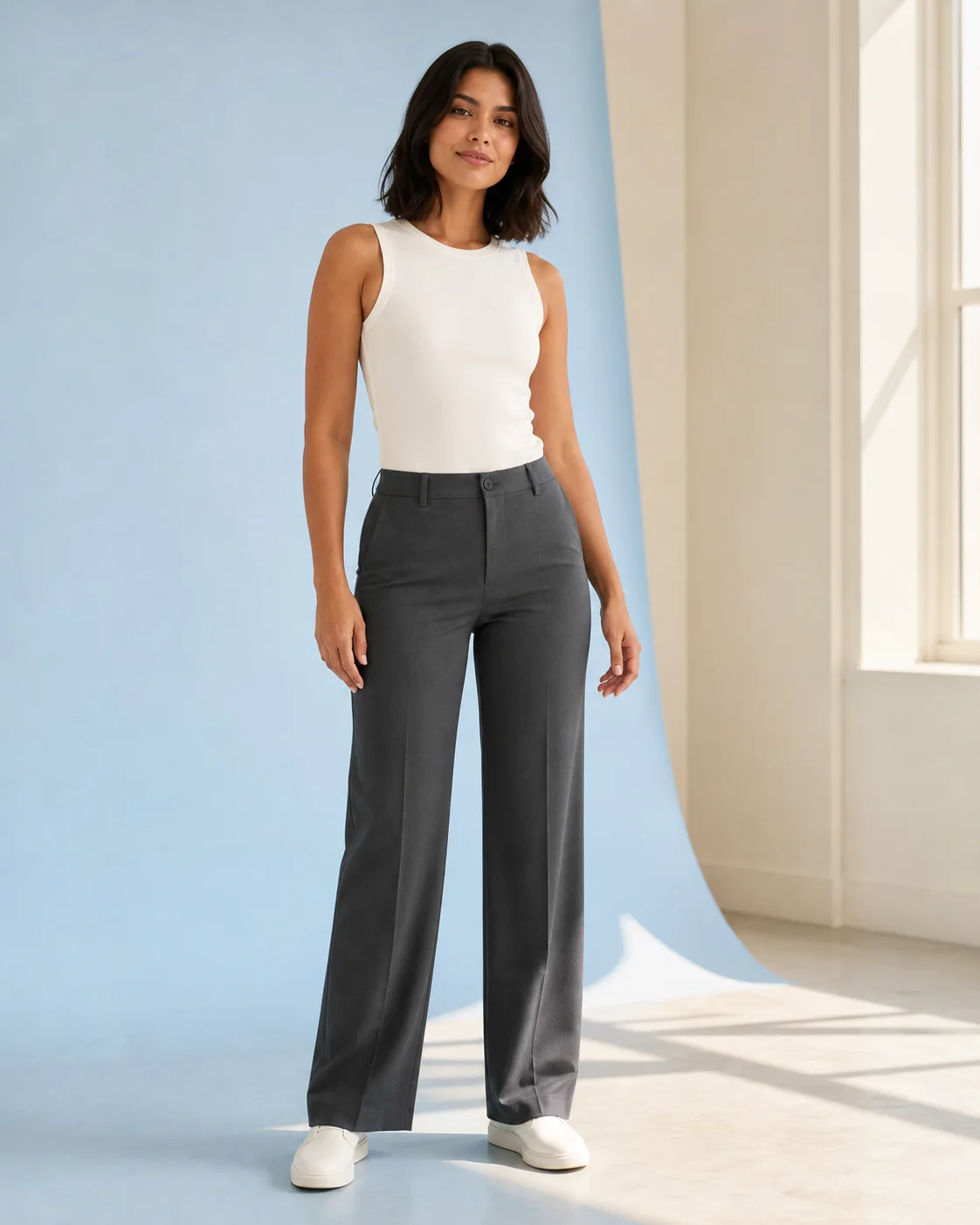
Pastel studio
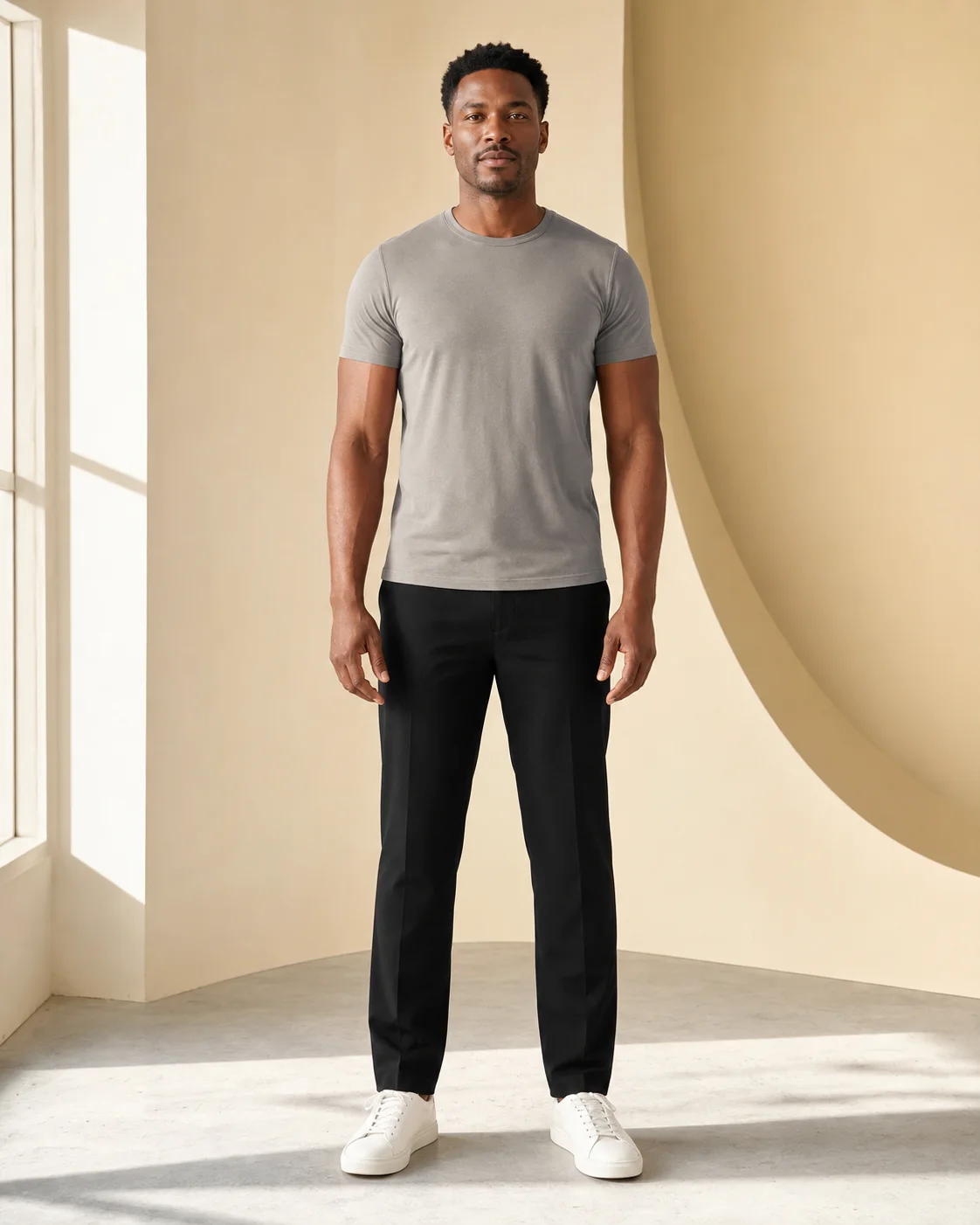
Studio neutral
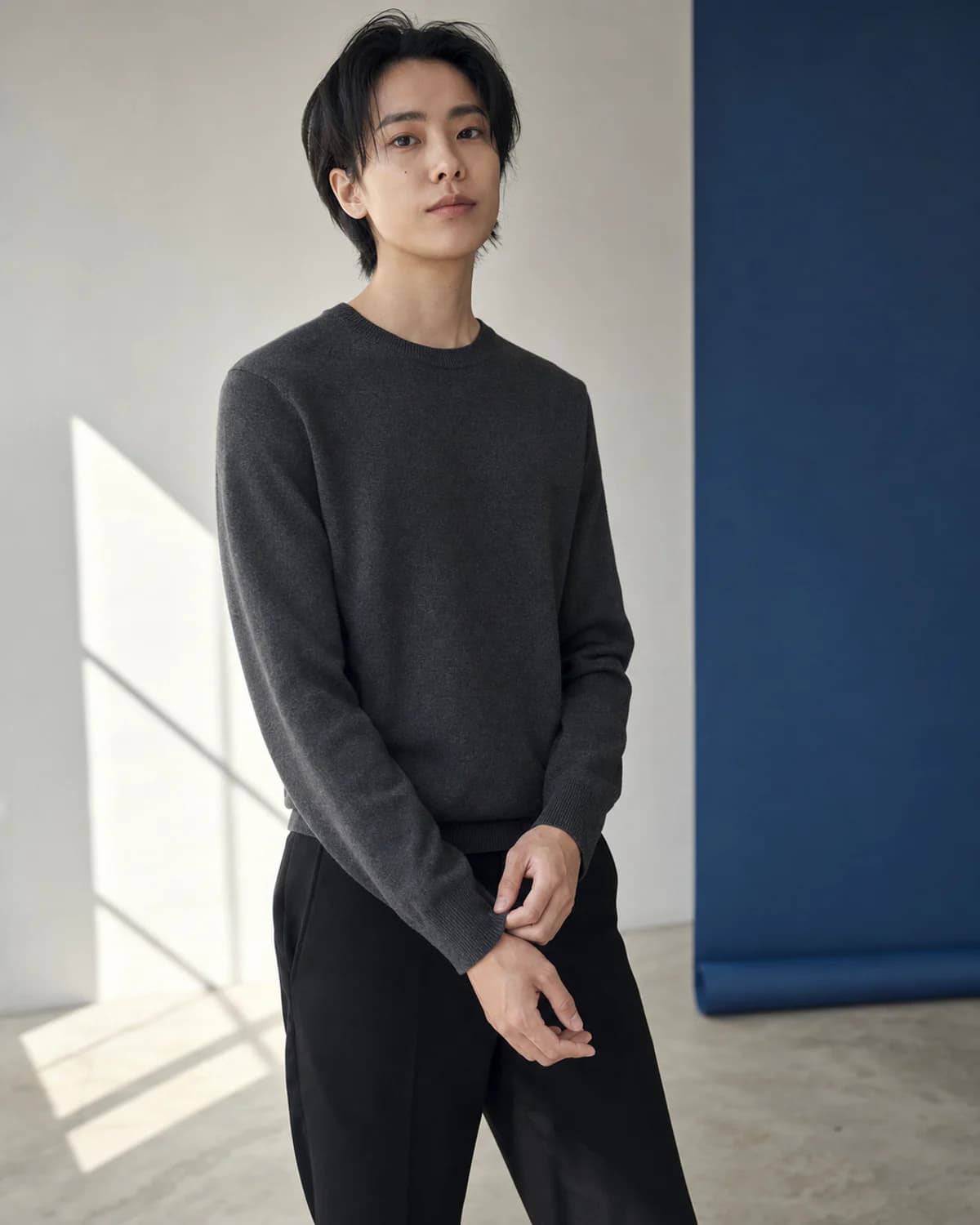
Close editorial
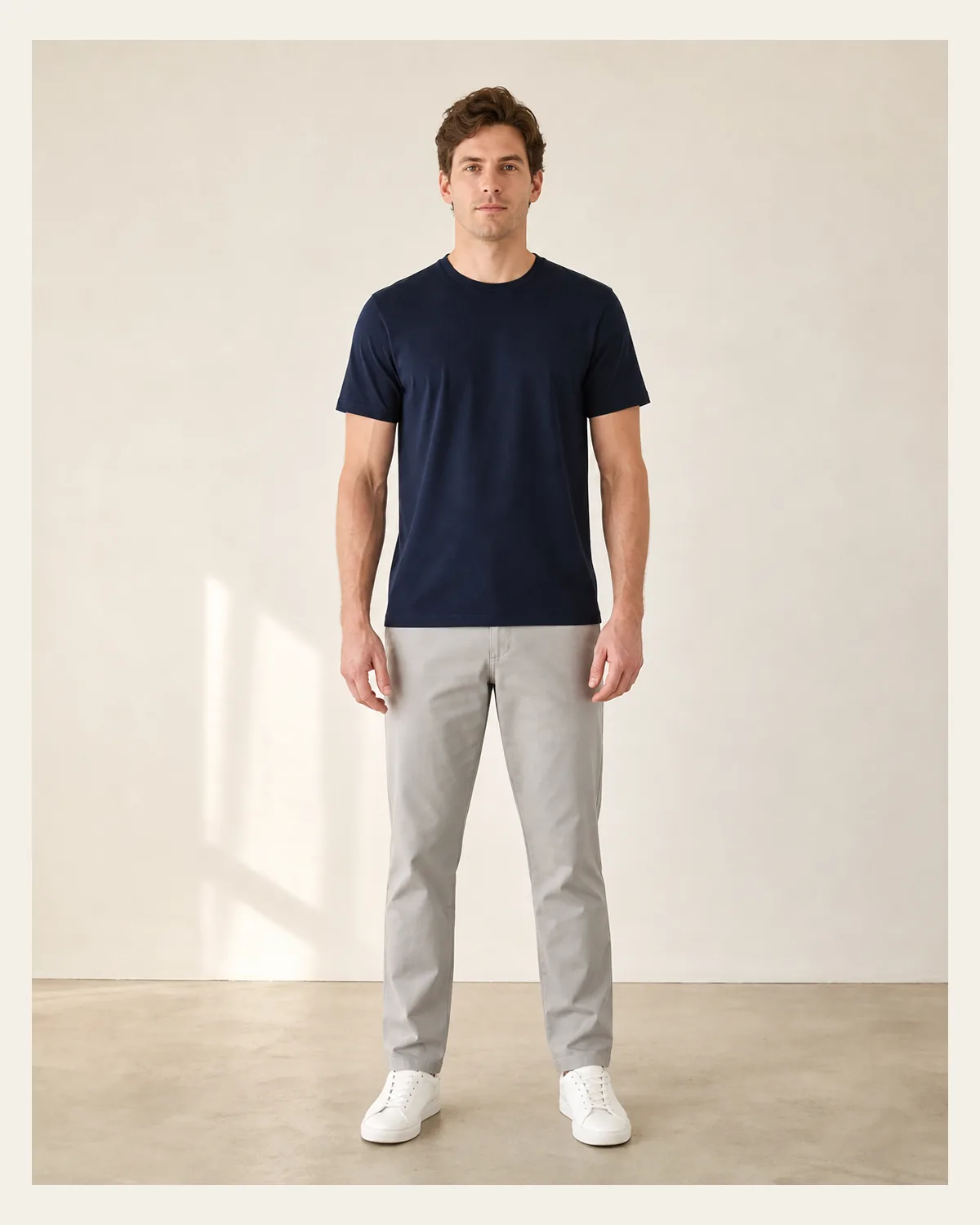
Relaxed daylight
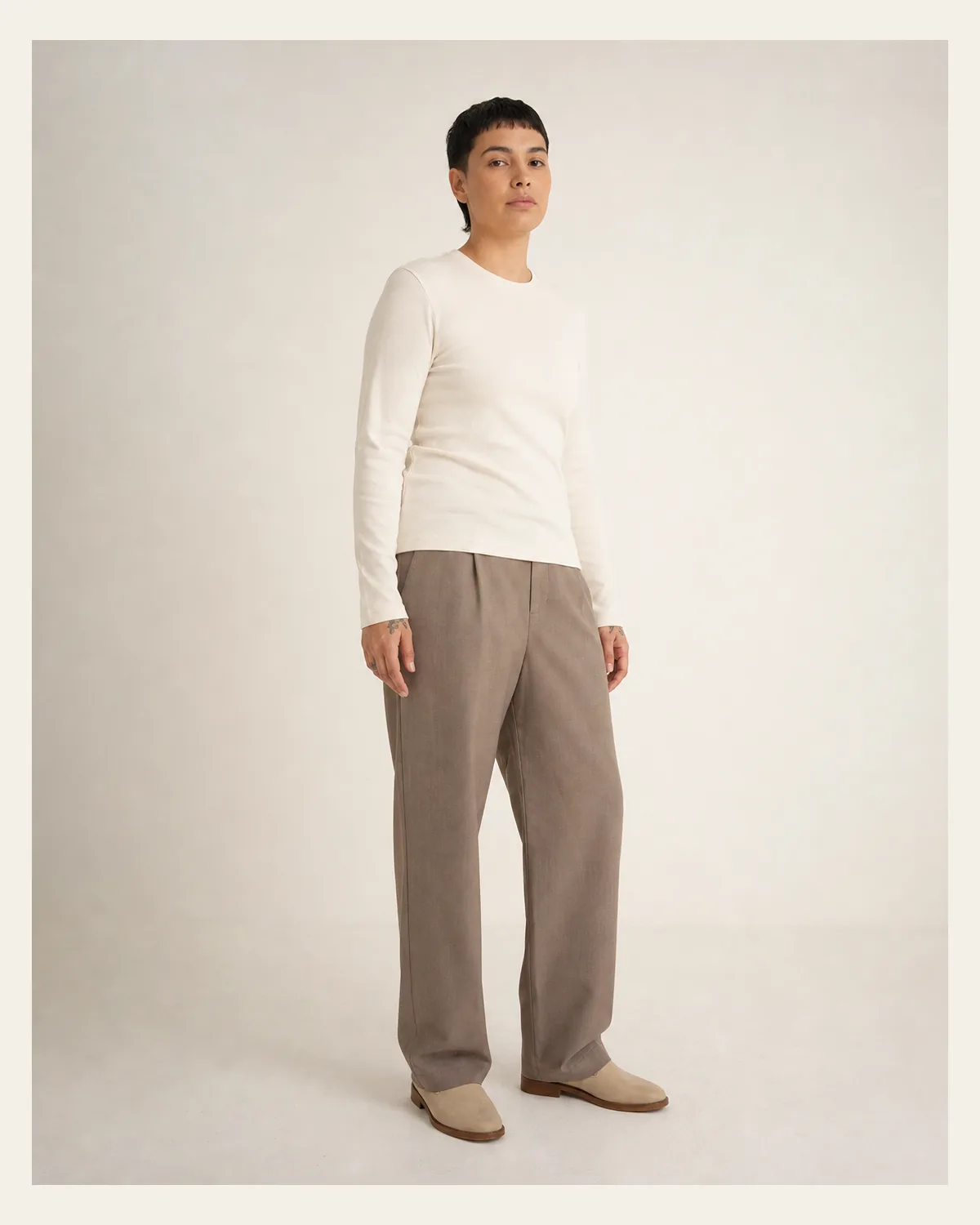
Everyday polish
It creates an on-model fashion image from a garment photo and a selected model direction.
Use a clear flatlay or product photo with the full garment visible, even lighting, and minimal obstruction.
Yes. The tool includes eight model directions that you can preview before generating.
You can download the generated JPG for product-page, lookbook, and campaign workflows.
No. The same free browser-based generation allowance used by the homepage applies here.
Add a clear clothing image, select the model that fits the collection, then generate the shot.
Try It Free