
Add one image per slot
Upload a top, bottom, pair of shoes, and accessory as PNG, JPG, or WebP files.
Combine a top, bottom, shoes, and accessories on one layered canvas. Arrange every piece, set the order, and export a clean outfit board as PNG.
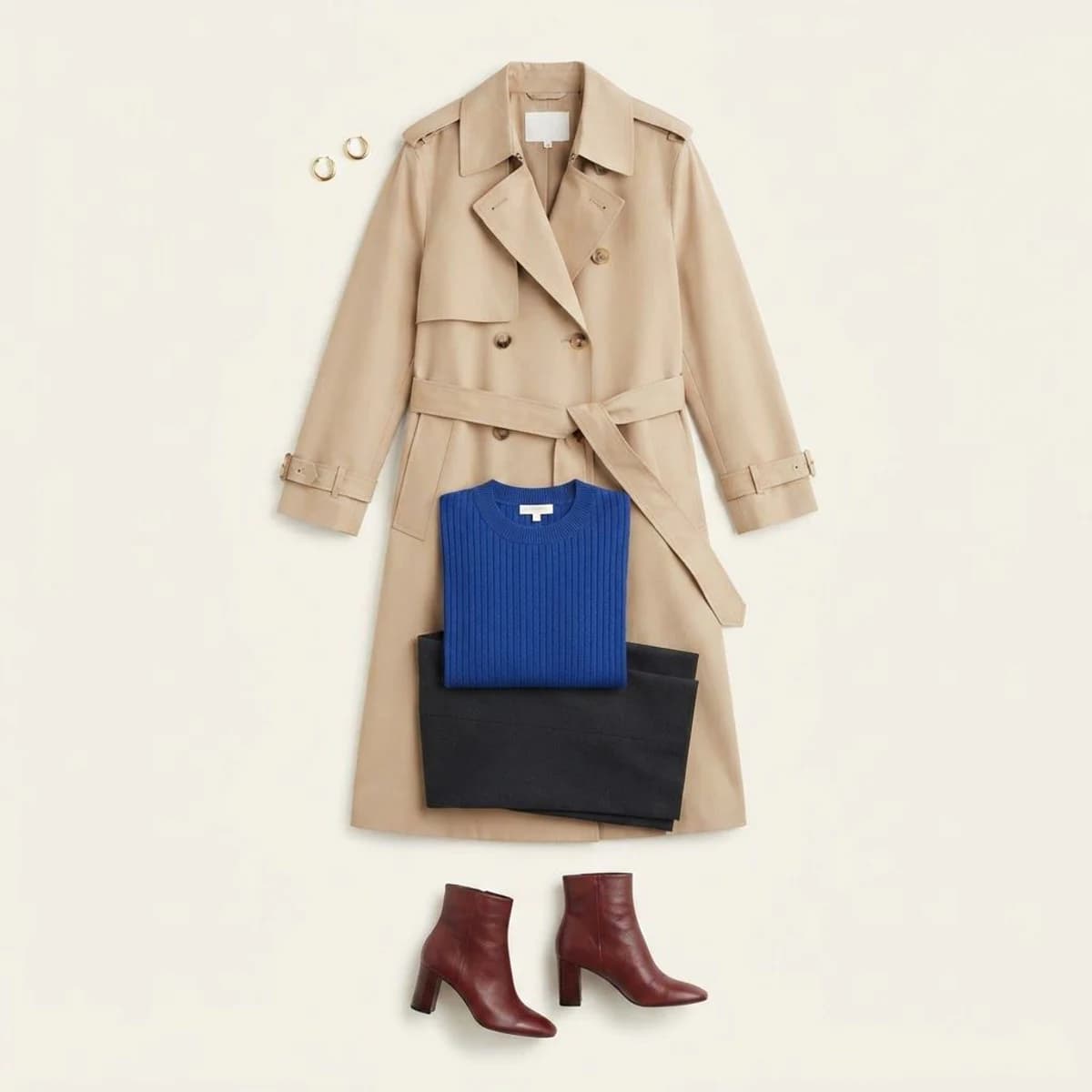
Use a reference board for a fast start, or add your own clothing images to each item slot.
My outfit board
Loading your browser draft…
These existing project flatlays show useful spacing, color balance, and complete-look composition.
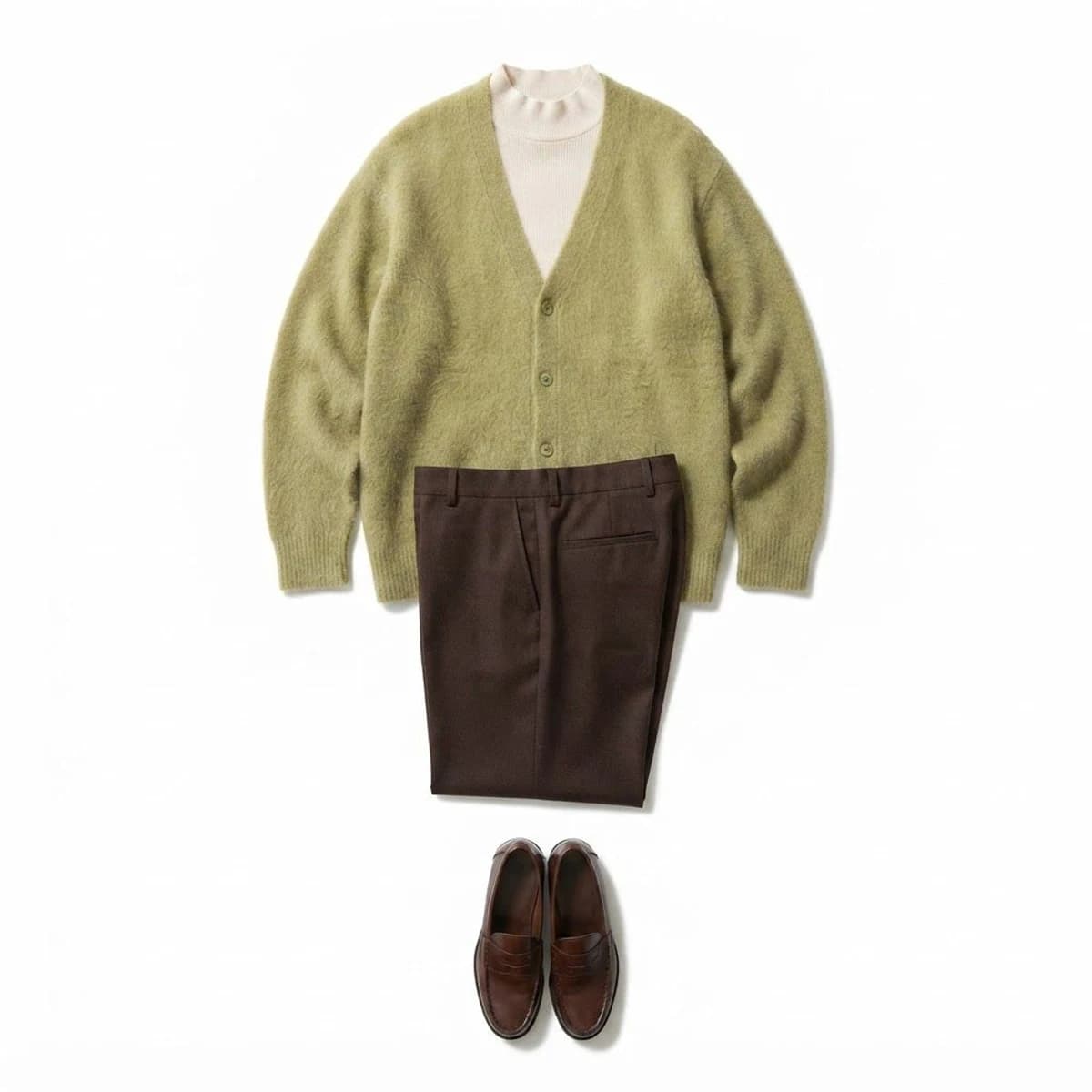
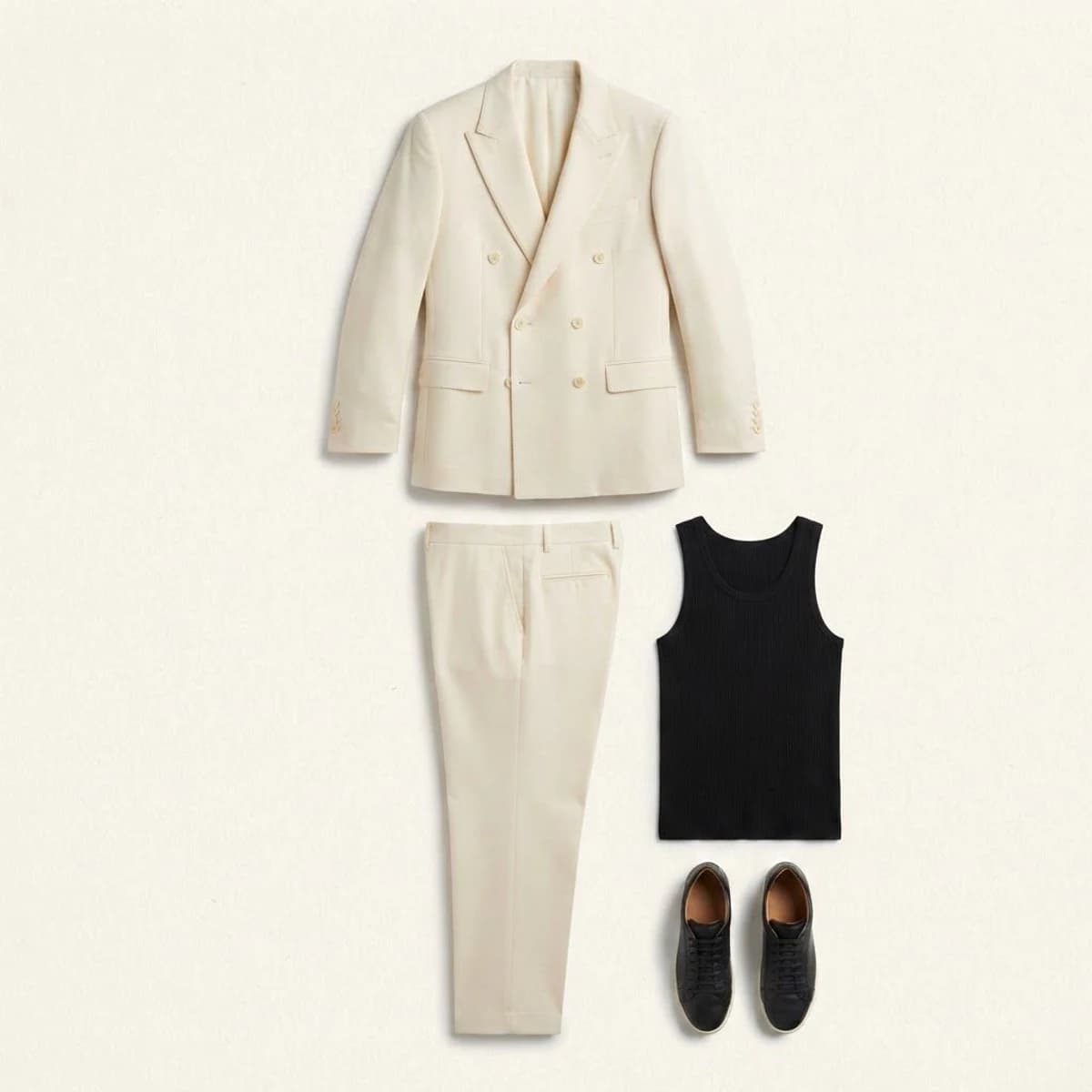
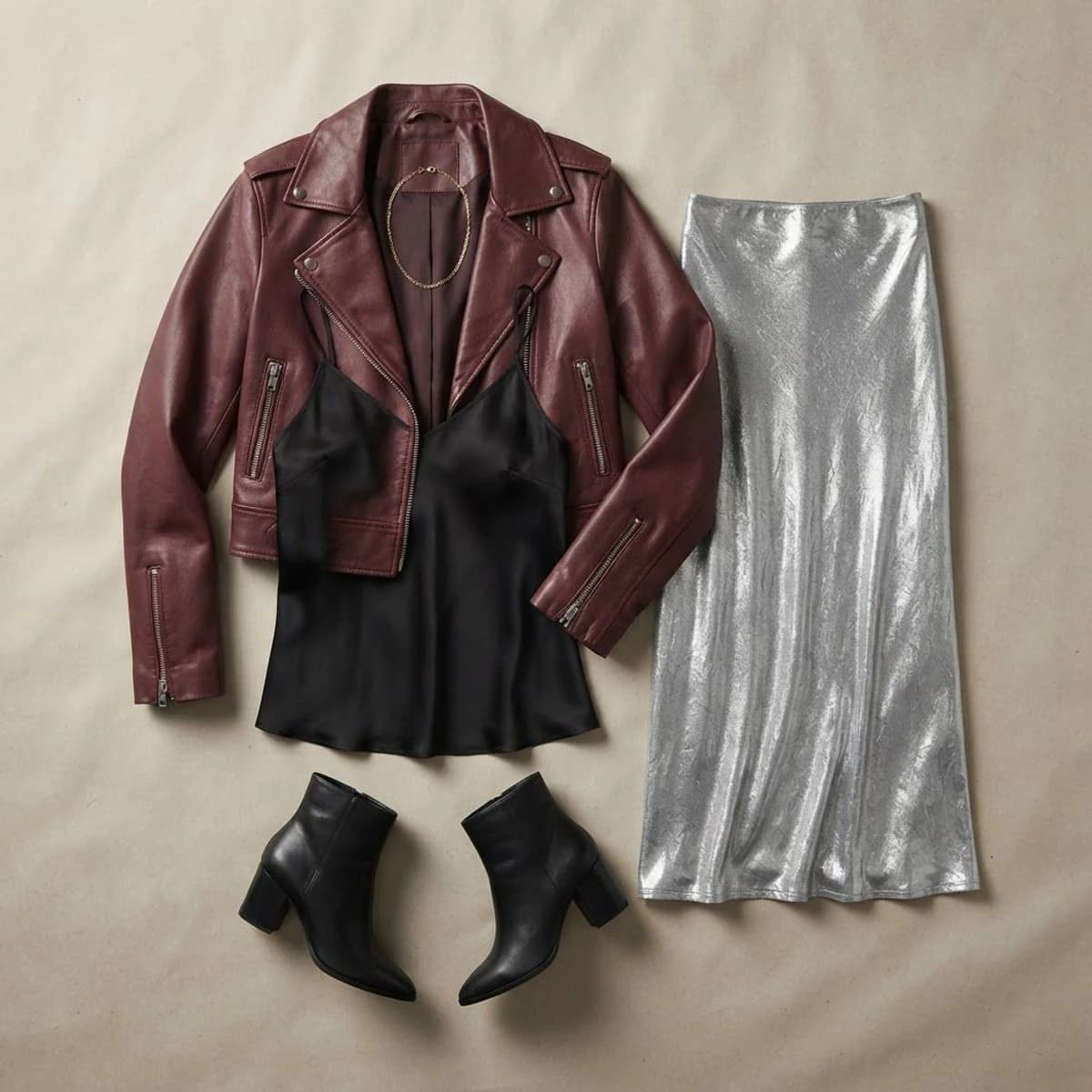
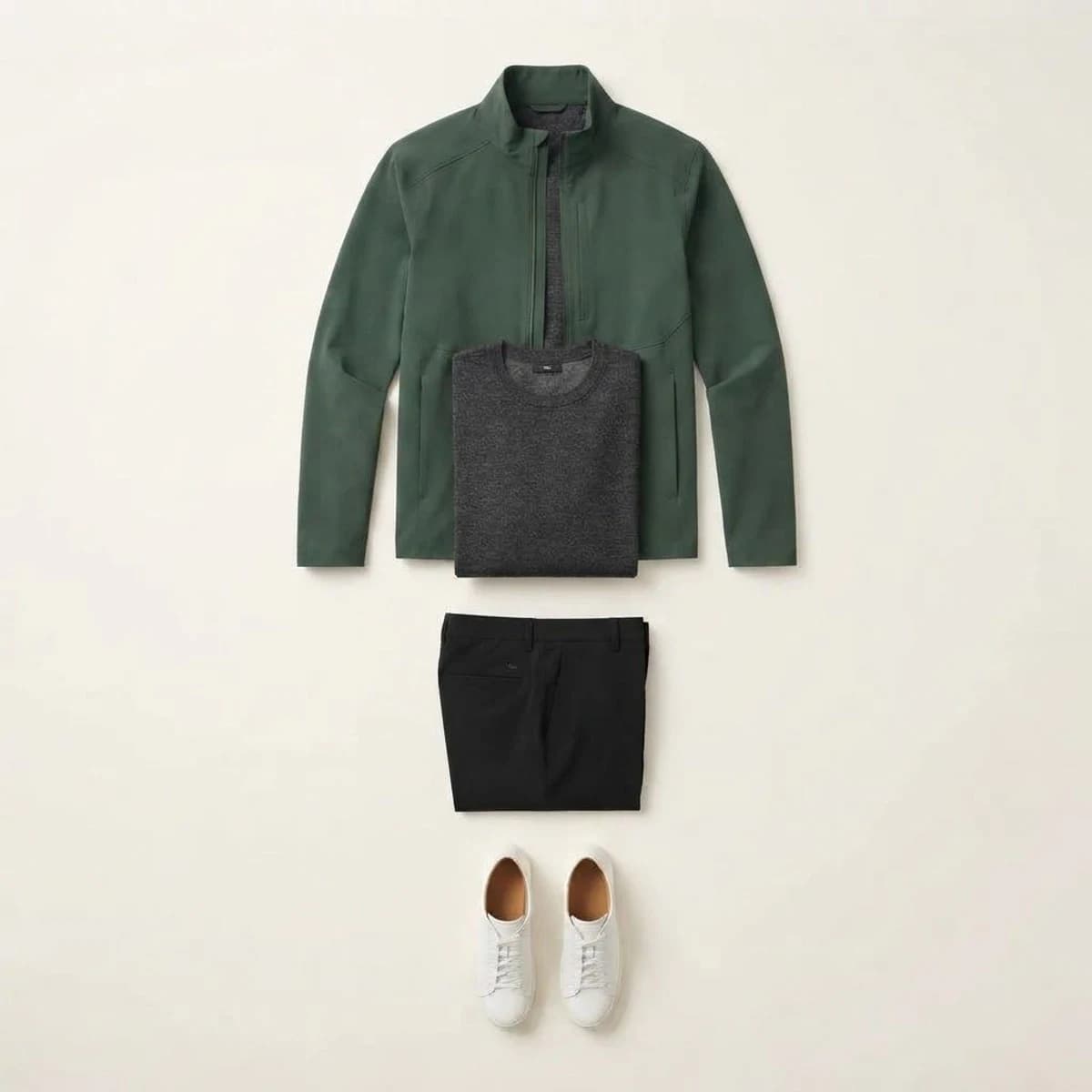
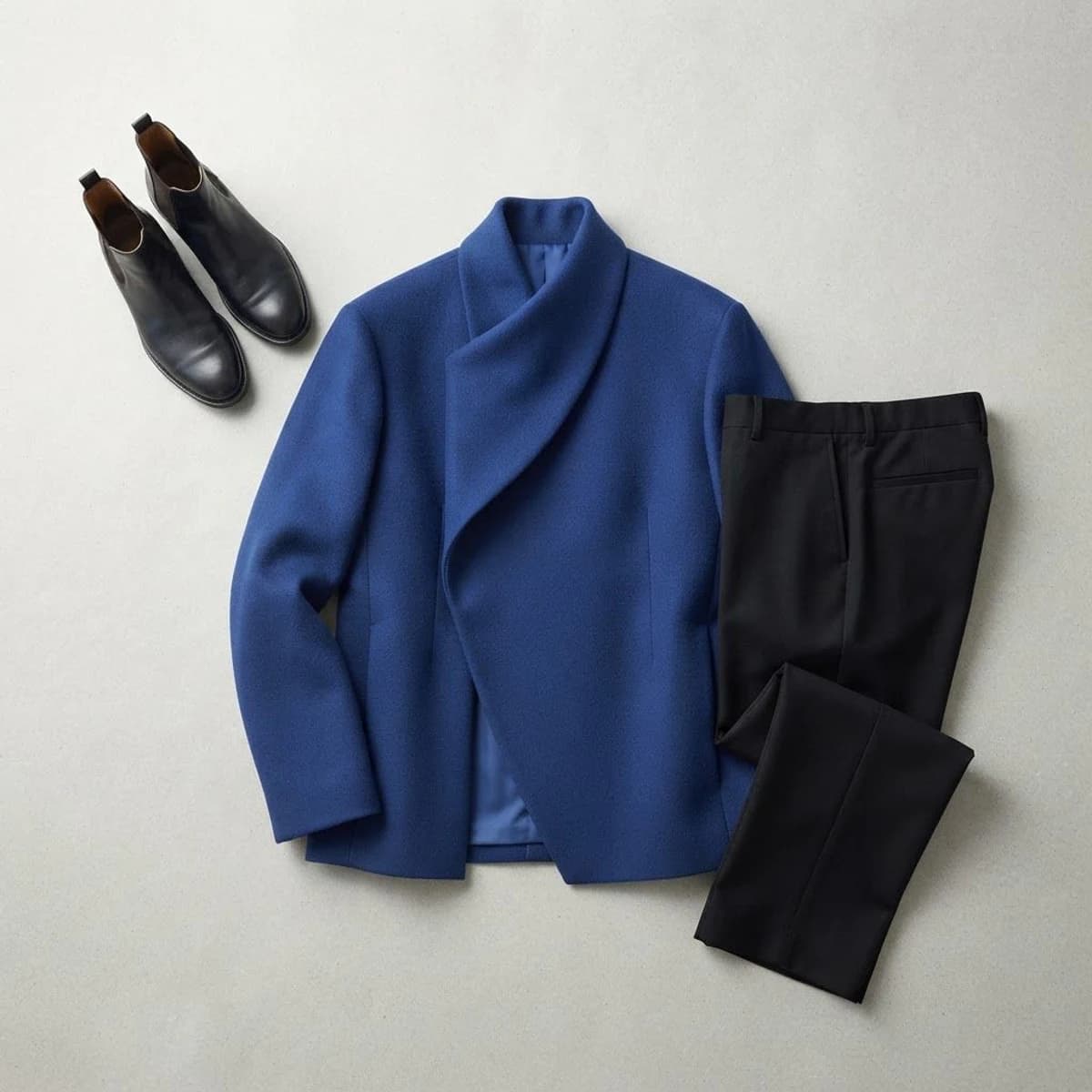
The editor stays focused on one job: turn separate clothing references into one usable visual.
Upload a top, bottom, pair of shoes, and accessory as PNG, JPG, or WebP files.
Drag each item into place, then resize or rotate it until the proportions feel balanced.
Bring an item forward or send it backward when pieces overlap on the canvas.
Download a 1200 × 1500 PNG or continue the same browser draft in Studio.
No fake queue or generated progress. Every control changes the visible board immediately in your browser.
Move every item directly on the board with pointer, touch, or arrow keys.
Bring a piece forward or send it backward when garments overlap.
Adjust the visual weight of each piece without editing the original file.
Download the visible composition as a 1200 × 1500 PNG.
Outfit boards make comparison easier when the clothes are still in different places.
Put the pieces together before opening the wardrobe, then keep the board as a quick visual reference.
Place a saved product image beside clothes you already own to judge color, proportion, and versatility.
Collect the core pieces for a trip and export a compact look you can keep on your phone.
Turn separate references into one clear board for a friend, stylist, shoot, or social post.
A few small choices make separate product photos feel like one coordinated look.
The canvas accepts PNG, JPG, and WebP files up to 10 MB per slot. The active draft is stored in this browser so a refresh or sign-in handoff can restore it.
Continue in the authenticated workspace without rebuilding the outfit. The browser draft follows the sign-in return path on this device.
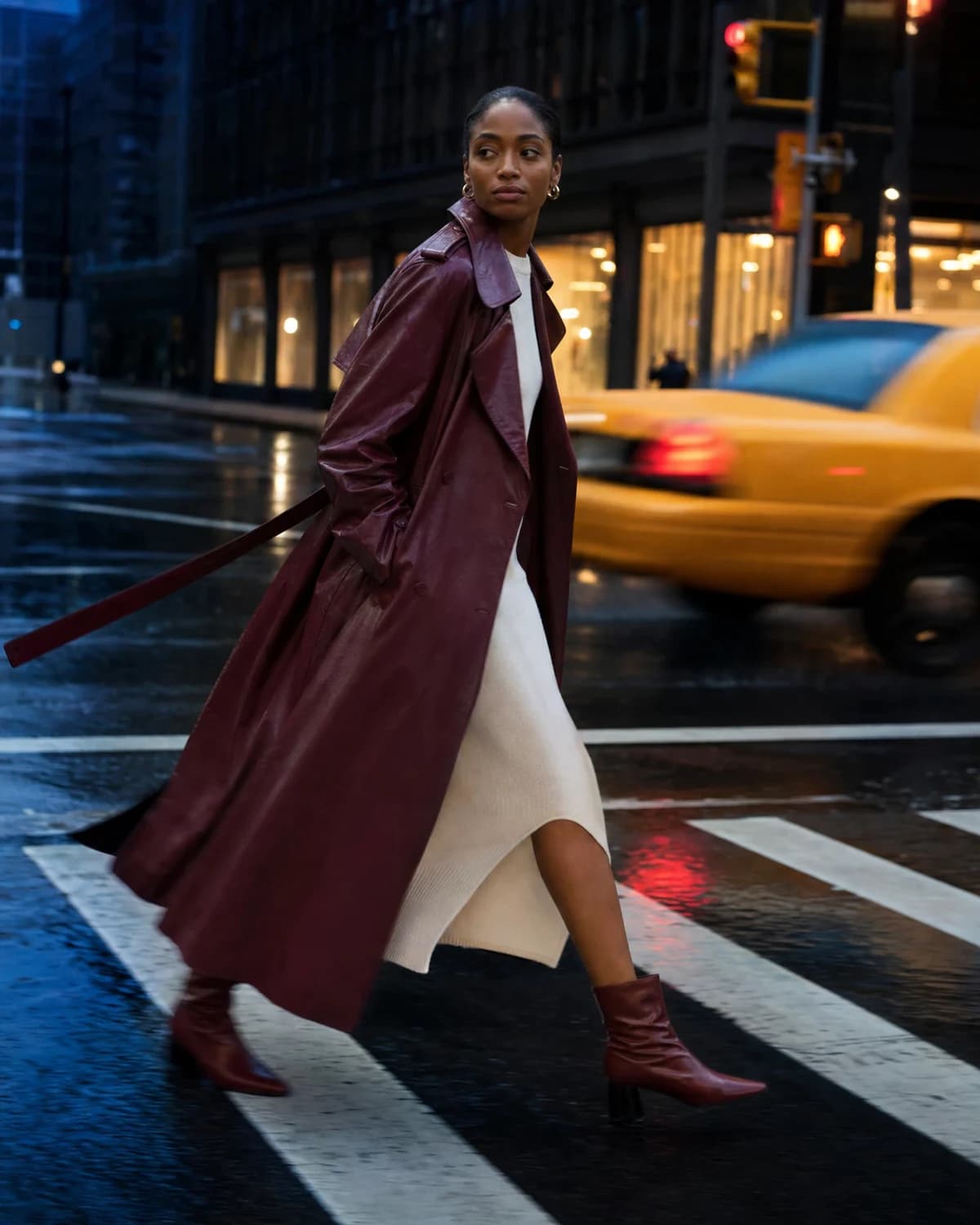
Browse real outfit ideas by style and occasion, save a look, then return here to assemble your own version from separate pieces.
Browse outfit ideasUse the outfit maker to settle the pieces first. Then send the complete direction to the right AI outfit generator workflow when you want to see the look on a person.
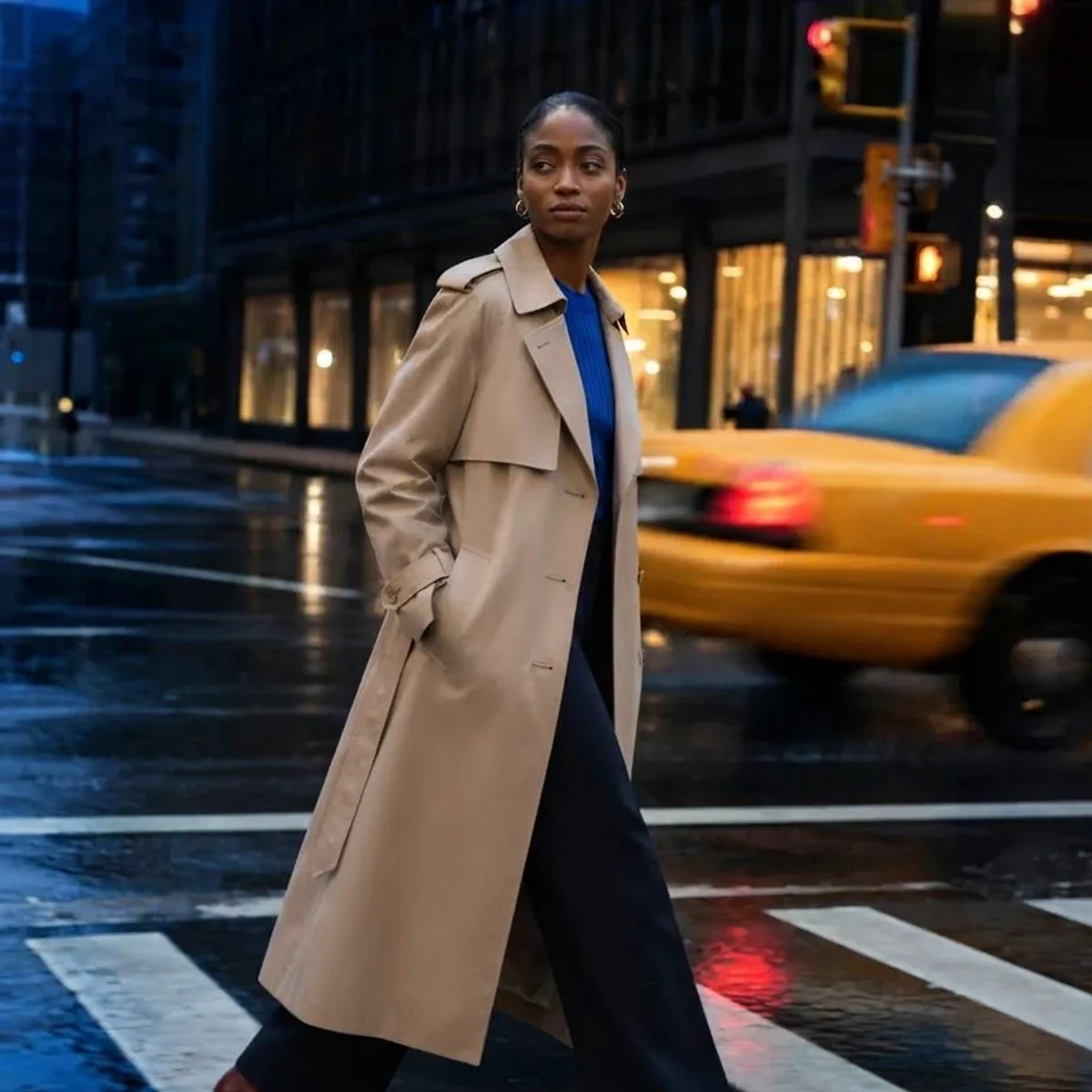
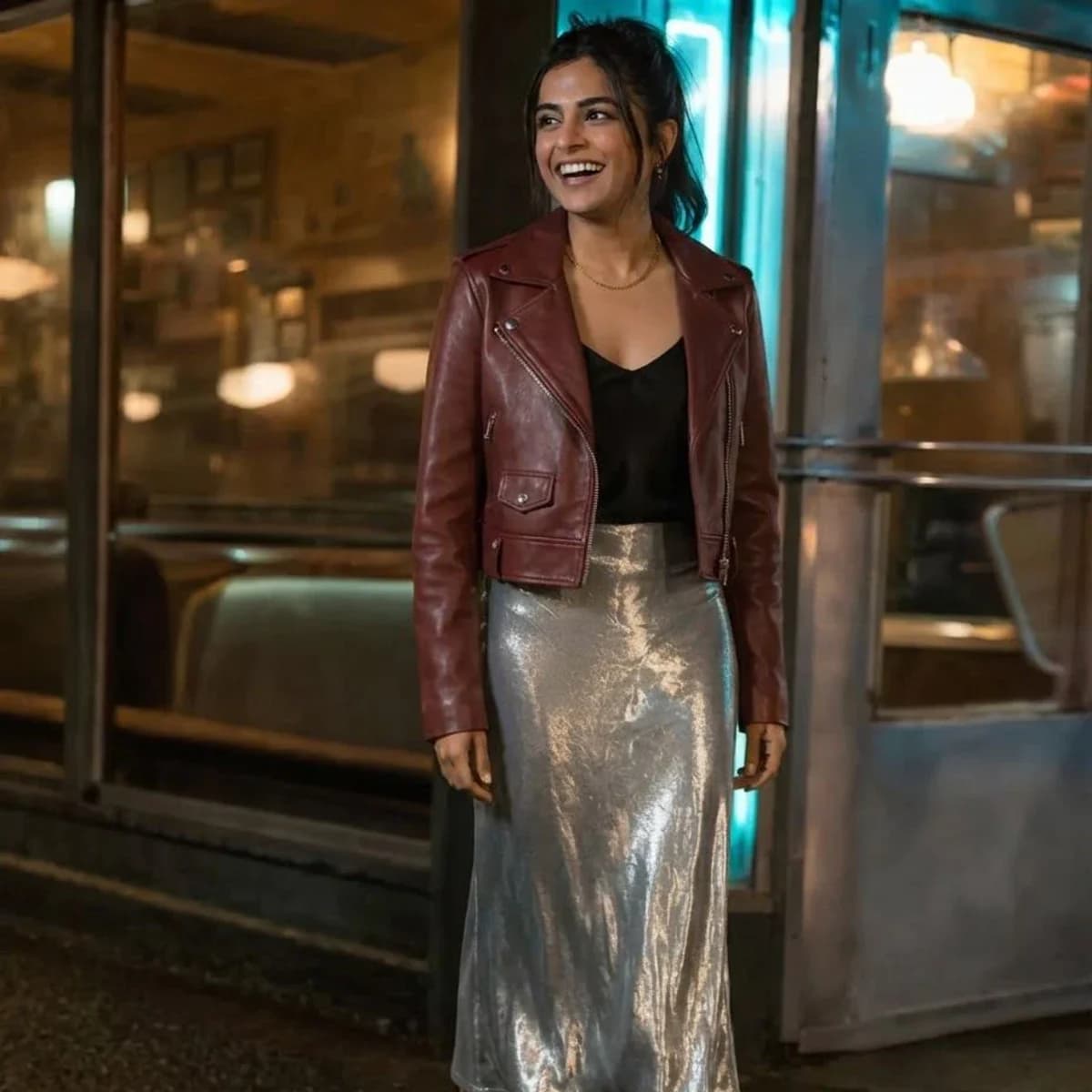
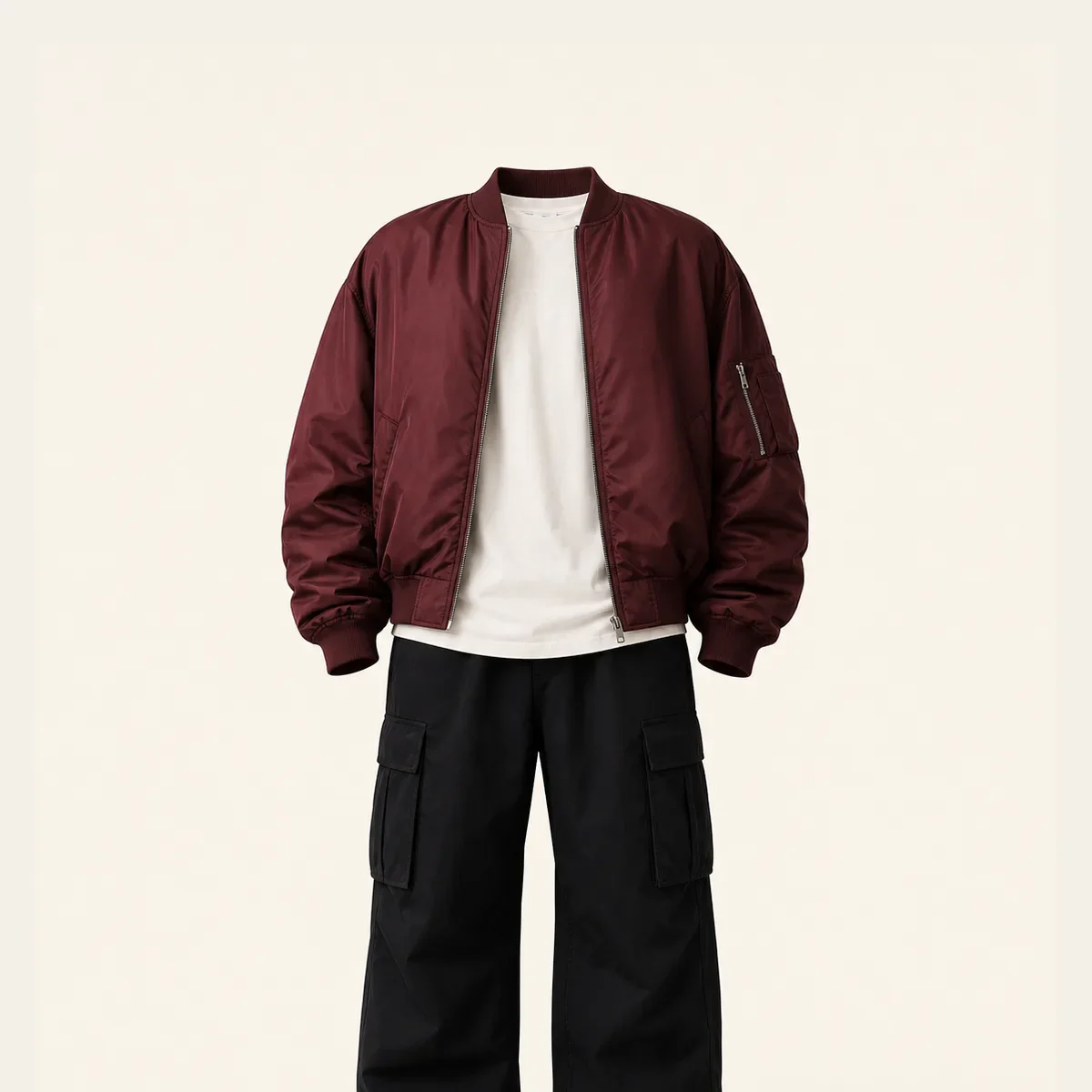
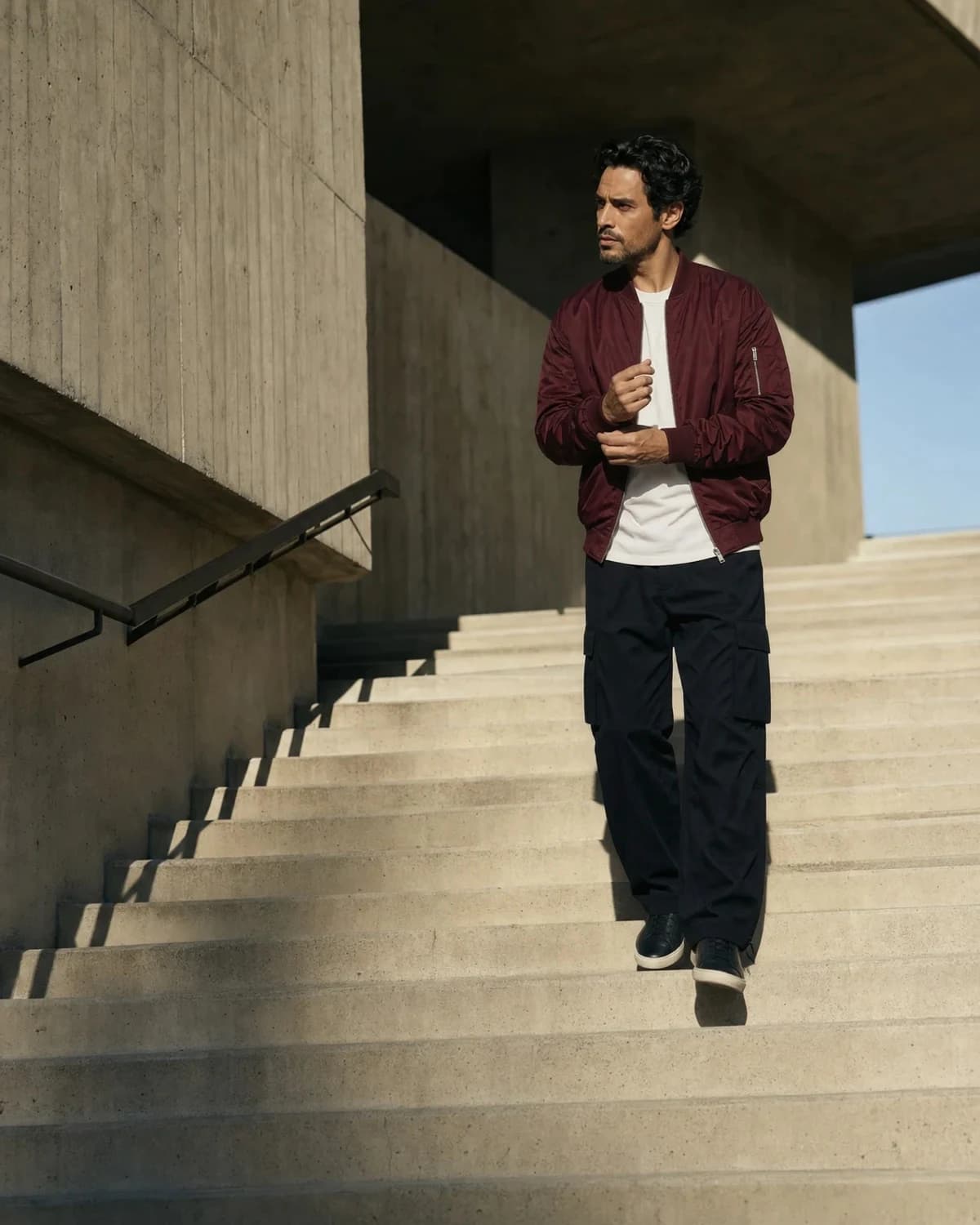
Examples show the planning-to-visualization workflow. AI previews are illustrative results, not fit or sizing guarantees.
File support, layer order, saving, privacy, and export details.
Add the first piece, arrange the full look, and keep the finished board on your phone.
Open the outfit maker