
 01
01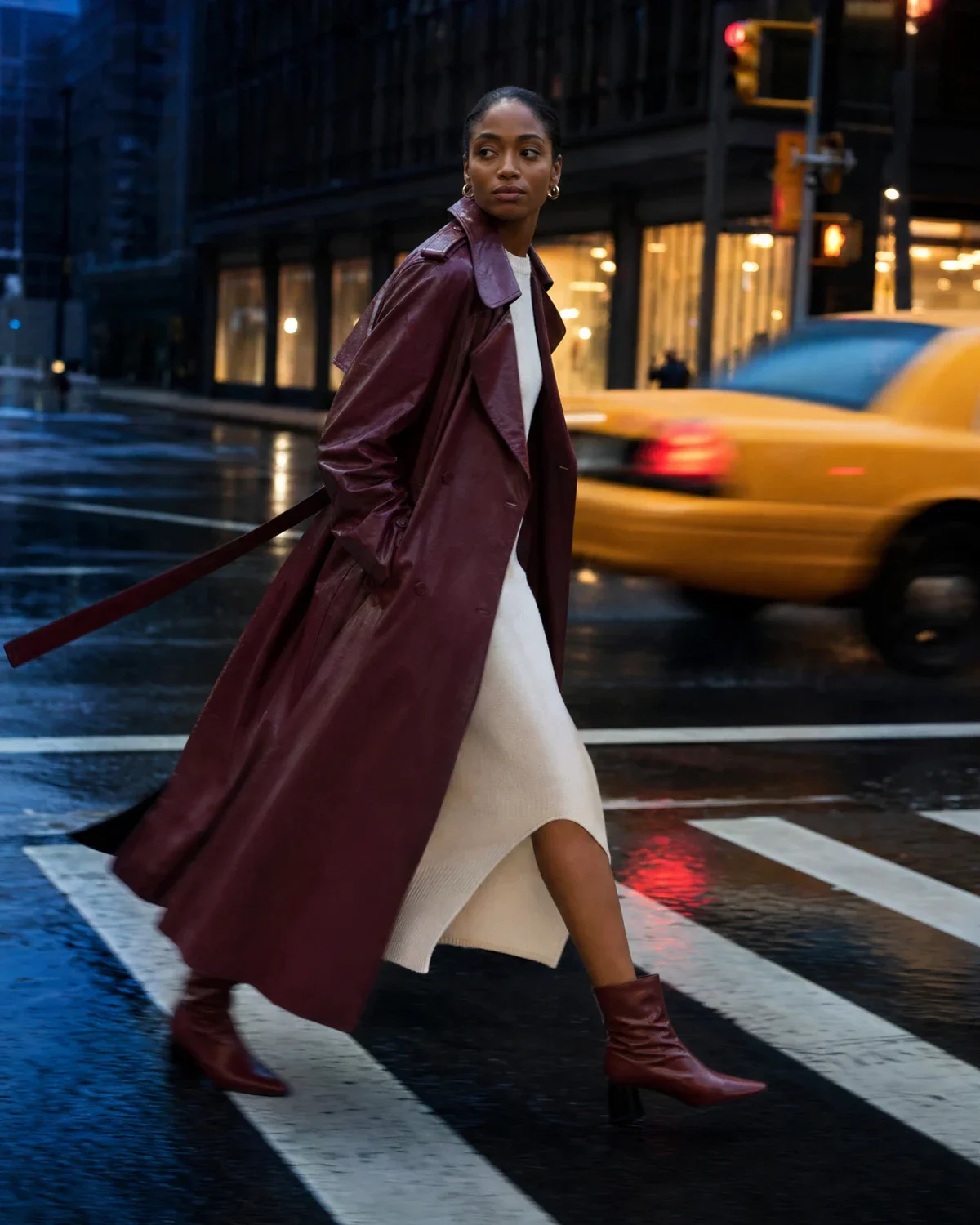 Input
InputUpload a portrait, choose a social format, and describe the outfit direction you want for the next post, story, or profile image.
Add one clear portrait, choose the platform frame, and describe the clothes, color, and mood.
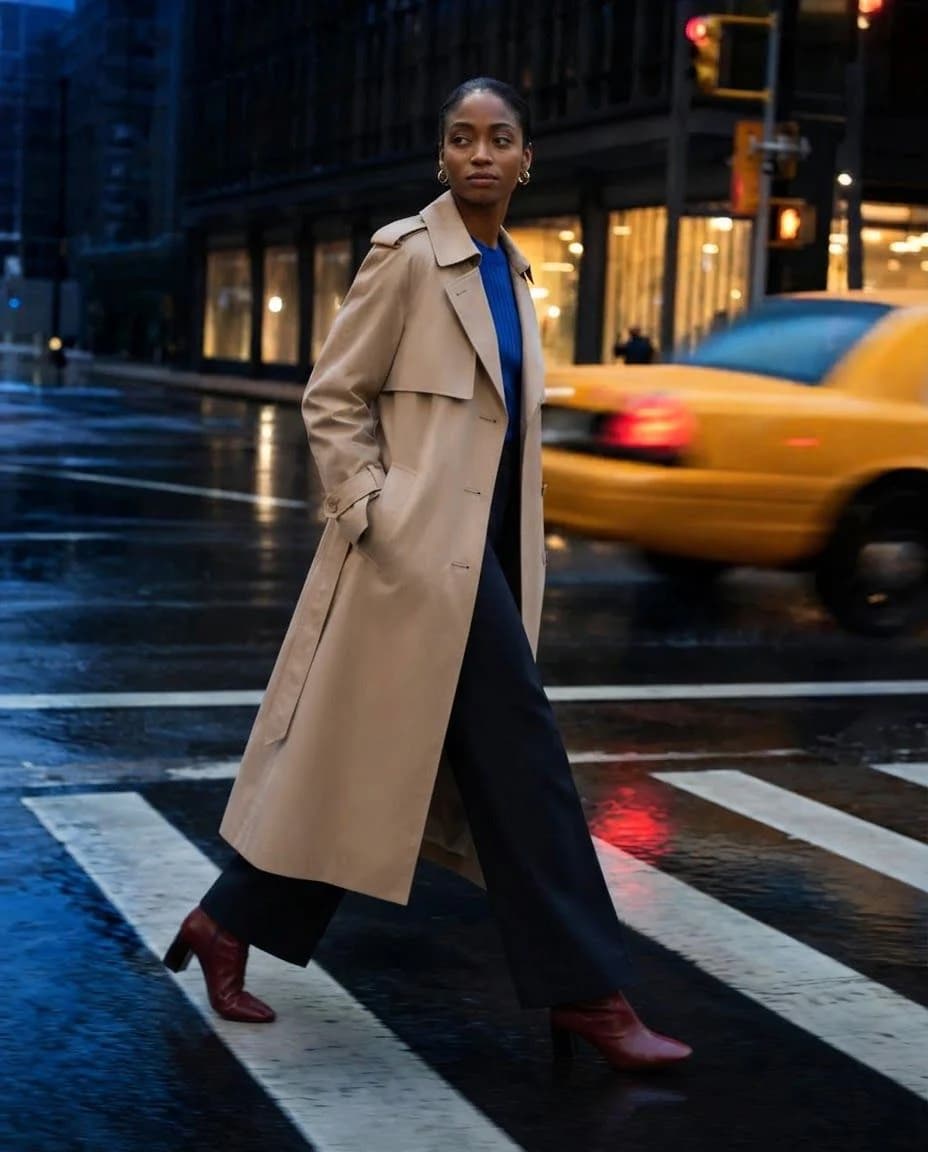
Six different compositions show how the tool works across product, portrait, studio, and social-image directions.
01Input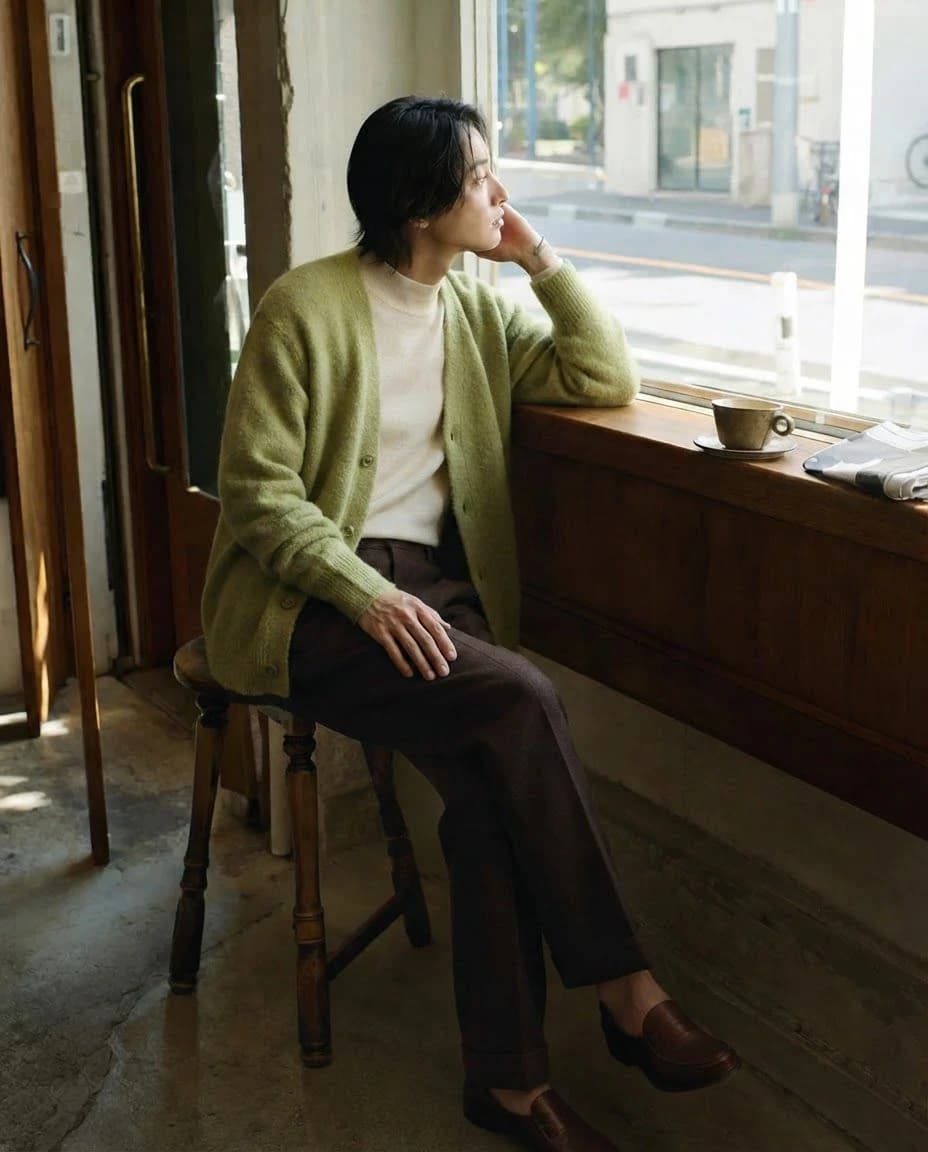 02
02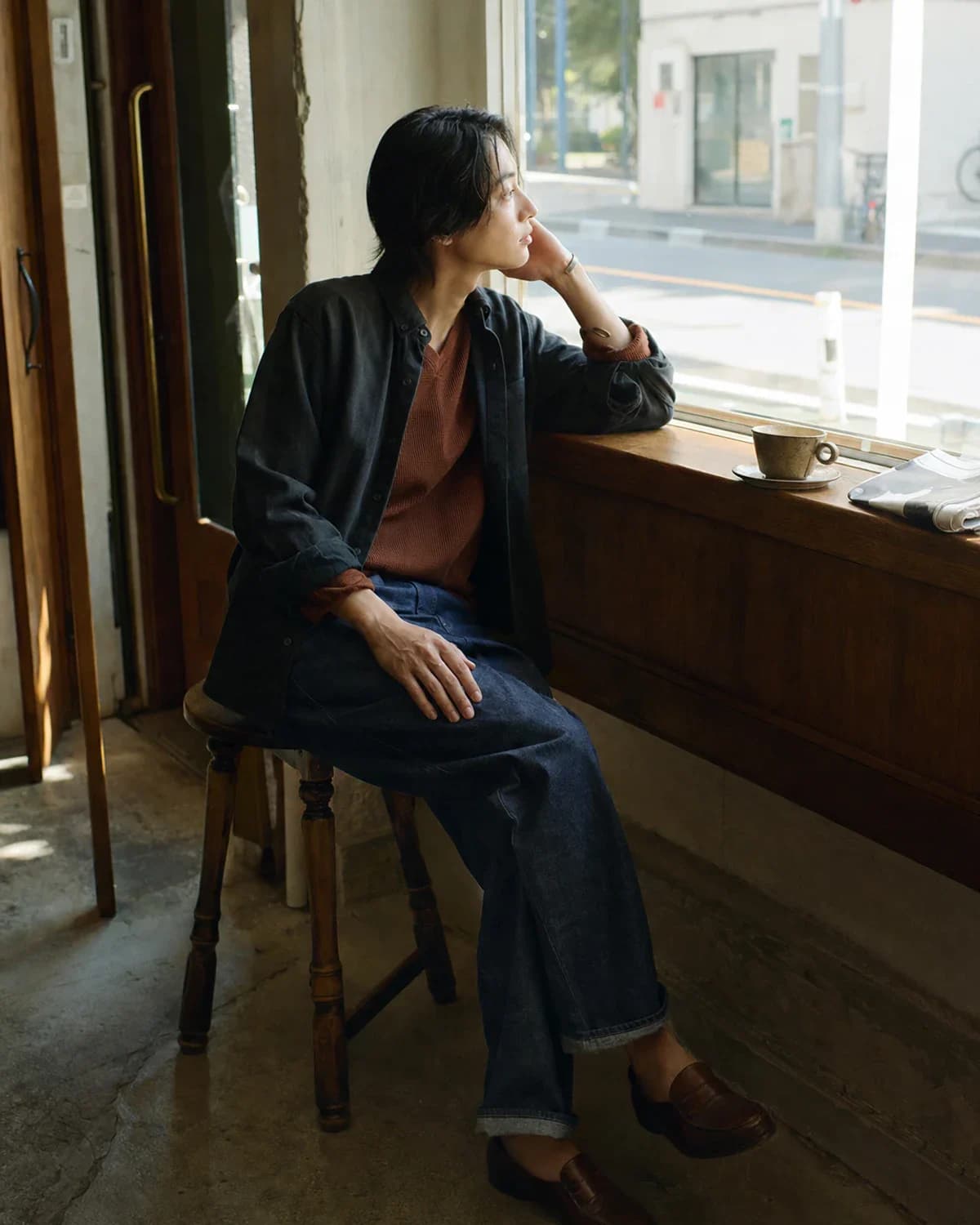 Input
Input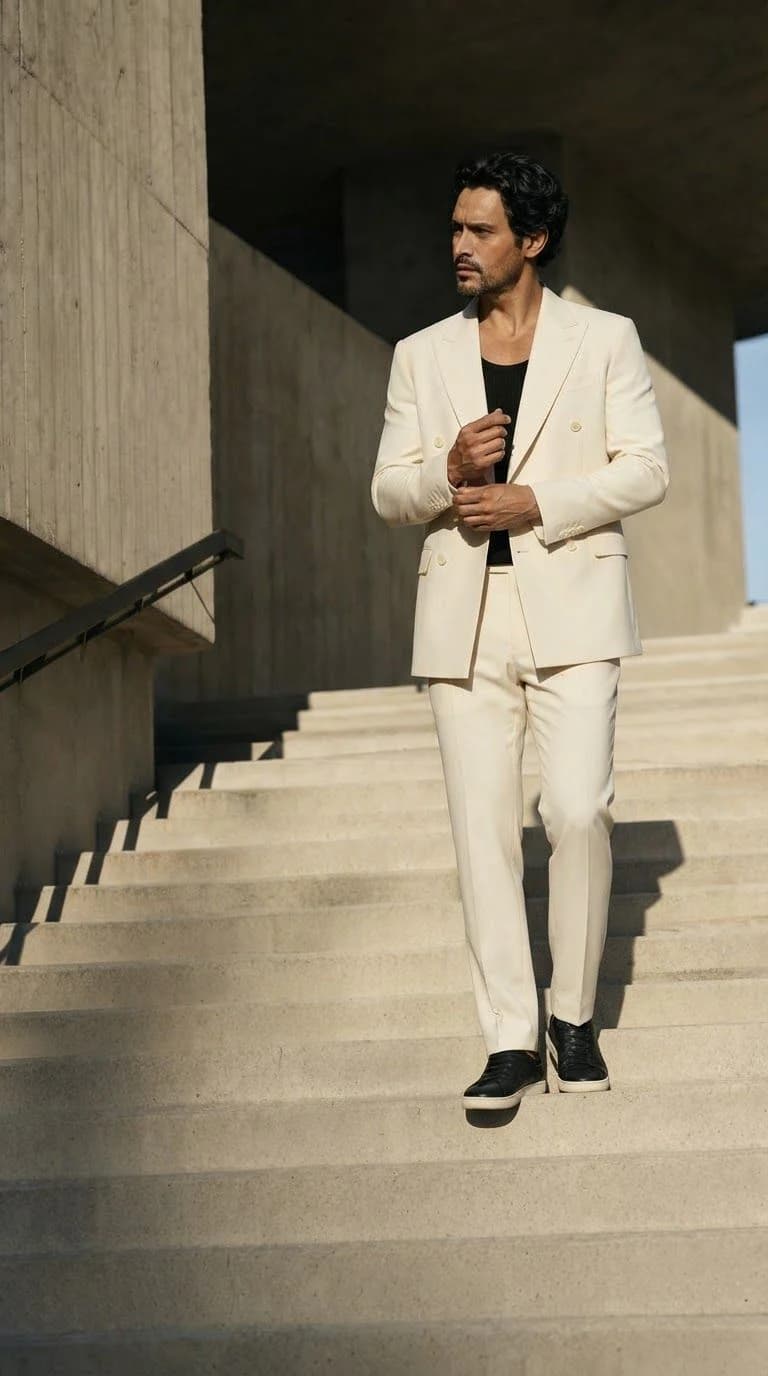 03
03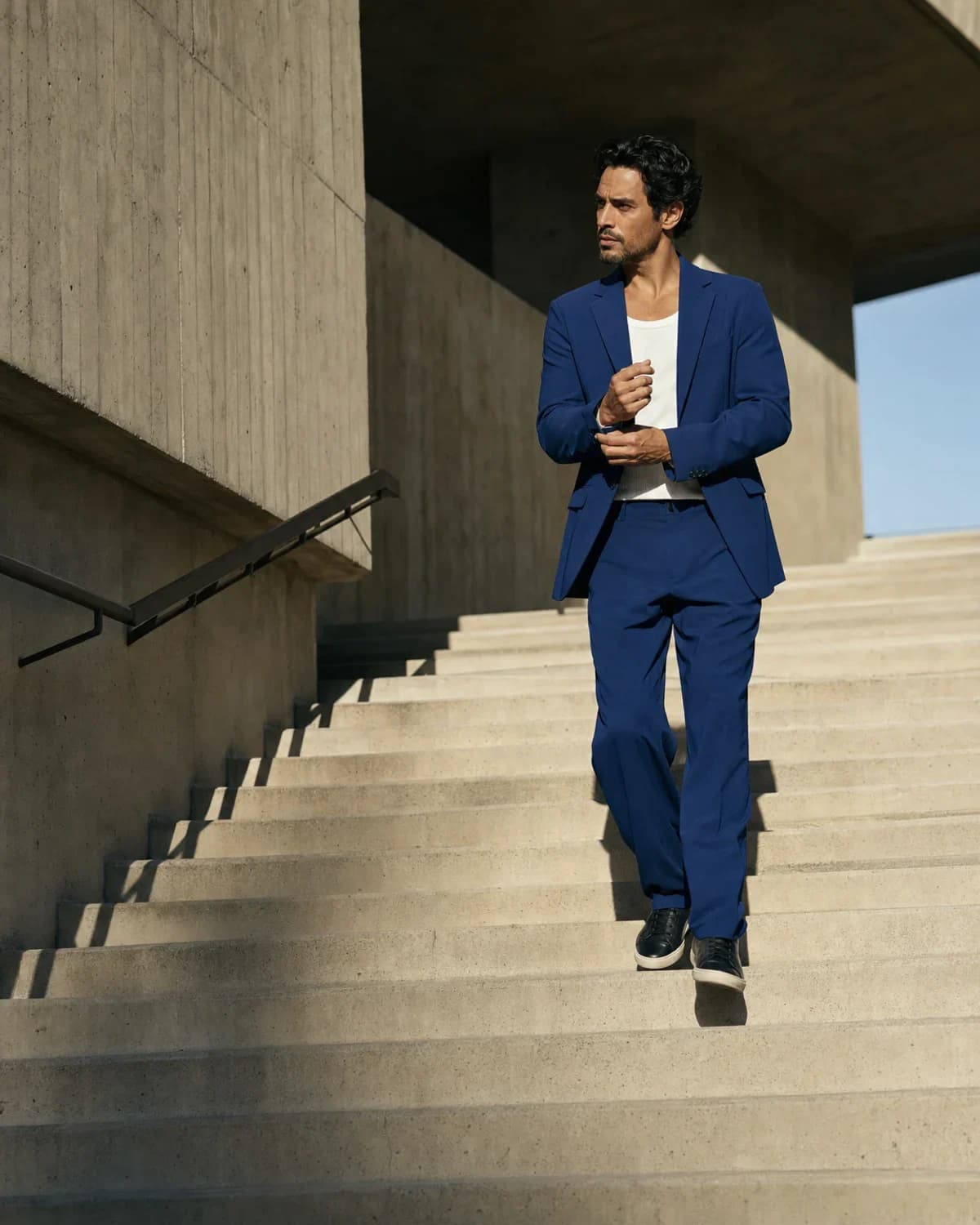 Input
Input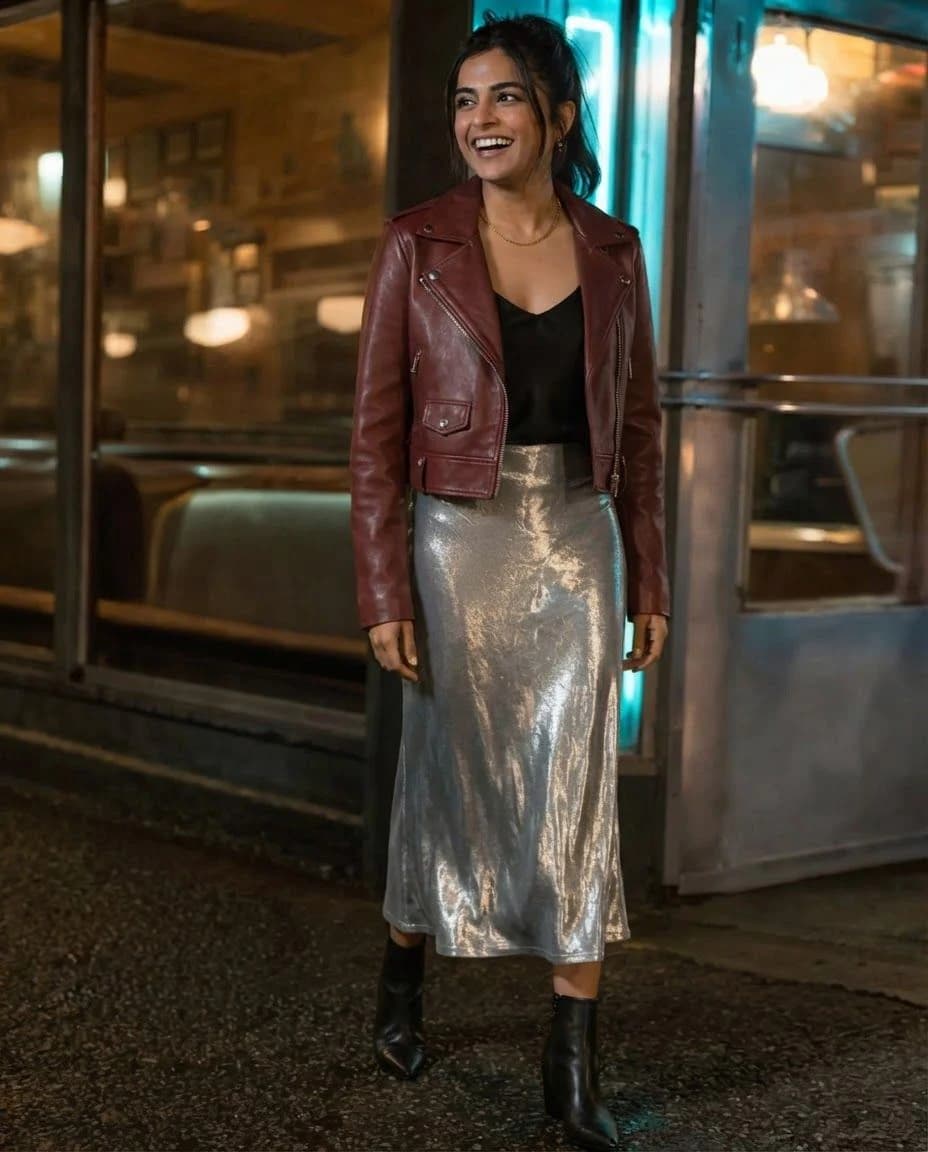 04
04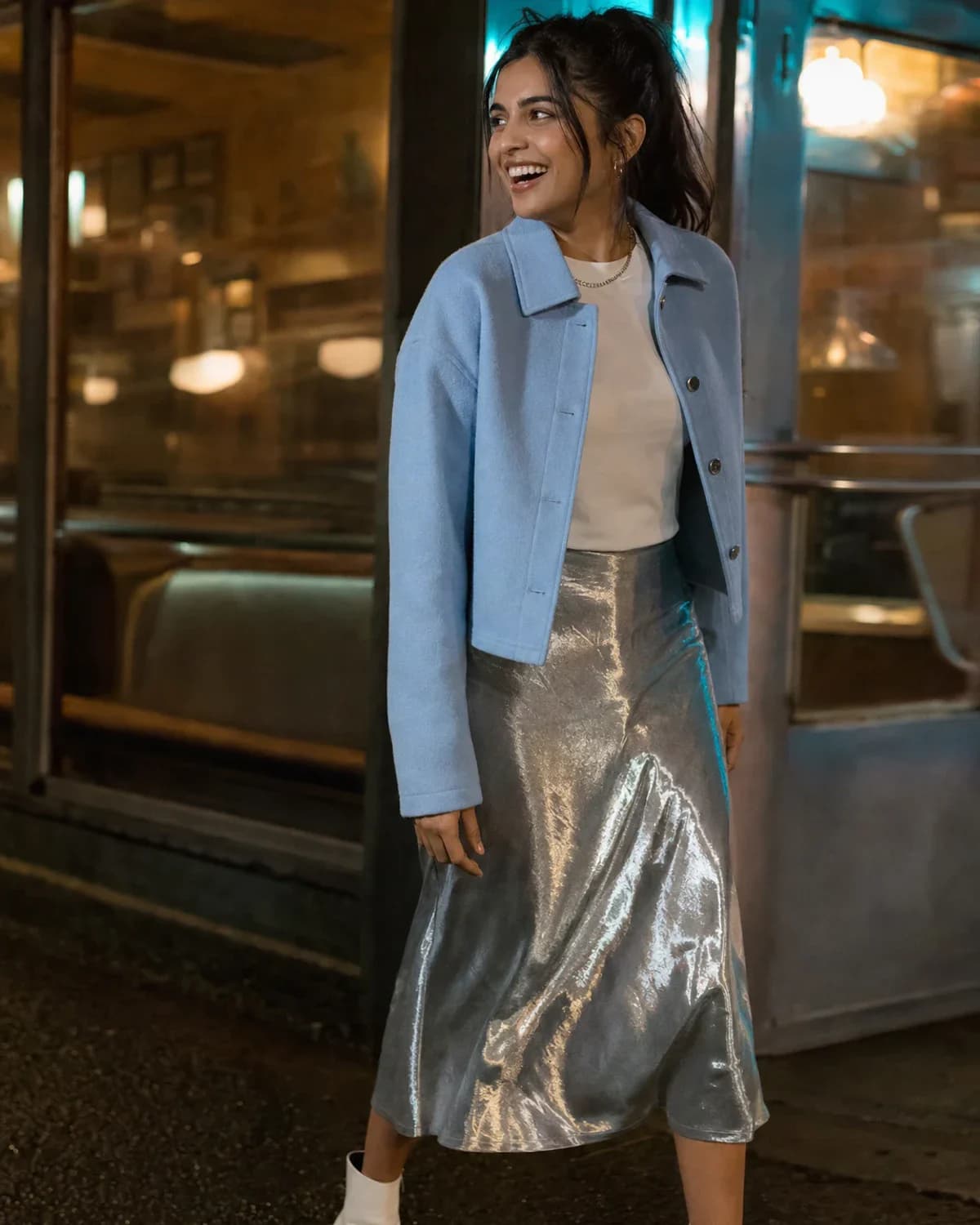 Input
Input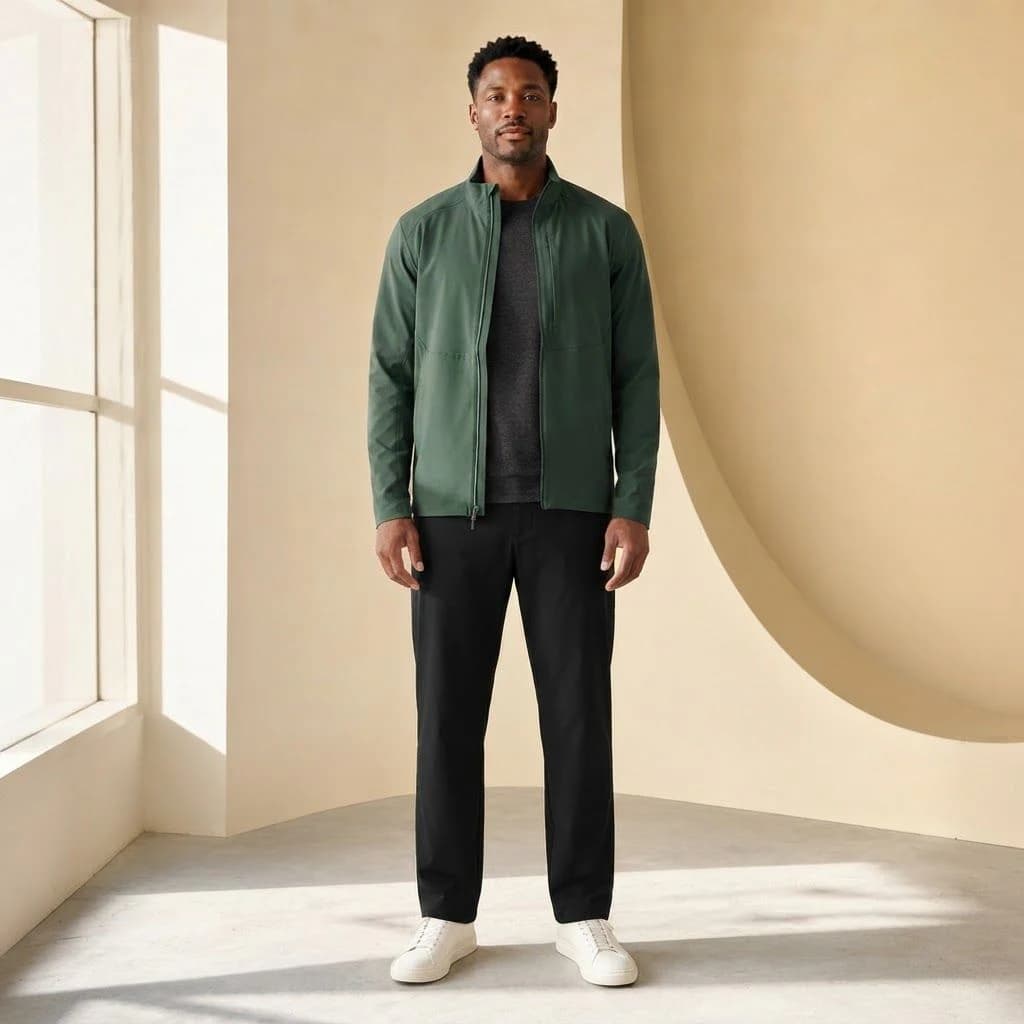 05
05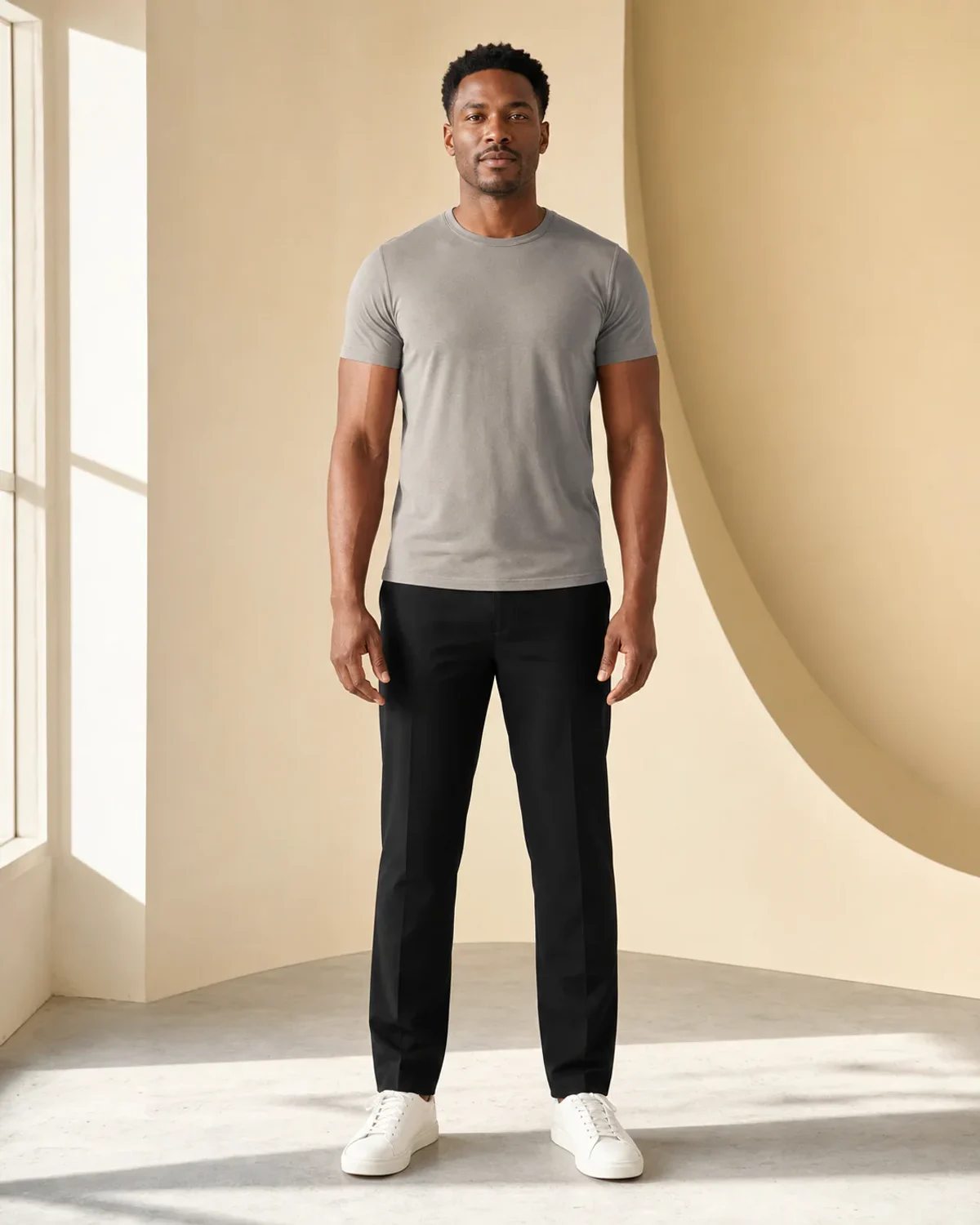 Input
Input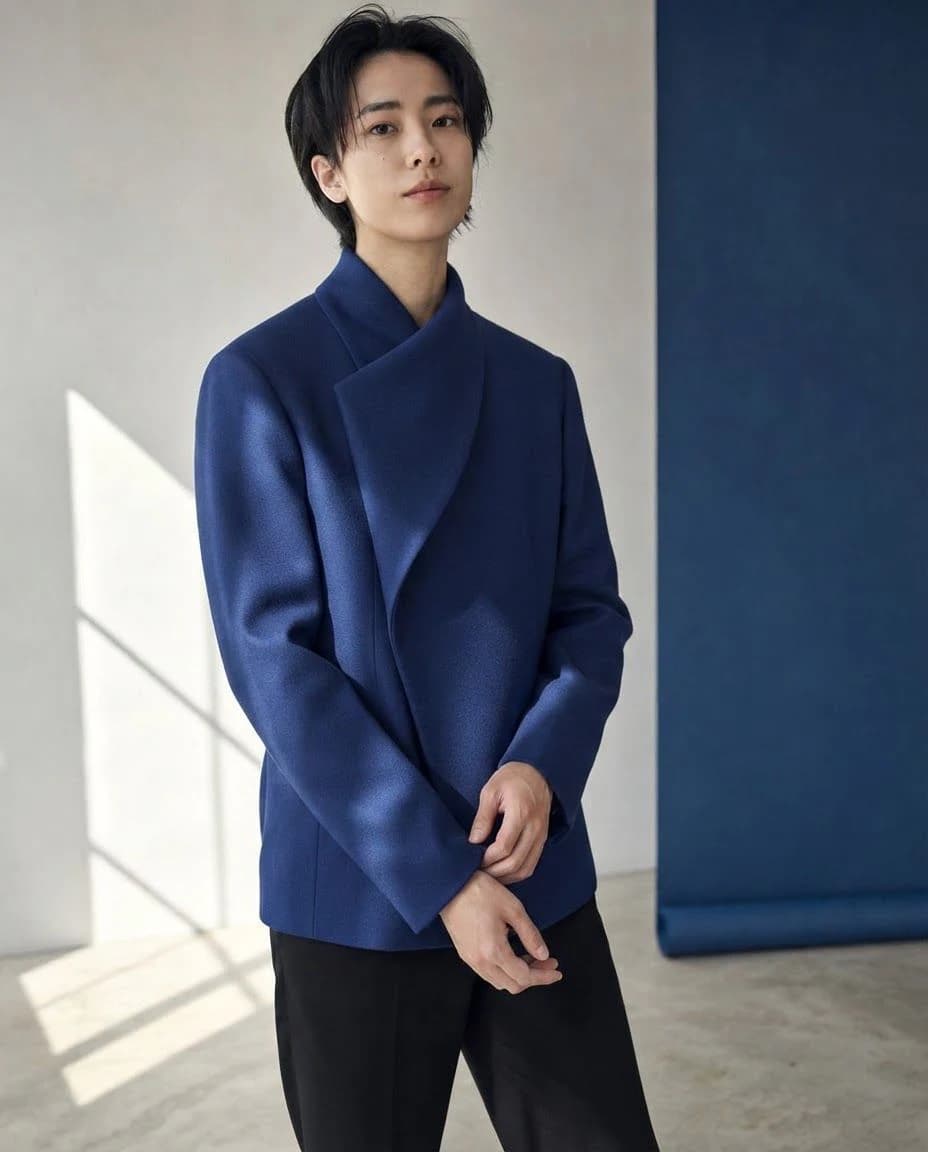 06
06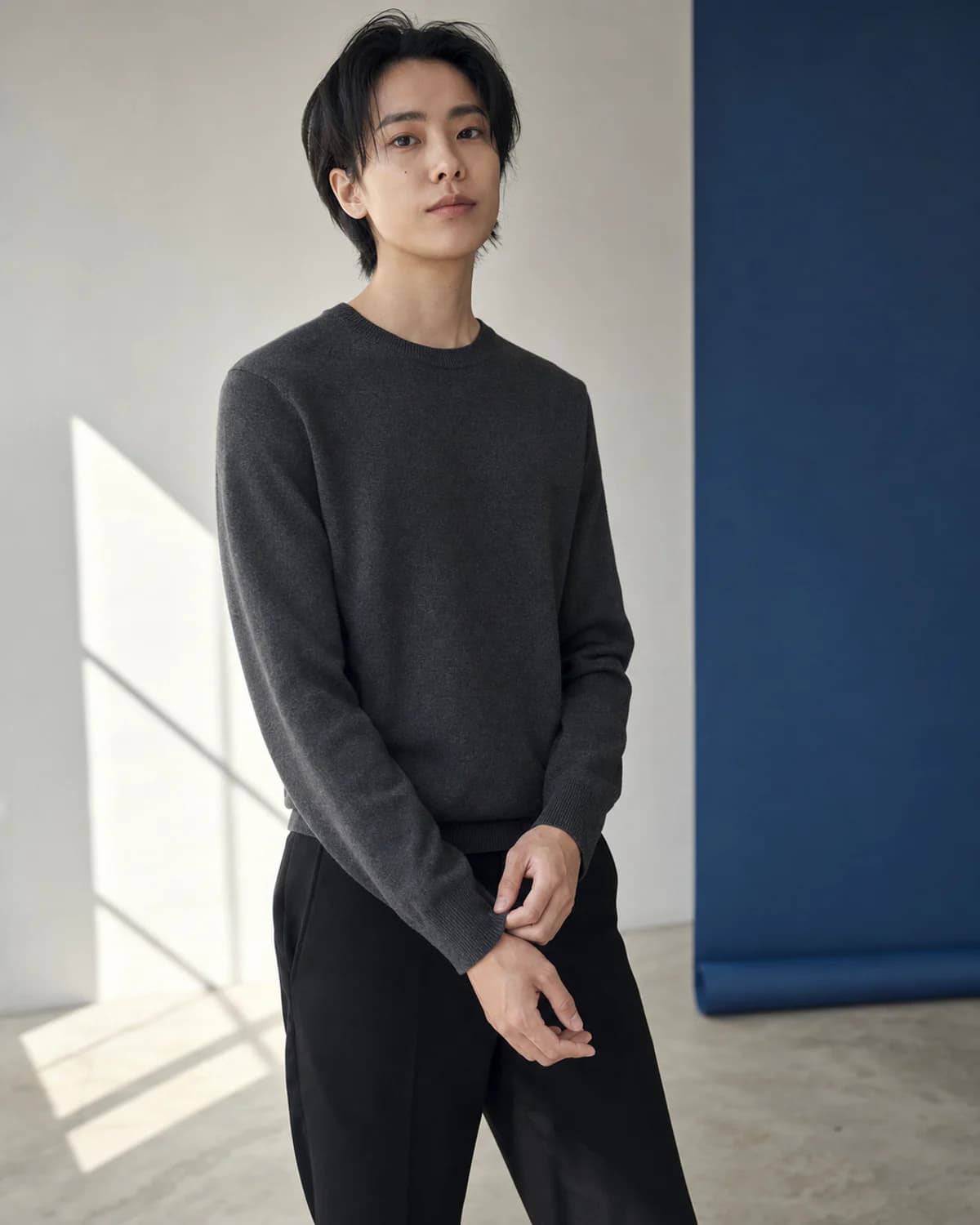 Input
InputChoose one visible person with a clear face and enough room around the outfit.
Use square for profiles, 4:5 for feed posts, or 9:16 for stories and vertical content.
Set the garments, palette, texture, and social mood, then generate the result.
Use the generator as a focused production step, from the first concept through the image you place in a listing or post.
Create a polished 4:5 outfit direction that keeps the person at the center of the frame.
Use a 9:16 composition for fast fashion concepts and creator content.
Try a square portrait with a cleaner outfit, stronger color, or more distinct styling.
A different frame, setting, and styling direction for social content.
A different frame, setting, and styling direction for social content.
A different frame, setting, and styling direction for social content.
A different frame, setting, and styling direction for social content.
It edits the clothing in a portrait from a written outfit direction while producing a new downloadable image.
Use a clear JPEG, PNG, or WebP with one person and a visible face and outfit area.
The tool supports square 1:1, feed-friendly 4:5, and vertical 9:16 generation.
Name the garments, colors, fabric, silhouette, and the mood you want for the post.
No. Presets only fill the description so you can review it before generating.
Add one clear portrait, choose the platform frame, and describe the clothes, color, and mood.
Try It Free