
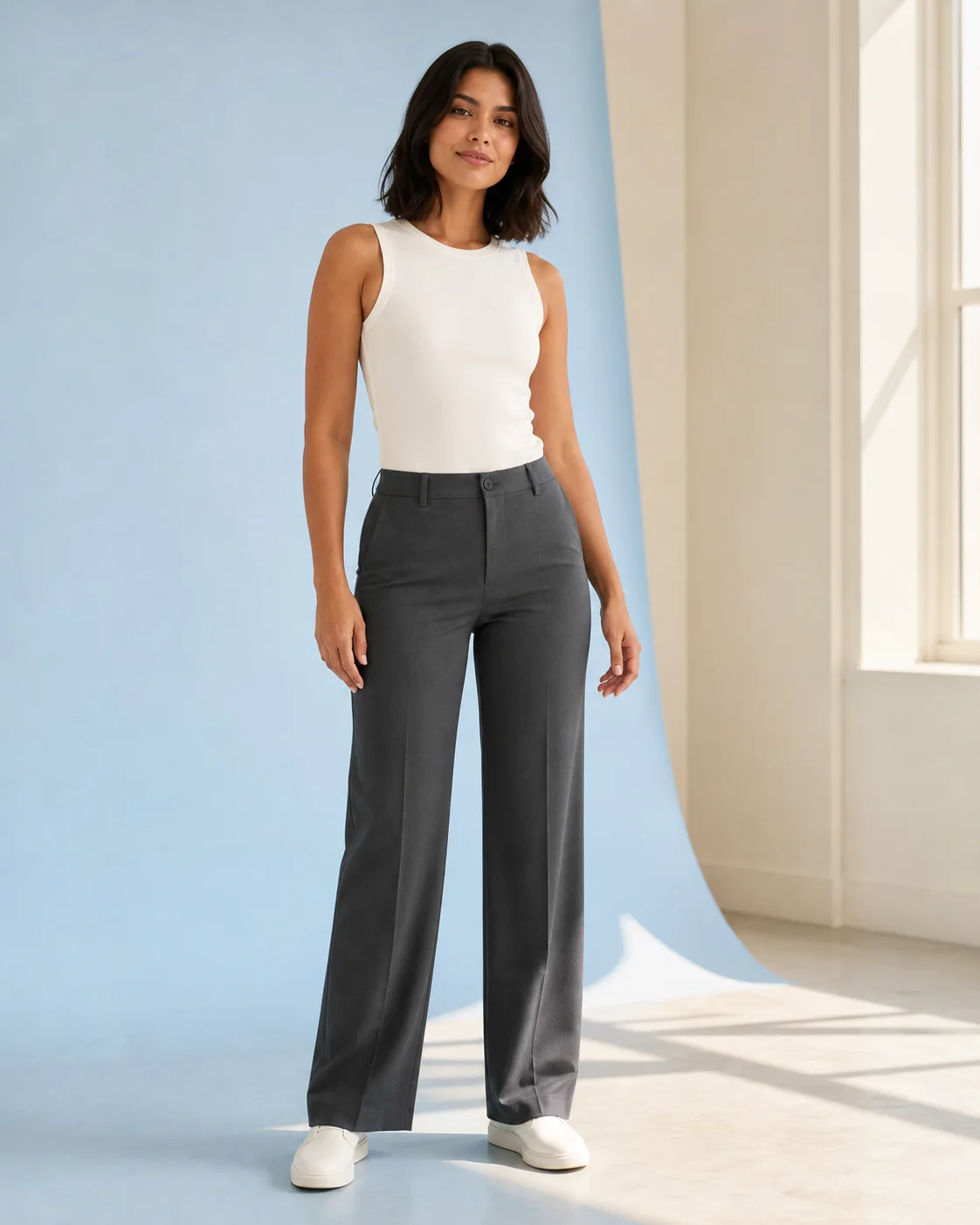
1 · Add your photo
Use a clear full-body or three-quarter image with the outfit area visible.
Choose the event, formality, venue, and weather, then open the direction in the AI Outfit Generator.
Pick one here, then fine-tune the formality, venue, and weather in the planner.
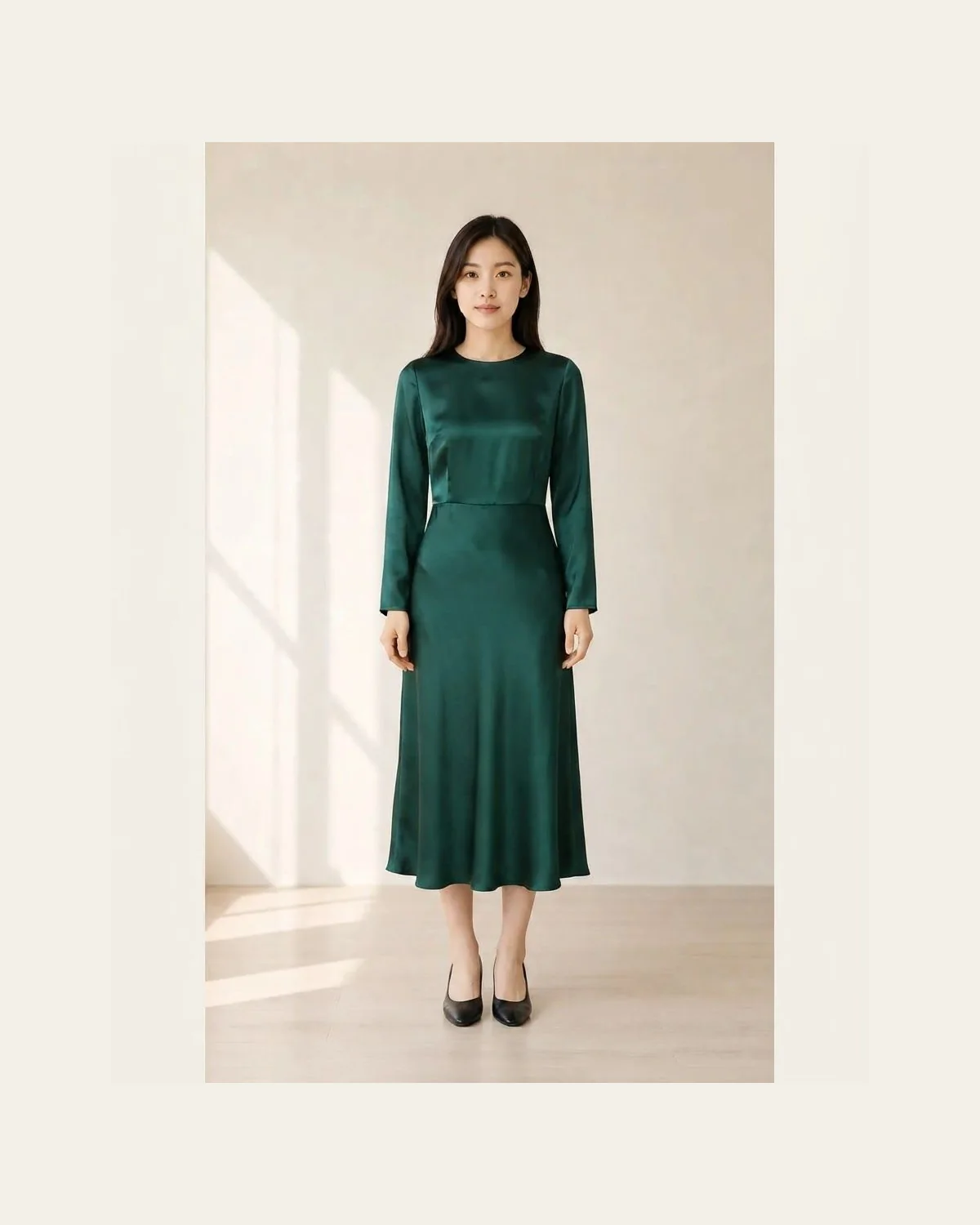
Let the invitation set the ceiling; let the venue and time of day decide the fabric and shoes.
This opens an editable description in the photo generator. Nothing generates automatically.
Search results tend to collapse every event into “casual” or “formal.” Real choices are more specific: who is hosting, how long you will be there, what the ground is like, and whether the outfit needs to work in daylight, photos, or a crowd.
Browse more outfit directions across daytime, evening, work, ceremony, and cold-weather occasions. Select one to load its closest event preset above.
This is the part generic inspiration boards skip. Resolve these constraints before choosing a trend and the final outfit becomes easier to wear, explain, and repeat.
Guest, host, graduate, speaker, or guest of honor changes how much visual attention the outfit should carry.
Use the invitation and local context to set the expected polish before choosing a silhouette.
Flooring, seating, indoor climate, walking, and security rules can change shoes, bags, and layers.
Temperature, wind, rain, and sun decide fabric weight and coverage—not just the season label.
The selector creates an editable styling description. In the photo outfit generator, you choose the starting photo, review the prompt, and start the generation yourself.
Use a clear full-body or three-quarter image with the outfit area visible.
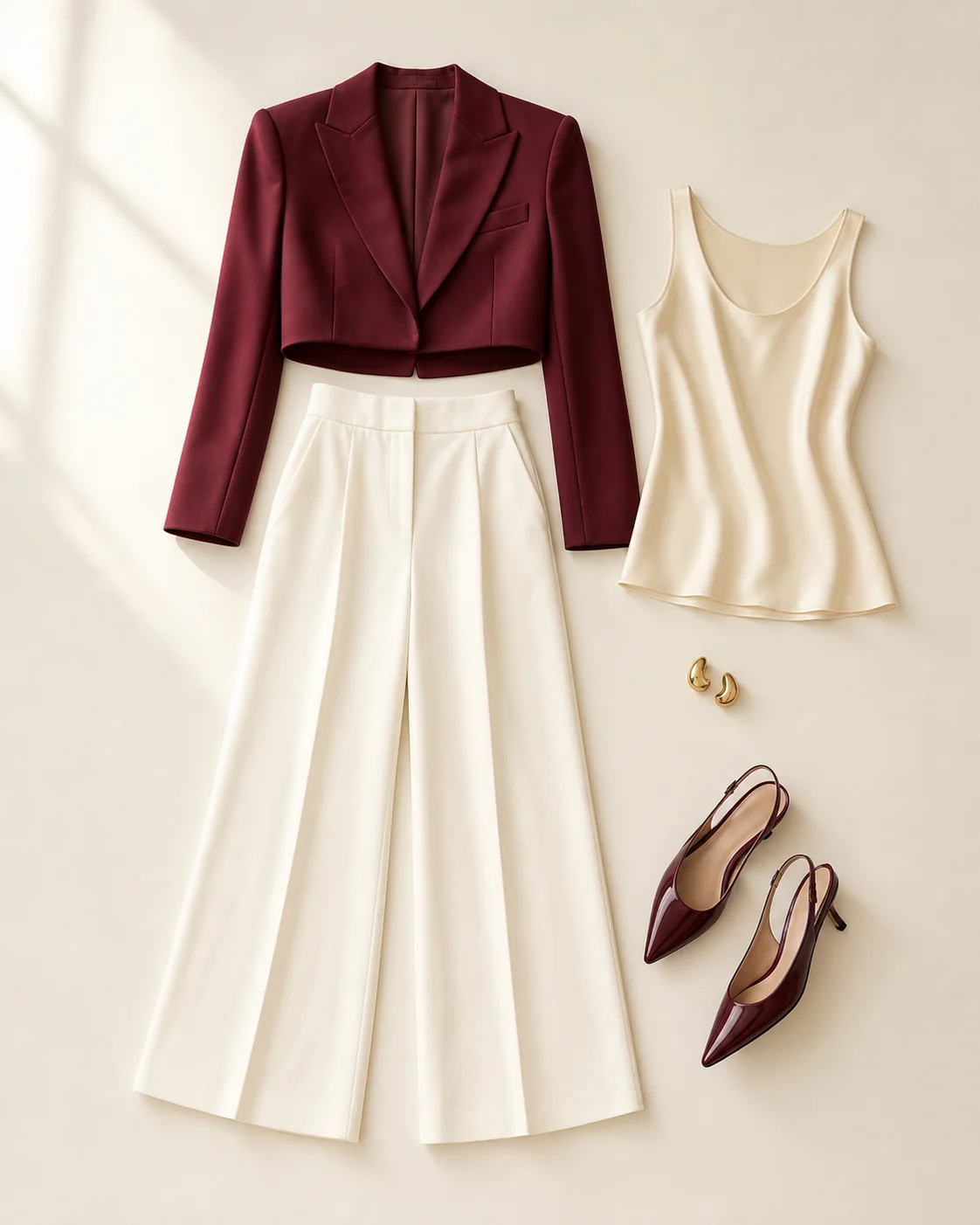
Keep the preset or edit color, silhouette, coverage, shoes, and accessories.
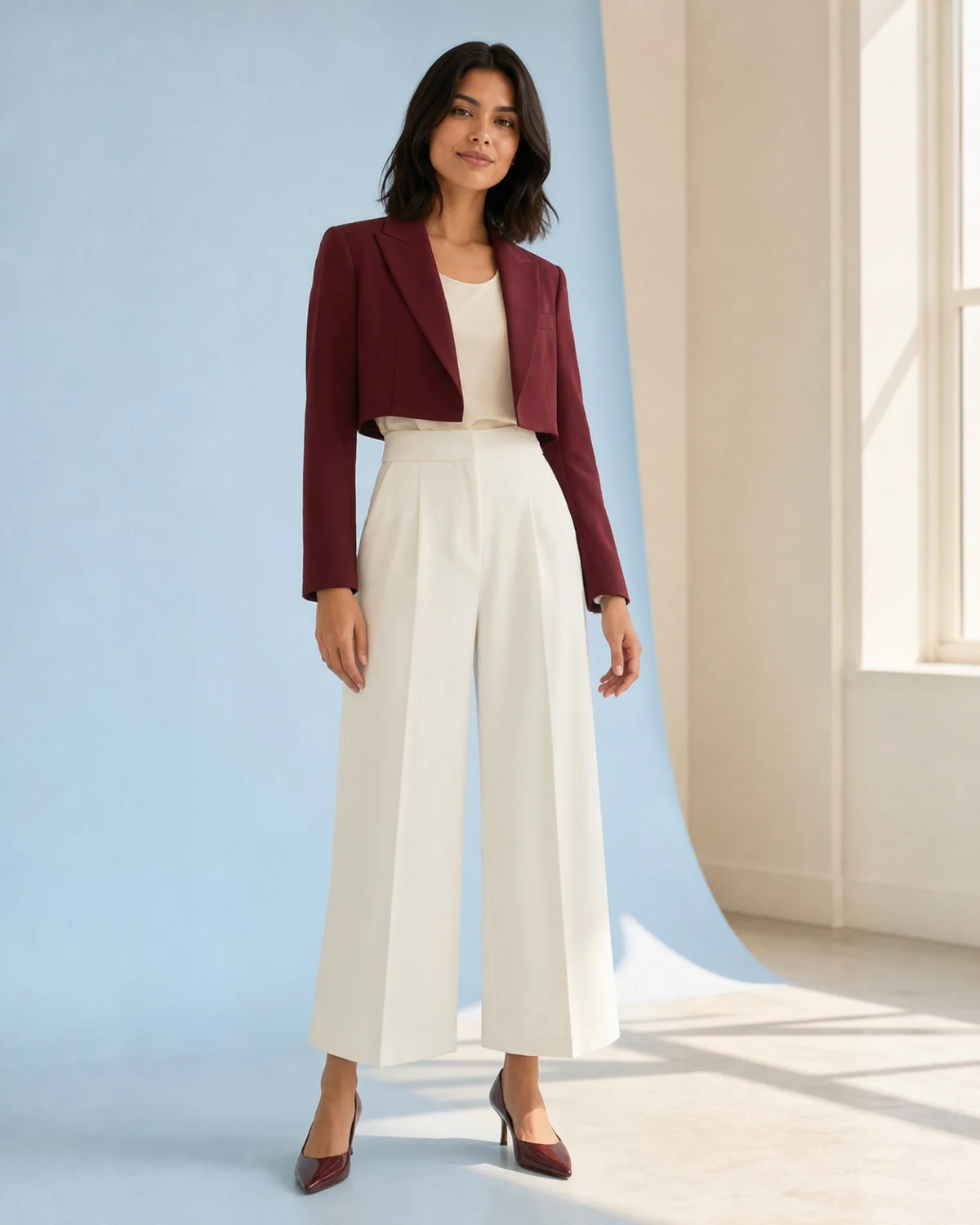
Use the result for visual direction; it is not a fit, size, or dress-code guarantee.
It keeps a broad “wear what feels good” instruction from turning into hours of second-guessing.
Family, workplace, religious, nightlife, and ceremony contexts create different expectations even at the same formality.
Account for sitting, standing, walking, dancing, heat, cold, and how long you need the outfit to work.
Pick one of color, shape, texture, or accessories as the memorable part. Let the rest support it.
Consider the trip there, coat or bag storage, photos, weather changes, and the journey home.
Compare color, proportion, layering, footwear, and the overall mood before committing to a look.
Confirm size, fabric, comfort, venue policy, and cultural or religious expectations independently.
Short answers for the decisions that usually slow people down.
Take the occasion direction into the AI Outfit Generator and make it personal.
Filter the full visual library by style, season, audience, and dress code.
Use specific formulas, cultural cautions, and weather adjustments for a sensitive event.
Use a direct outfit-editing workflow when you already know the look you want.