

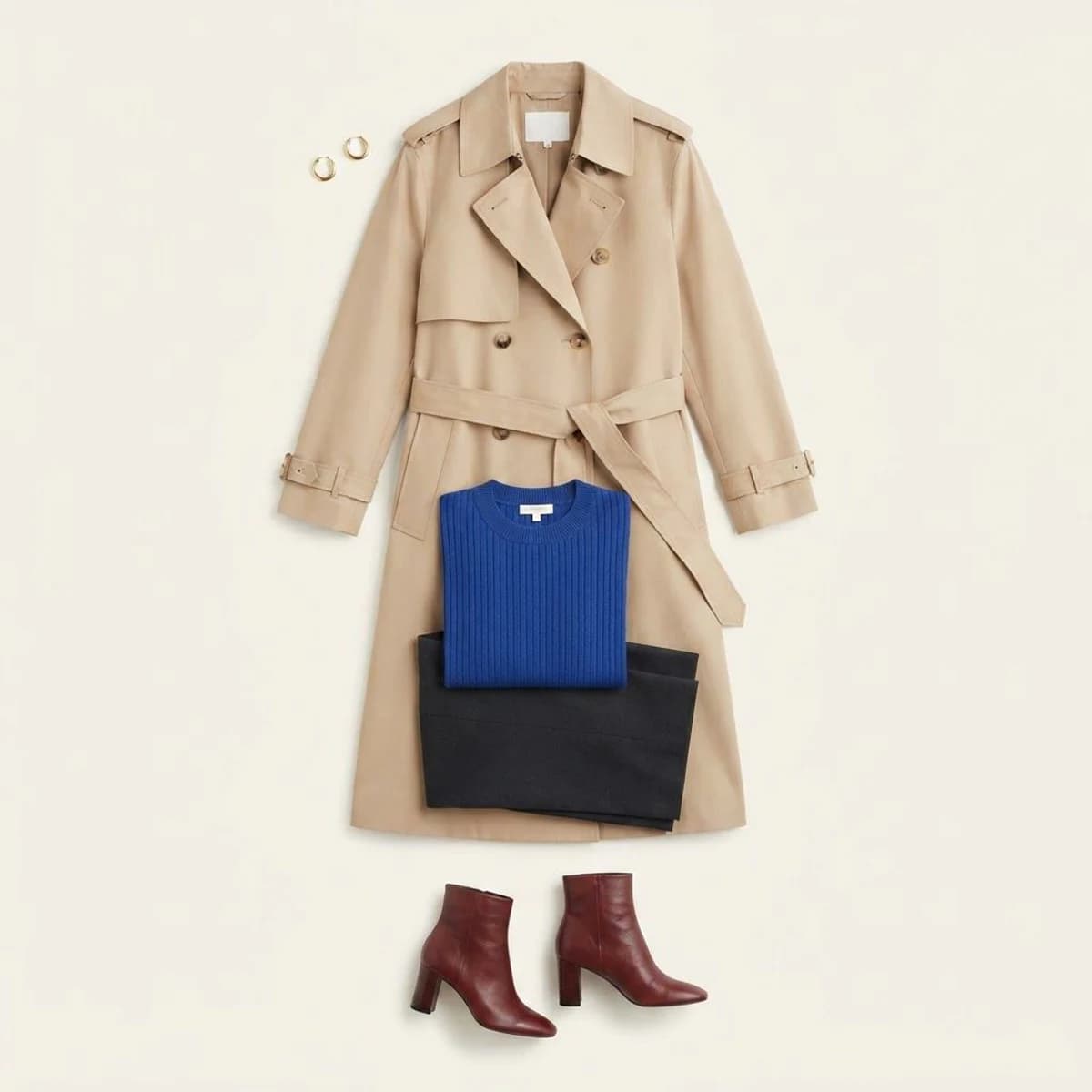
Upload a photo of someone wearing an outfit and extract the visible jacket, top, trousers, skirt, shoes, and accessories into one clean product flatlay.
Upload one clear full-body or three-quarter outfit photo, then choose how the extracted pieces should be arranged.
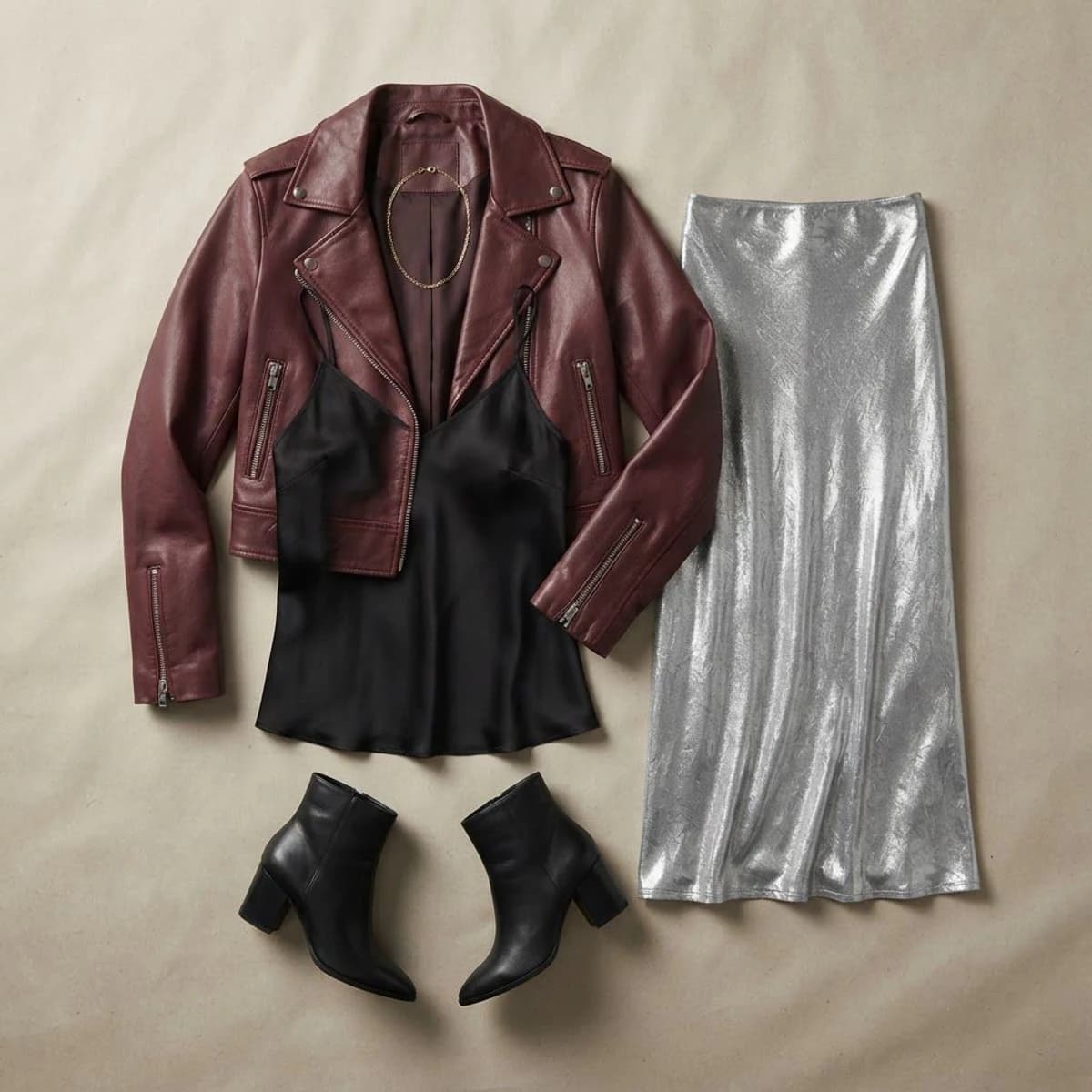
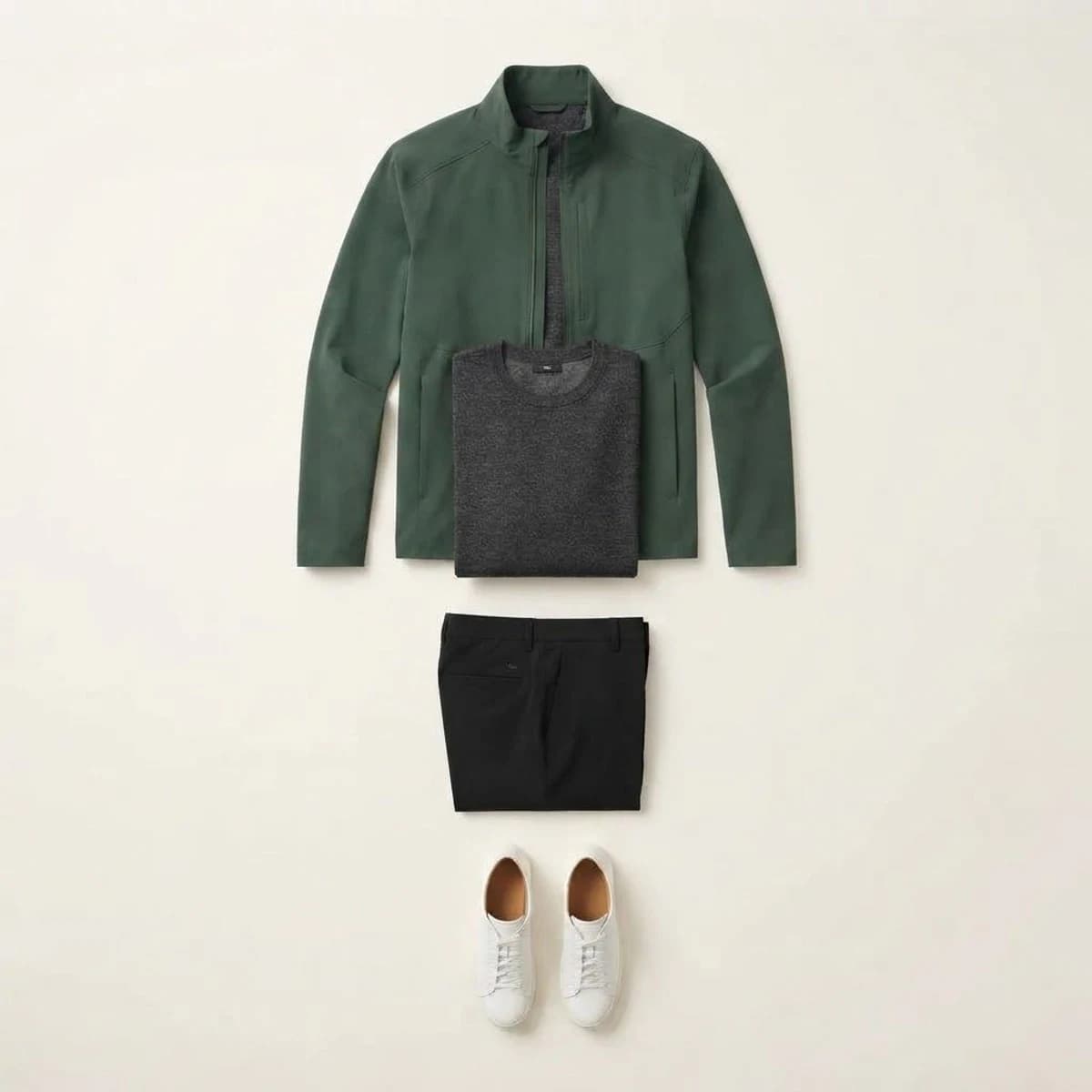
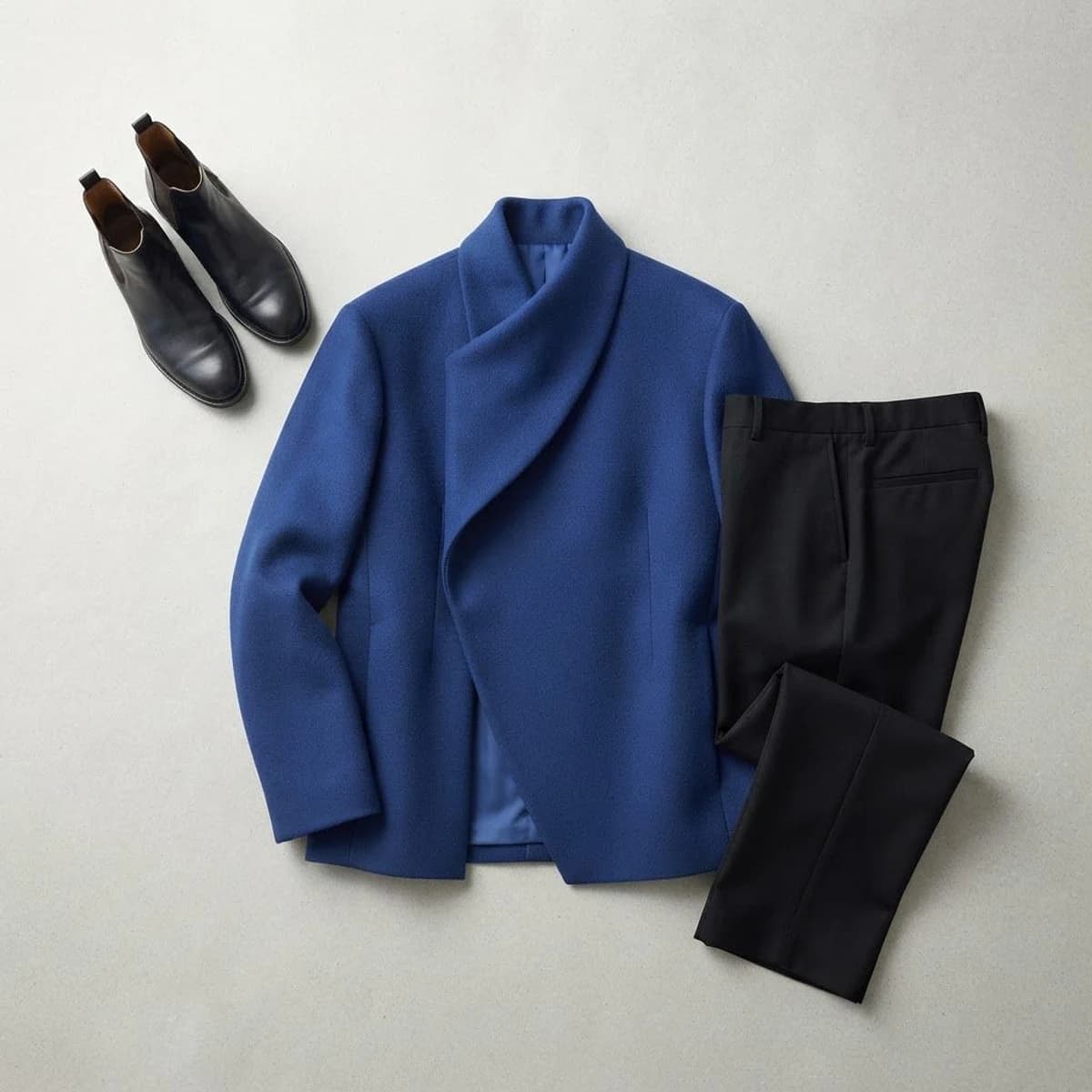
Six different worn outfits show the visible pieces reconstructed as coordinated ecommerce flatlays.
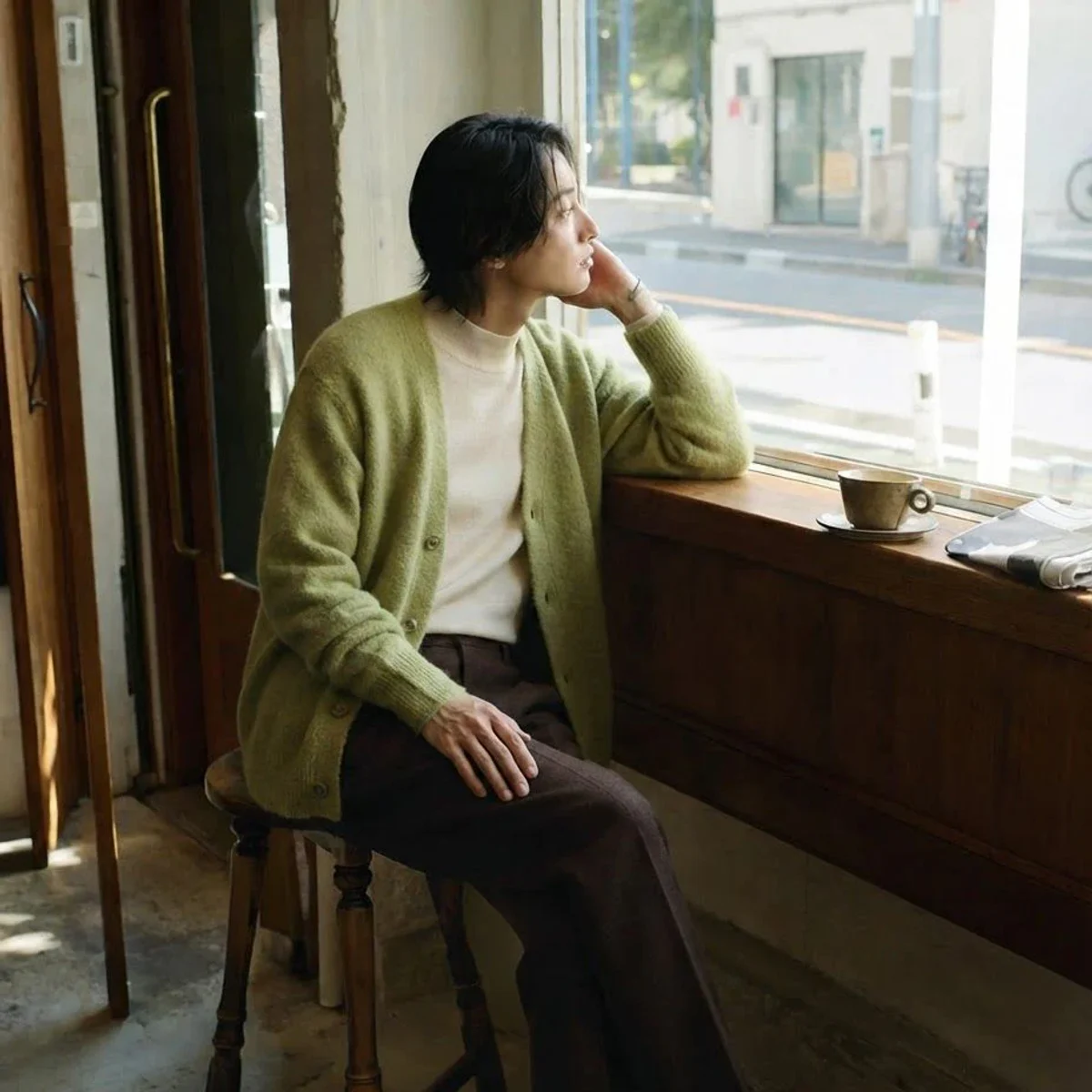
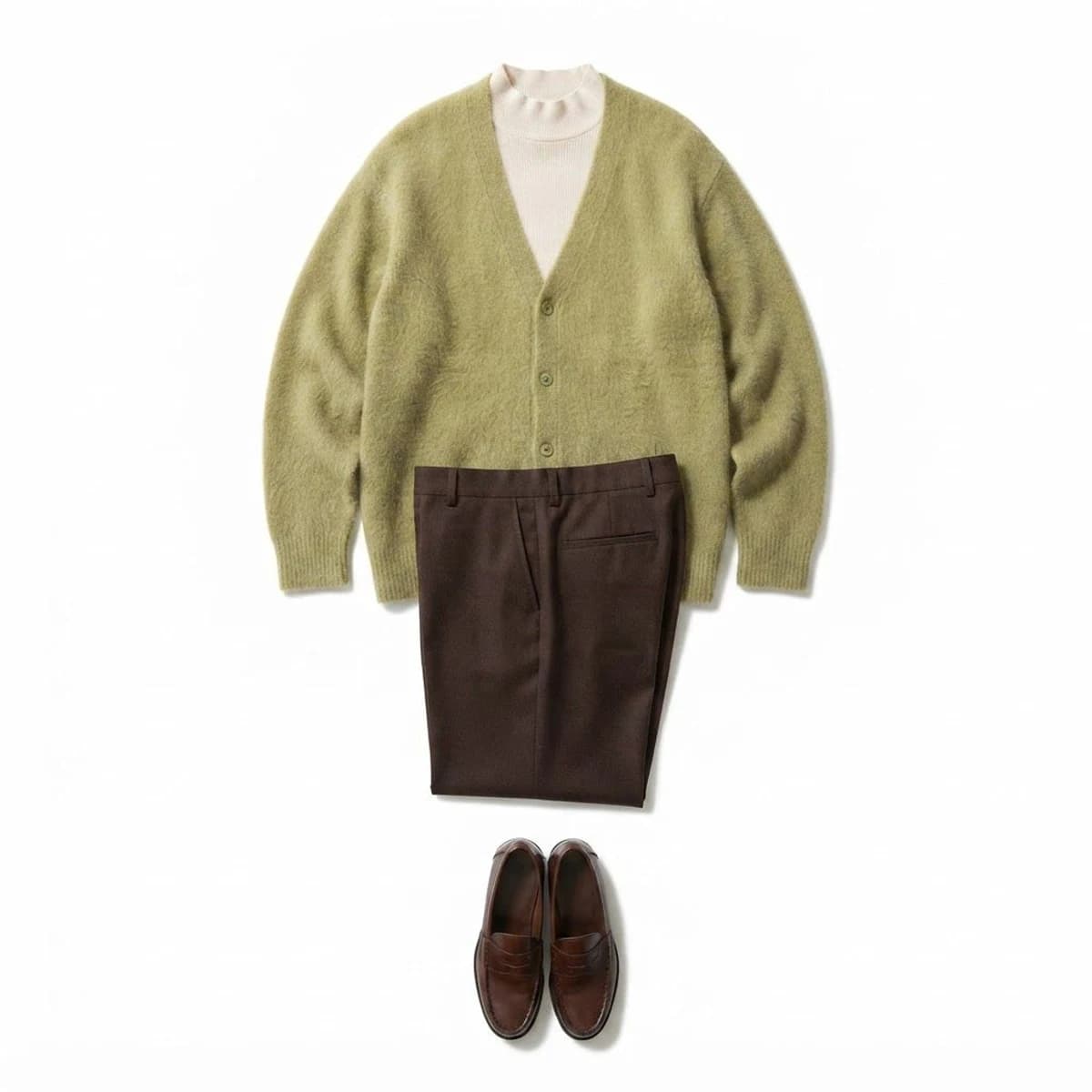

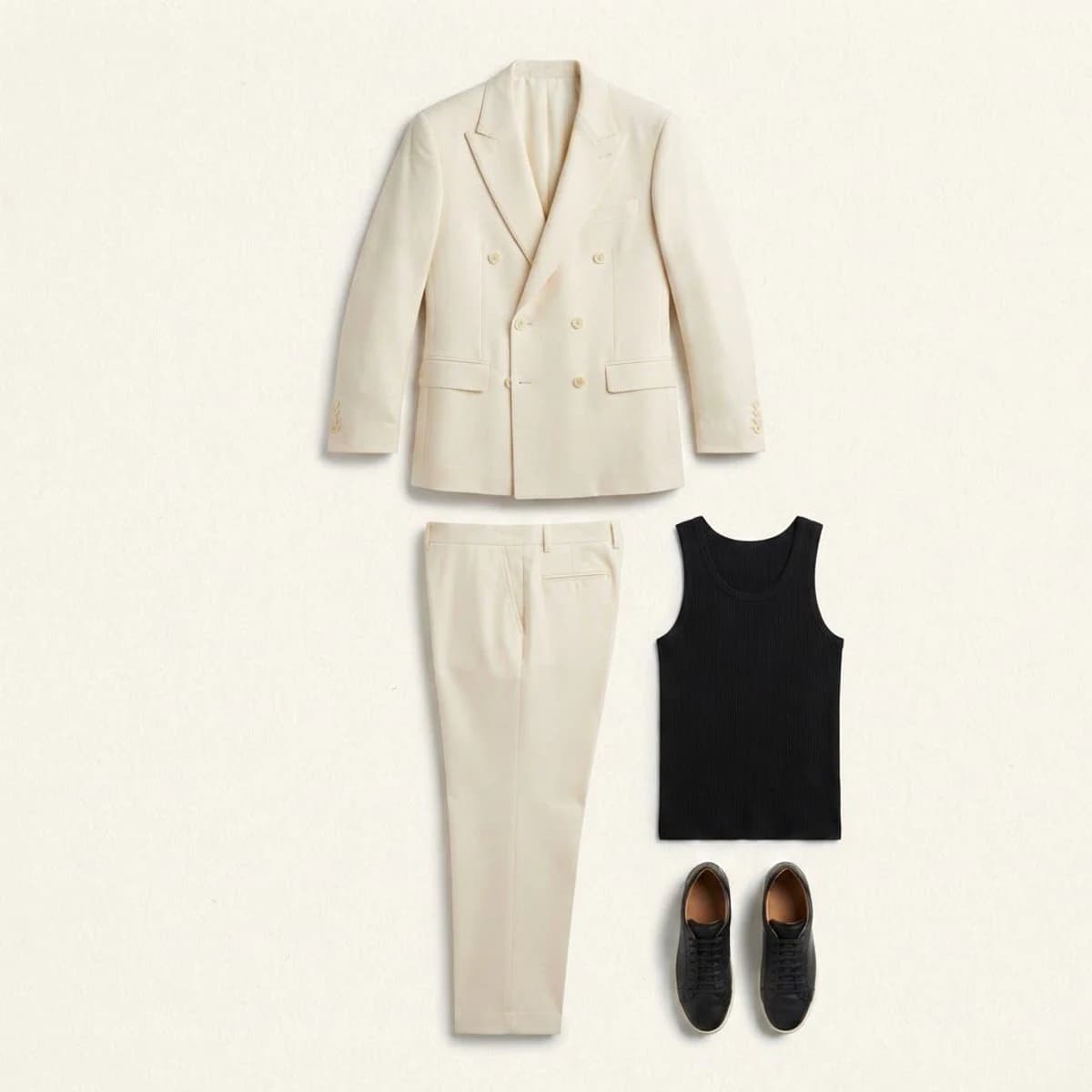

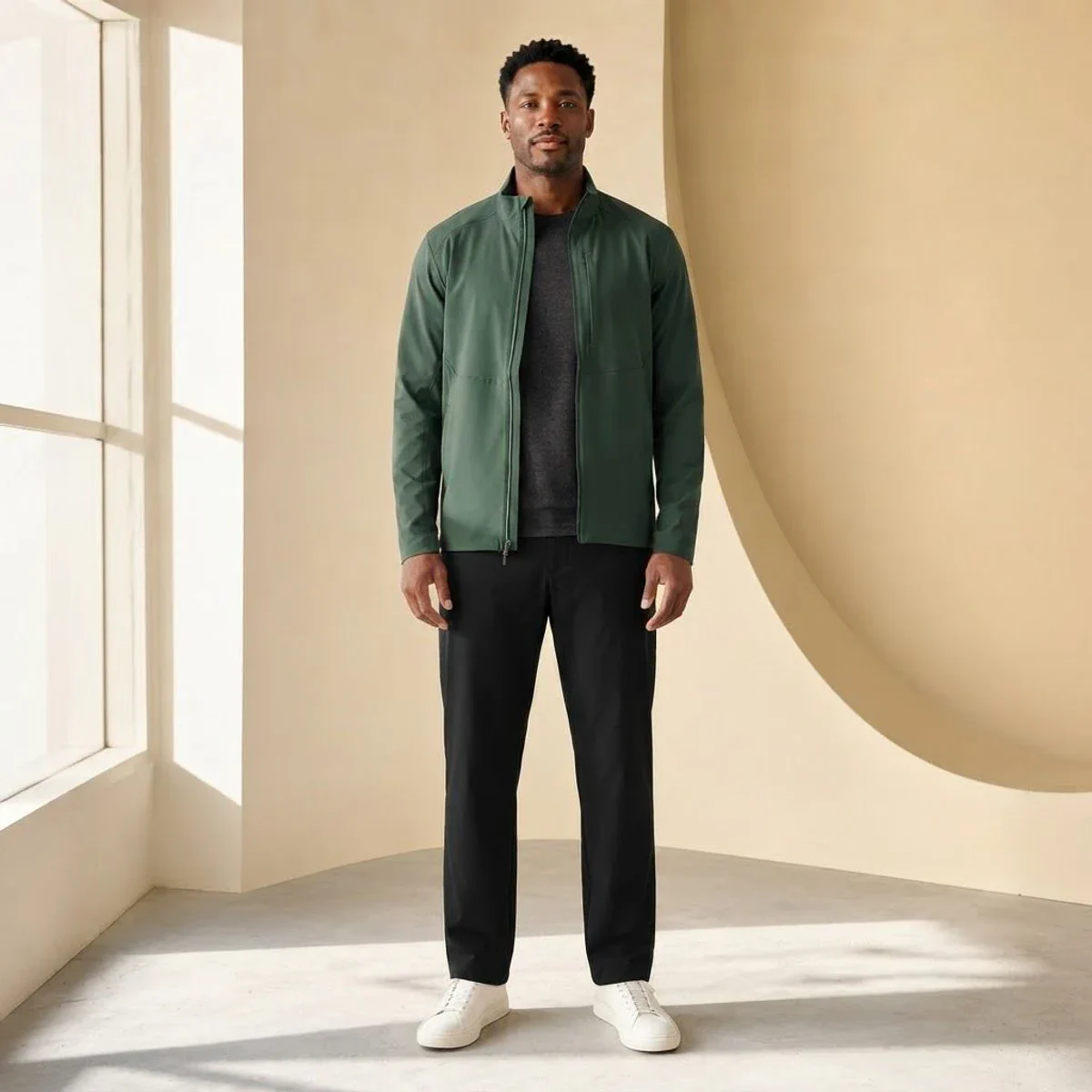

Choose a clear full-body or three-quarter photo where the visible clothing is not covered by hands or props.
Keep the complete look together, use clean white, add soft shadows, or create an editorial layout.
The person is removed and the visible pieces are reconstructed as a square downloadable flatlay.
Use the generator as a focused production step, from the first concept through the image you place in a listing or post.
Turn a styled on-model image into a coordinated view of the visible pieces in the look.
Create clean outfit-set images for collection pages, bundles, and catalog planning.
Translate a campaign or creator outfit photo into a product-focused ecommerce visual.
A different arrangement for the visible pieces extracted from the worn look.
A different arrangement for the visible pieces extracted from the worn look.
A different arrangement for the visible pieces extracted from the worn look.
A different arrangement for the visible pieces extracted from the worn look.
It takes a photo of a person wearing an outfit, removes the person, and reconstructs the visible clothing as a coordinated product flatlay.
Use a clear full-body or three-quarter photo with the complete outfit visible and minimal overlap from hands, bags, furniture, or other people.
It is designed to extract clearly visible pieces such as jackets, tops, dresses, trousers, skirts, shoes, bags, and belts without inventing hidden garments.
Yes. Choose a complete outfit set, clean white catalog layout, soft-shadow layout, or editorial arrangement.
Successful extractions are available as square JPG images.
Upload one clear full-body or three-quarter outfit photo, then choose how the extracted pieces should be arranged.
Try It Free